T-shirt photos on real models — print exactly as you made it
Not a template mockup. CatalogX generates a photorealistic photo of your actual tee on a model you choose: the graphic at its true printed size and chest position, ink colors unshifted, and cotton that folds and drapes like cotton. Upload the flat lay you already have — from your table or your print-on-demand dashboard — and get a listing-ready model shot in about 30 seconds.
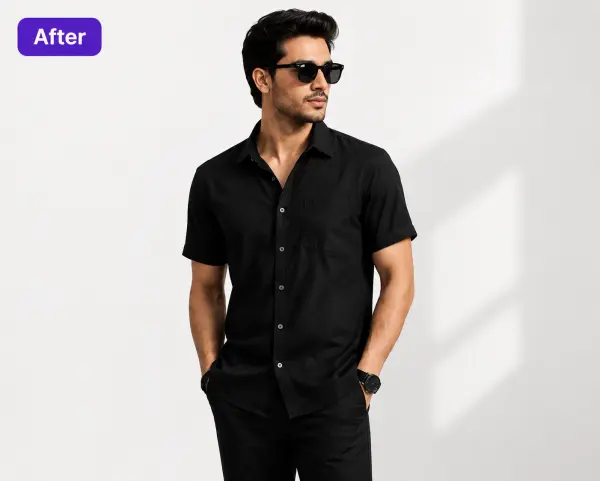
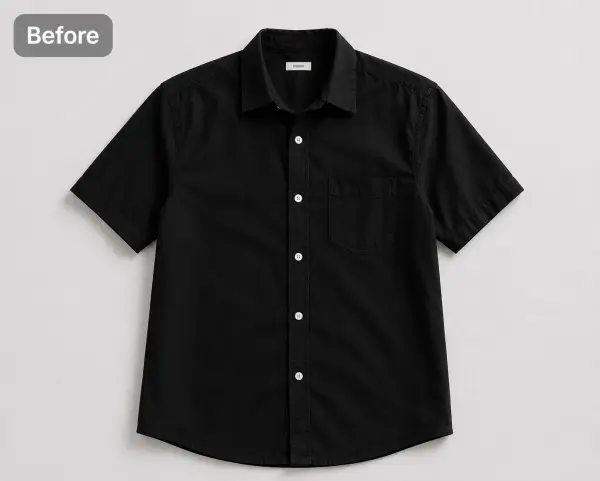
A real CatalogX pair — here a black shirt, same flow for any tee: flat photo in, the identical garment on a model out. Fit, color and details preserved.
Sellers use CatalogX images onEtsyAmazonTikTok ShopShopify
Built For Weekly Drops
You ship new designs every week. Your photos should keep up.
If you run a print-on-demand shop, a streetwear label, or a merch storefront on Etsy, Amazon or TikTok Shop, your bottleneck isn't design — it's imagery. Every drop needs on-model photos, and the usual options both cost you something real. A photoshoot costs money and calendar: $300+ per studio session in the US before retouching, impossible to justify for a design that might sell twelve units. A template mockup costs credibility: your artwork pasted flat onto the same stock photo thousands of other sellers are using, with the print sitting on the shirt like a sticker instead of in it.
CatalogX is the third option: AI virtual try-on that generates a new, photorealistic photo of your actual garment. It's built around one rule — the product pixels are sacred. The graphic keeps its printed scale and placement, the blank keeps its colorway, the neckline stays the neckline you sell, and the fabric drapes with the print following every fold. One flat photo in, marketplace-ready model shots out, about 30 seconds per image — so the Friday design is photographed by Friday lunch. See how the underlying flat-lay-to-model conversion works, or browse everything on the CatalogX US home page.
How It Works
Flat lay to model photo in three steps
No model booking, no sample shipping, no template hunting.
Upload the tee
A flat lay on your table, a hanger shot, or the product render from your print-on-demand dashboard. The clearer the print in your upload, the sharper it is on the model.
Pick a model & scene
40+ models across skin tones, builds and styling, 50+ backgrounds — pure white for Amazon and TikTok Shop MAIN images, street and lifestyle scenes for socials. Keep one model across your whole catalog.
Download & list
Photorealistic on-model photos in about 30 seconds, print scale and placement intact. No watermarks, full commercial rights on every plan, 4K output on Business and above.
Where t-shirt mockups go wrong — and how CatalogX doesn't
A t-shirt photo lives or dies on the print. Template generators and general-purpose AI each break it in their own way. These are the five failure modes sellers hit, and what CatalogX does differently.
Failure 1: The graphic warps over chest seams and folds
Template mockups overlay your art as a flat layer, so it ignores the body under the shirt — the design floats across the chest like a decal, and never bends where the fabric does. Generic AI over-corrects: it redraws the graphic through folds and smears it across seams. CatalogX maps the print to the fabric surface, so it curves with the chest and breaks naturally at a fold — the way a screen print photographs in real life — while staying your exact artwork.
Failure 2: Print scale drifts
You printed a 12-inch front graphic; the mockup shows something that reads as 9 inches, and the buyer opens the package expecting what they saw. Generic AI resizes the design to whatever fills the frame nicely. CatalogX treats print scale as a measurement, not a suggestion: the graphic occupies the same proportion of the chest on the model as it does on your flat photo, so what the listing shows is what the customer unfolds.
Failure 3: Colors shift
Your brand red comes back orange; a heather grey blank turns flat silver. Template photos apply their own baked-in lighting to your art, and diffusion models are notorious for re-interpreting color. CatalogX preserves the product's pixels by construction — ink colors and the blank's colorway carry through unshifted, which matters when the buyer is choosing between your eight colorways by eye.
Failure 4: The neckline gets redrawn
Generic AI doesn't know your crew neck is a spec. It'll invent a v-neck, thicken the ribbing, or blend the collar into the model's skin — and suddenly the photo shows a different product. CatalogX respects the garment's construction: crew stays crew, the ribbing stays your ribbing, sleeve length stays where you cut it.
Failure 5: All-over prints lose their repeat
The hardest test. An all-over print has to continue believably across sleeves, seams and every fold — templates can't do it at all (the pattern sits flat and dies at the seams), and generic AI re-hallucinates the pattern wherever the fabric bends, so the repeat drifts out of register. CatalogX keeps the repeat aligned through the whole garment, which is exactly what a buyer zooms in to check on an AOP listing.
To be fair to templates: they're instant, they're cheap, and for a quick social teaser or a design-stage preview they're a perfectly good tool. The problem is specifically listings — where the photo is the product promise, where every competitor has the same stock template body, and where a print that doesn't behave like a print quietly reads as fake. That's the gap this tool closes.
One Tool, Three Jobs
Front prints, all-over prints, and whole color runs
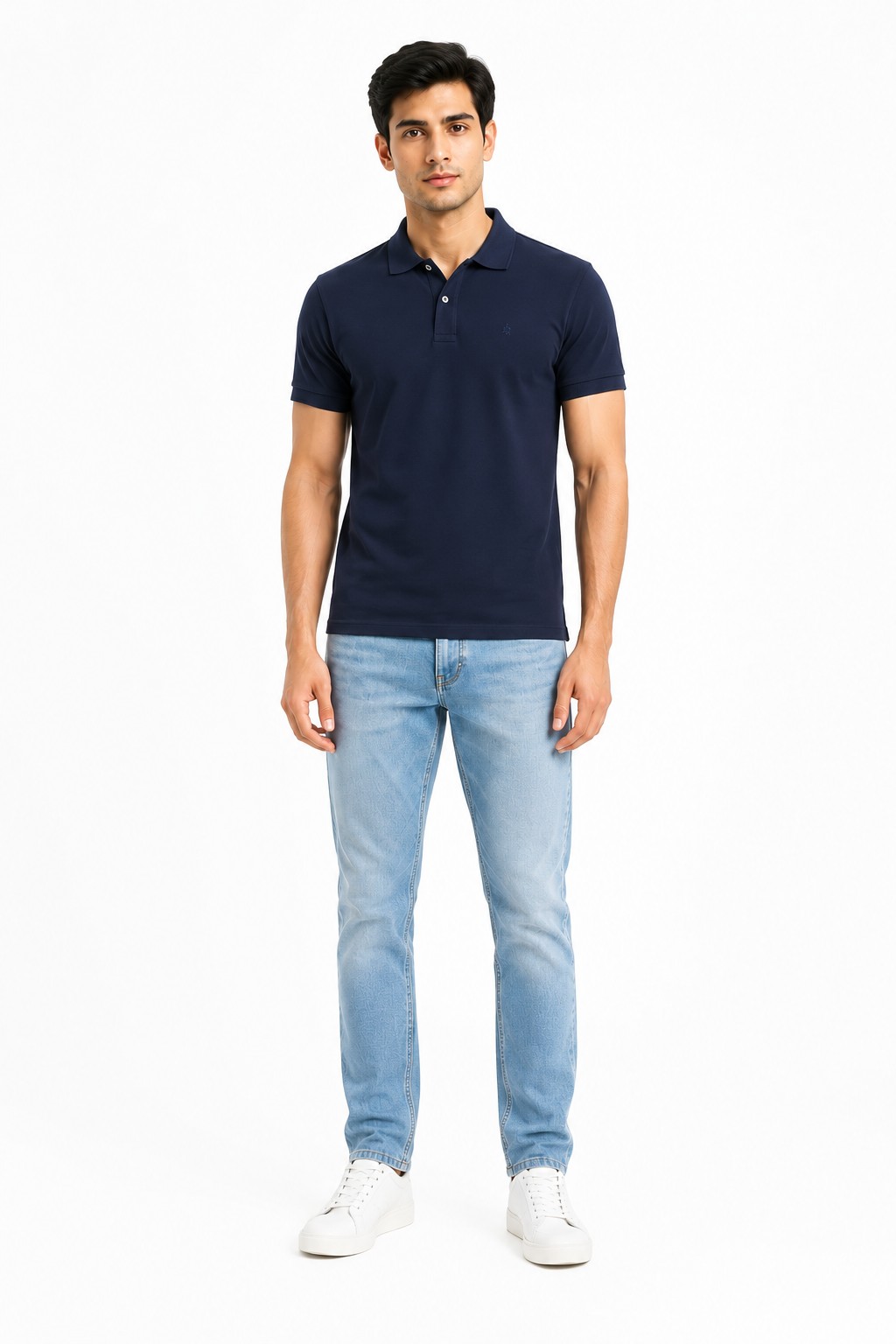
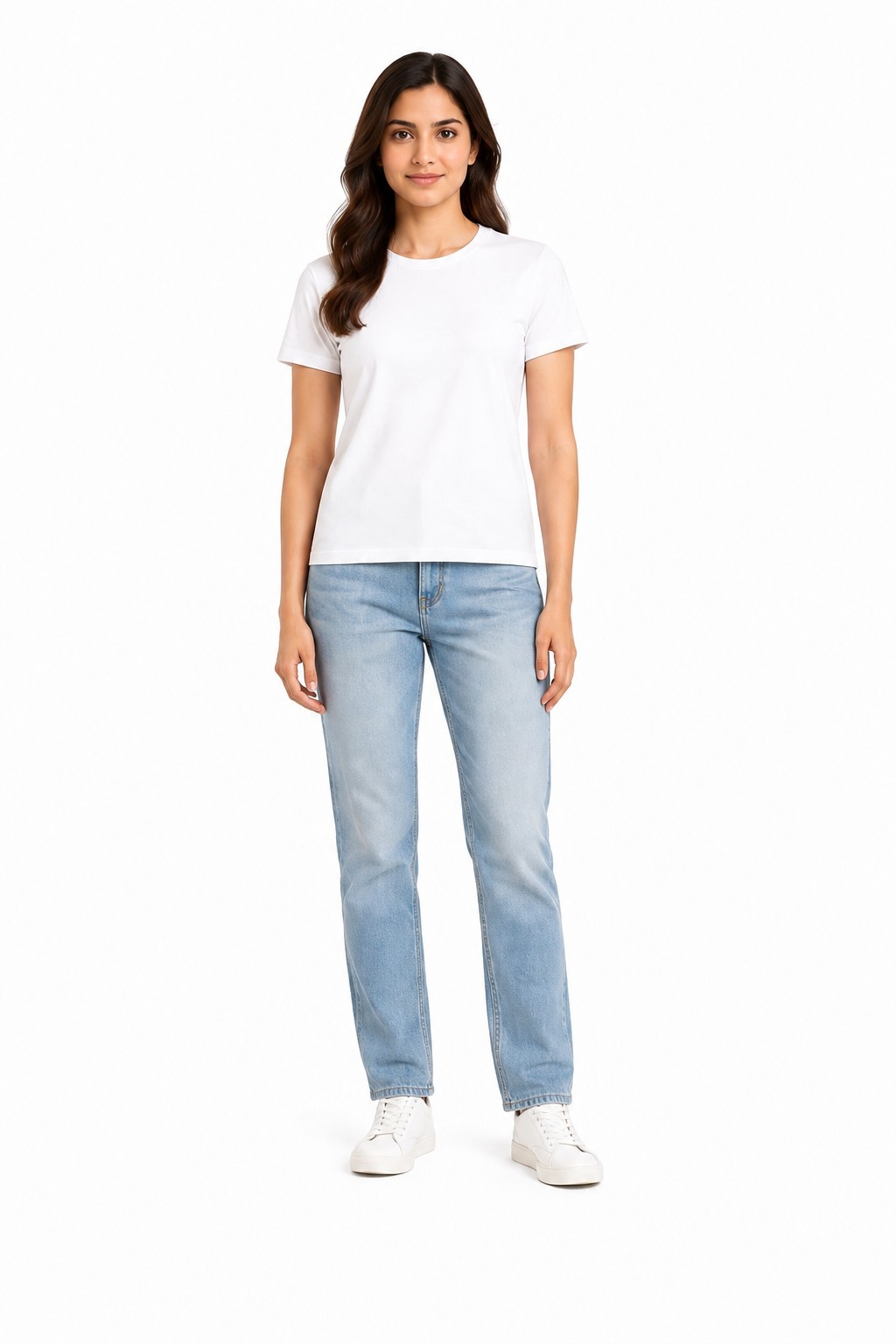
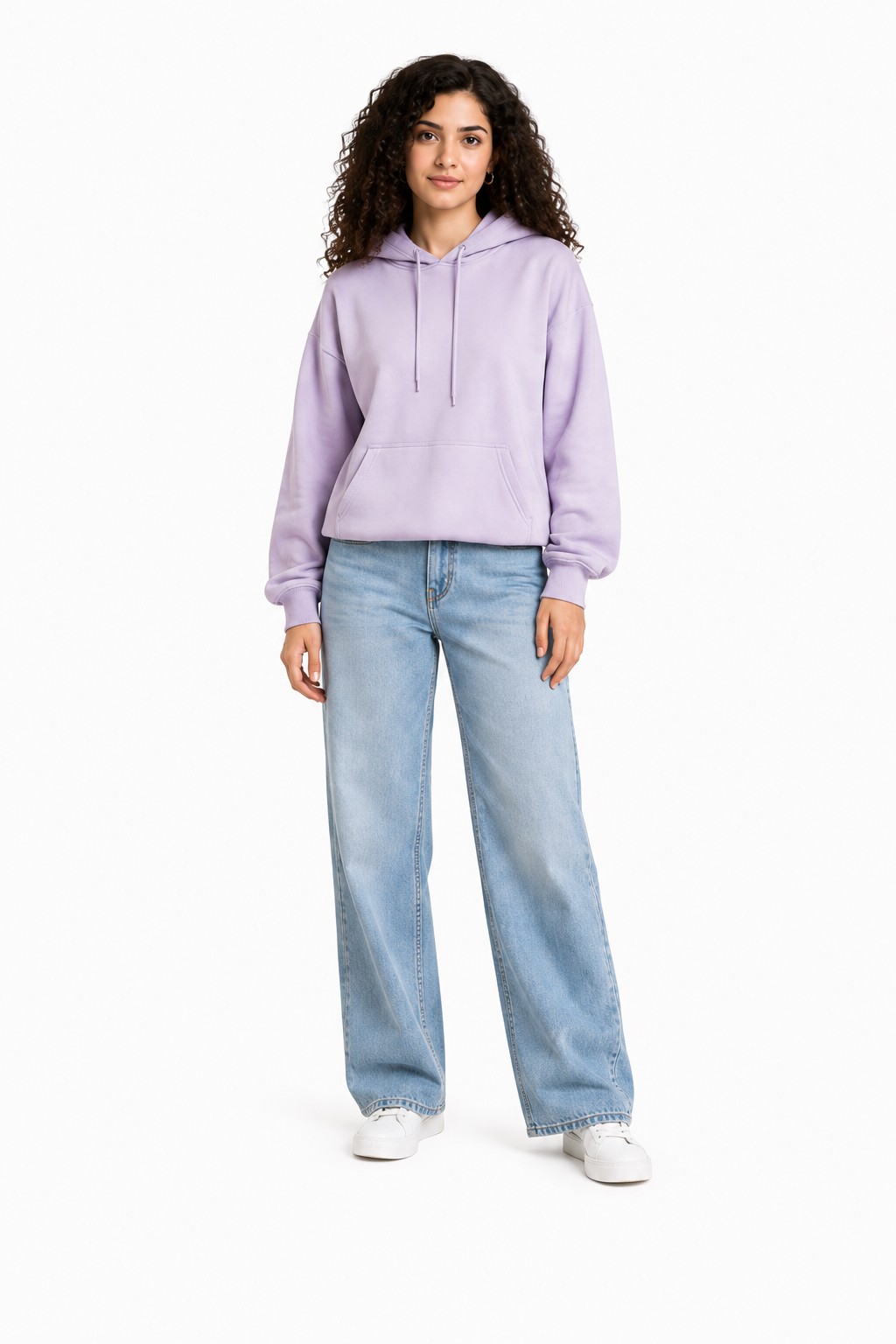
Pick from 40+ models and keep the same one across every drop, so your storefront reads as one brand.
One of 40+ models in the library — casual styling that suits streetwear and merch drops.Models span skin tones and builds, so your photos can look like your actual customers.Lock one model and scene across the catalog for a consistent storefront grid.
Front-print tees are the bread and butter: a graphic or type lockup on the chest of a blank. The whole job is placement and scale fidelity — the design centered where you printed it, at the size you printed it, curving with the body instead of floating over it. This is the shot that leads a POD listing and the one Amazon requires on a standing model for adult apparel.
All-over prints are where sellers usually give up on mockups entirely, because nothing short of a real sample shoot shows the repeat wrapping the garment correctly. CatalogX keeps the pattern registered through sleeves and folds, so sublimation sellers can list an AOP design before the first sample arrives.
Plain tees and color runs have the opposite problem: not print fidelity but volume. If you stock one cut in eight colorways, use the Color Variants feature — upload one photo, and it generates the same model, same pose, same lighting with the blank recolored per SKU, one credit each. Eight listing photos that look like one professional shoot, without re-shooting or even re-uploading.
The Honest Comparison
Template mockups vs photoshoot vs CatalogX
Three ways to get a tee on a body. Each is right for someone — here's the trade.
Template mockup generator
US studio photoshoot
CatalogX
What it is
Your artwork overlaid on a pre-shot stock photo
A real model wearing your real sample
A photorealistic AI photo of your actual garment on a model you pick
Cost
Cheap — free to low monthly fees
$300+ per session; roughly $50–150 per finished image
Free 5 credits; plans $9.99–$49.99/mo
Print realism
Flat decal look; ignores folds, seams and body shape
Perfect — it's a photograph
Print follows the fabric: real scale, placement and drape preserved
Uniqueness
Same stock body as every other seller using the template
Fully yours
Your choice of 40+ models and 50+ scenes, consistent across the catalog
Turnaround
Instant
Days to weeks: sample, booking, shoot, retouching
~30 seconds per image, no physical sample needed
Best for
Design previews and quick social teasers
Brand campaigns and lookbooks you art-direct
Listings — POD drops, streetwear catalogs, marketplace MAIN images
The honest read: templates win on speed at the design stage, and a real shoot is still the ceiling for a hero campaign. For the listing itself — the image that has to be accurate, unique to you, and produced weekly — generated photos of the real garment are the working middle. Full cost math in our AI vs studio photoshoot cost breakdown.
Yes — this is one of the most common uses. Etsy's rule is that photos must accurately represent the item the buyer receives, and made-to-order sellers have always listed with mockups. A CatalogX image of your real design at its real print scale is a more accurate representation than a template mockup, not less. Keep the image true to the blank and print you actually ship, and disclose AI use wherever Etsy asks.
For adult apparel on Amazon US, yes: the MAIN image must show the product on a standing human model — no flat lays, no ghost mannequins, no hangers for adult clothing. It also needs a pure white background, roughly 85% frame fill, and at least 1600px (2000px recommended). CatalogX generates exactly that shot from a flat photo.
No. CatalogX is built to preserve the product pixels: the graphic stays at its printed size and chest position, typography stays legible, ink and blank colors stay unshifted, and nothing is invented that your photo doesn't show. A plain tee stays plain.
Template generators paste your artwork onto a pre-shot stock photo — fast and cheap, but the print sits flat on the fabric like a sticker, every seller using the template has the identical photo, and the model never changes. CatalogX generates a new photorealistic photo of your actual garment on a model you choose, with the print following the fabric's real folds and drape. Templates are great for quick previews; on-model AI photos are for listings that need to look like product photography.
No model needed — that's the point. A flat lay on a table, a hanger shot, or the product render from your print-on-demand dashboard all work. The clearer the print in your upload, the sharper it is in the output.
Yes. All-over prints are the hardest case for both templates and generic AI, because the pattern has to continue believably through every fold, sleeve and seam. CatalogX keeps the repeat aligned across the garment instead of smearing or re-inventing the pattern where the fabric bends.
Upload one and use the Color Variants feature: it generates the same model, pose and lighting with the blank recolored per SKU, one credit each. Your listing gallery reads as one professional shoot across the whole color run.
A US studio photoshoot runs $300+ per session, or roughly $50–150 per finished image with model and retouching. CatalogX starts free with 5 credits and no card; paid plans run $9.99–$49.99 per month, and you own every output with commercial rights on all plans.
Friday's design, photographed by Friday lunch
Upload the flat lay you already have. In 30 seconds, see your print — at its real scale, in its real colors — on a model your buyers can picture themselves as.
 →
→