Upload a flat-lay or hanger shot of any dress and get an on-model photo in about 30 seconds. CatalogX measures the dress first — hem length, waistline, sleeve style — so a wrap midi comes out as a wrap midi, with the skirt falling the way the fabric actually falls.
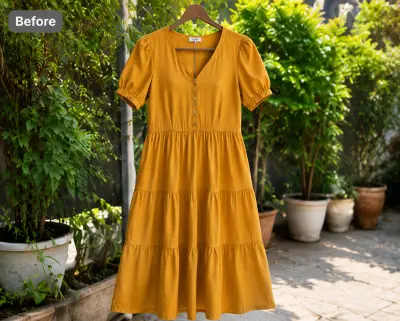
Before — flat-lay
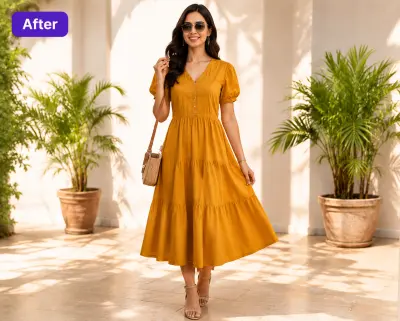
After — CatalogXThe same mustard dress, 30 seconds later — same neckline, same waist, same hem, now on a model and ready to lead a listing.
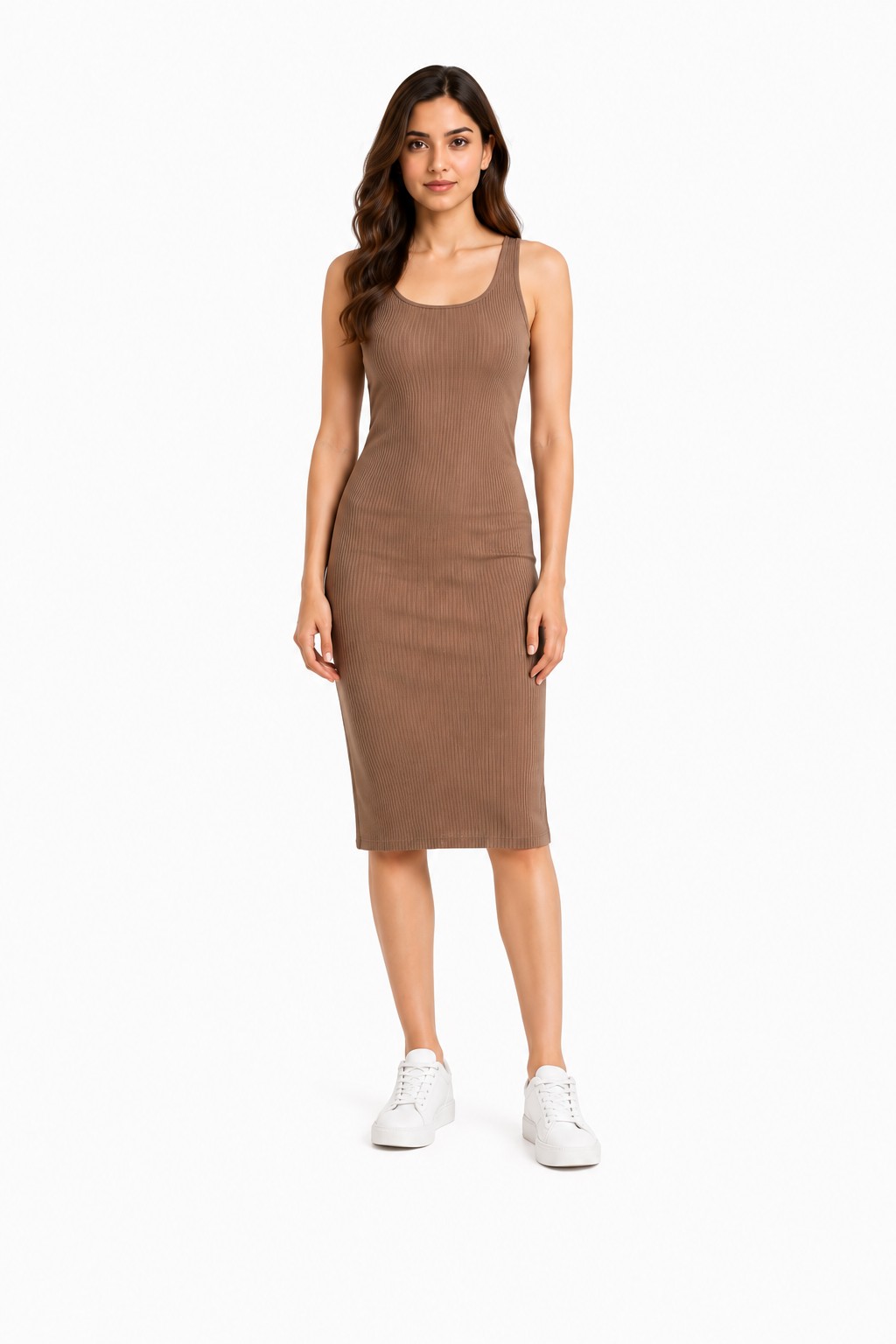
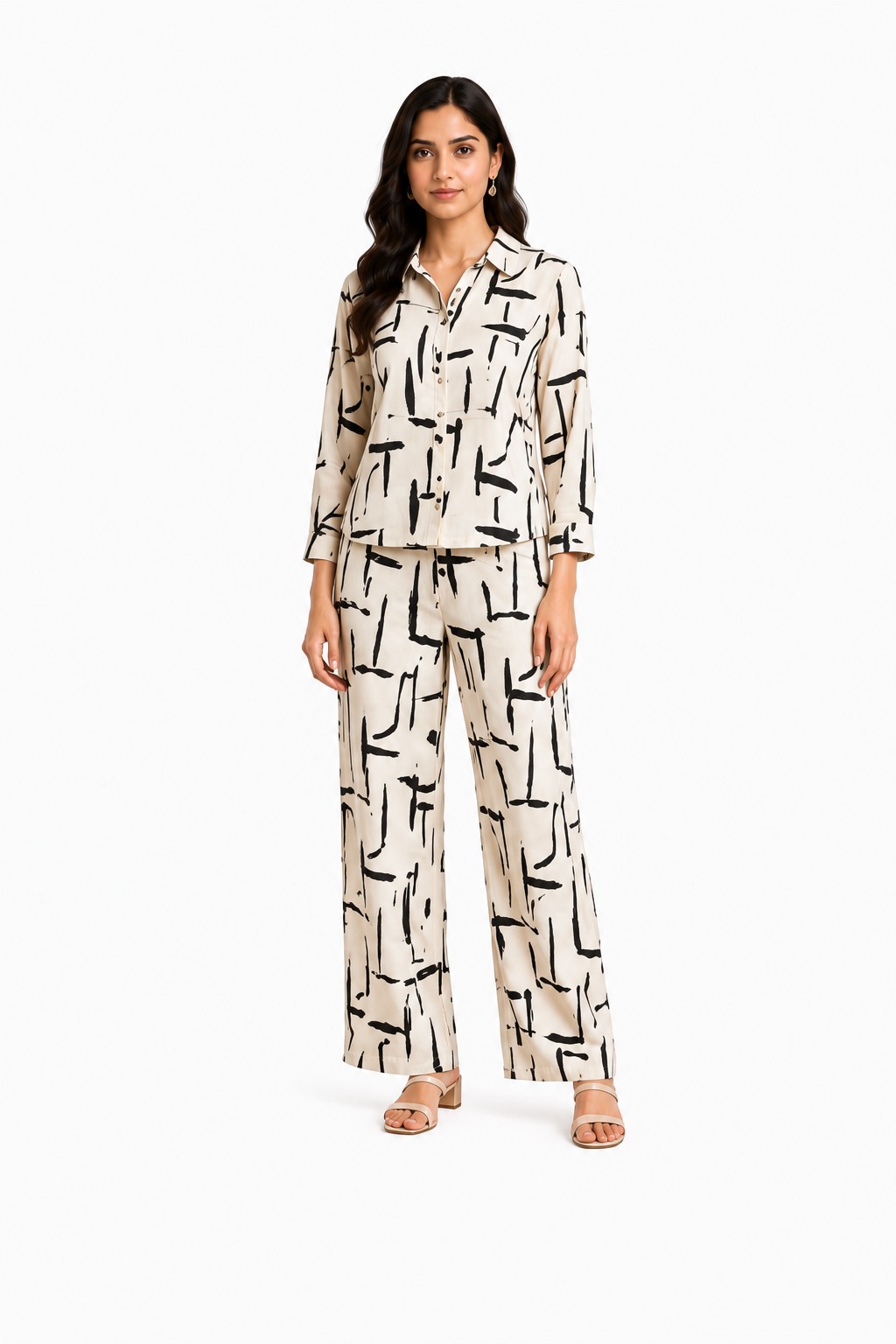
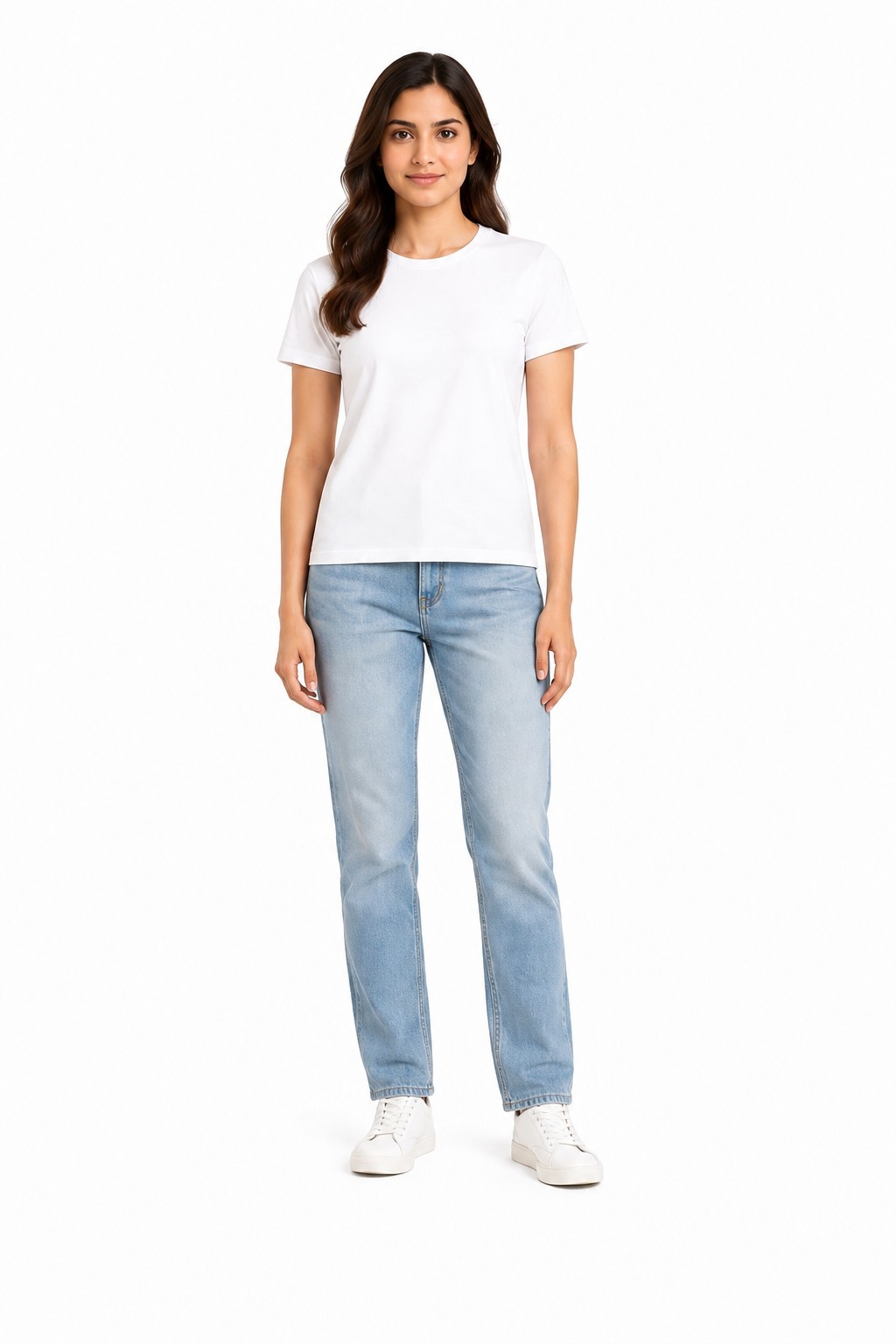
One upload exports listing-ready formats for all four.
No model booking, no studio day, no steaming a dress for the fourth time. If your inventory arrives as supplier photos, those work too — see how flat-lay-to-model conversion works.
A flat-lay, a hanger shot or your supplier's catalog photo. Keep the full hem in frame — tags, clips and background clutter are removed automatically.
40+ models across skin tones and body types, 50+ backgrounds. CatalogX reads the dress's construction from your photo before it renders anything.
Download the shot, then export a Poshmark 3:4 portrait covershot, a Depop square and high-res files for Etsy or Shopify — all from the same generation.
A dress is the hardest garment for AI try-on because everything a buyer judges — length, waist, volume, print — is exactly what diffusion models are happiest to "improve". These are the failure modes we see repeatedly in generic tools, and how CatalogX is built against them.
Generic models redraw the skirt to whatever length "looks right" for the pose — a knee-length shirt-dress comes back as a maxi, a midi turns into a mini. For a dress listing this isn't cosmetic, it's a misdescribed product. CatalogX runs a measure-then-anchor pass: it estimates the hem length in inches from your photo first, then pins the render to that measurement, so the hem lands where your dress's hem actually lands.
Empire, natural and drop waists are design decisions, and generic AI quietly relocates them — an empire-waist dress comes back nipped at the natural waist and reads as a completely different garment. CatalogX anchors the waist seam where your photo puts it.
Tiers, ruffles and gathered seams are volume, and volume is what image models smooth away. A three-tier skirt comes back as a plain A-line with faint horizontal lines. CatalogX preserves the tier seams and the flare each tier adds, so the skirt keeps its actual shape and movement.
Puff sleeves deflate, flutter sleeves become cap sleeves, a sleeveless dress sprouts sleeves to fit the pose. CatalogX keeps the sleeve construction — length, volume and cuff — as photographed.
As generic tools redraw the garment they resample the print — a small ditsy floral blows up into large blooms, stripes change width, a border print migrates. CatalogX treats your photo's pixels as the source of truth, so the print keeps its scale and placement on the body.
The same fidelity-first approach is why CatalogX handles the hardest drape cases in fashion — saree pleats, lehenga flare, dupatta styling. A tool that keeps a pallu's border continuous doesn't struggle with a wrap dress. Curious what a shoot would cost instead? See the AI vs studio photoshoot cost breakdown.
Different dress constructions fail differently in AI try-on. Here's what matters for each — and what CatalogX preserves.
The whole garment is one diagonal line: the surplice neckline, the wrap seam crossing the body, the tie at the waist and the slight asymmetry of the hem. Generic AI loves to "correct" that asymmetry into a symmetric skirt and erase the wrap seam, which turns a wrap dress into a generic fit-and-flare. CatalogX keeps the crossover direction, the tie placement and the uneven hem exactly as your photo shows them — because for a wrap dress, the asymmetry is the product.
Boutique bestsellers, and the style generic AI butchers most reliably. Each tier adds gathered volume, and the seams between tiers are visible construction a buyer will count in the photo. CatalogX renders each tier with its own flare, so a prairie dress still looks like a prairie dress on the model — not a smoothed cone.
Bias-cut slips live or die on how the fabric falls: a satin slip skims the body and pools slightly at the hem, and the thin straps and cowl or straight neckline are the entire design. There's nowhere for an AI to hide — any invented seam or thickened strap is instantly visible. CatalogX keeps the strap width, neckline shape and that liquid drape without stiffening the fabric into a bodycon.
A shirt-dress is defined by menswear details: the collar, the full button placket, the cuffed sleeves, often a self-belt. Generic tools drop buttons, blur the placket or lose the collar points. CatalogX preserves button count and placket line — details a buyer zooms in on before deciding the dress is well-made.
The hardest length test: the hem must reach the ankle — not the mid-calf, not the floor with fabric puddling that your dress doesn't have. Because CatalogX anchors hem length in inches before rendering, a 58-inch maxi reads as a 58-inch maxi on the model, and slits, godets and border hems stay where they belong.
If you sell vintage or secondhand, the photo isn't marketing — it's evidence. The buyer is purchasing that exact 1970s shirt-dress with that exact print, and a render that "cleans up" a detail misrepresents the item. CatalogX renders the garment from your photo rather than generating a lookalike, which is precisely what resale requires: the actual piece, on a body, unchanged. Pair the on-model covershot with your real flat photos and condition close-ups in the same listing.
40+ models across skin tones, body types and styling, 50+ backgrounds — keep one model across your whole shop so your closet reads like a brand.


| US studio photoshoot | Generic AI try-on | CatalogX | |
|---|---|---|---|
| Cost | $300+ per session, or $50–150 per finished image, before model fees | Often cheap or free to start | Free tier (5 credits, no card); plans $9.99–$49.99/mo |
| Turnaround | Days to weeks — booking, shooting, retouching | Seconds to minutes | ~30 seconds per image |
| Hem & silhouette accuracy | Perfect — it's a real photo | Unreliable: hems drift, waists move, tiers flatten | Measure-then-anchor: hem length estimated in inches from your photo, then pinned in the render |
| Print fidelity | Perfect | Prints get resampled — scale and placement drift | Your photo's pixels are the source of truth |
| New listing today | No — wait for the next shoot | Yes | Yes — photographed, generated and listed same day |
| Best for | Hero campaign imagery, brand shoots | Quick concepts where accuracy doesn't matter | Listing photos where the dress must look like the dress |
A studio shoot is still the right call for hero campaign imagery. For the forty listings between campaigns, it isn't. Full numbers in the photoshoot cost comparison.
Poshmark and Depop don't want the same image anymore — and recropping every covershot by hand is how listing days die.
Since March 2026, Poshmark covershots display in 3:4 portrait — a tall frame that flatters a full-length dress shot but crops a square photo badly. CatalogX's marketplace export produces the 3:4 portrait crop with the dress centered, hem to neckline, so the covershot survives the feed. More on selling with AI photos on Poshmark.
Depop still runs square. The same generation exports as a 1080×1080 square crop — no re-generating, no credit spent twice. See the Depop listing photos guide.
High-resolution exports clear Etsy's 2000px shortest-side recommendation (4K output on Pro), and the same shot drops straight into a Shopify product page. Cross-listing a dress to three platforms means one upload and three export clicks, not three photo sessions.
No — this is the specific failure CatalogX is built against. Before rendering, CatalogX measures the dress in your photo — hem length in inches, waist placement, sleeve style — and anchors the generation to those measurements, so a midi stays a midi and a wrap stays a wrap.
CatalogX renders the garment from YOUR photo — it puts the exact dress you photographed on a model rather than generating a similar-looking one. That said, accuracy is always the seller's responsibility: check the output against the real item before listing, keep real flat photos in the gallery, and disclose AI-generated imagery wherever your platform's rules ask for it.
A straight-on flat-lay or hanger shot in even light, with the full dress in frame — hem included. The AI reads silhouette and hem length from your photo, so don't crop the hem or fold the skirt under.
Yes. One upload exports both formats: 3:4 portrait covershots for Poshmark (its covershot format since March 2026) and 1080×1080 squares for Depop, via marketplace export — no manual recropping.
A US studio session runs $300+ before model fees, or $50–150 per finished image. CatalogX starts free with 5 credits and no card; paid plans run $9.99–$49.99/month. Each generation takes about 30 seconds.
Yes — print scale and placement are preserved from your photo. Generic AI tools often shrink or enlarge a print as they redraw the garment; CatalogX treats your photo's pixels as the source of truth, so a ditsy floral stays ditsy and a bold stripe stays bold.
Yes. You own every output, there are no watermarks, and commercial use is included on every plan — including the free tier.
No — generate once, export per marketplace. The same on-model shot exports as a Poshmark 3:4 portrait covershot, a Depop 1080×1080 square, and high-resolution files that meet Etsy's 2000px shortest-side recommendation.
Upload your hardest dress — the tiered one, the bias-cut slip, the vintage print — and see the silhouette come back intact. 5 free credits, no card.