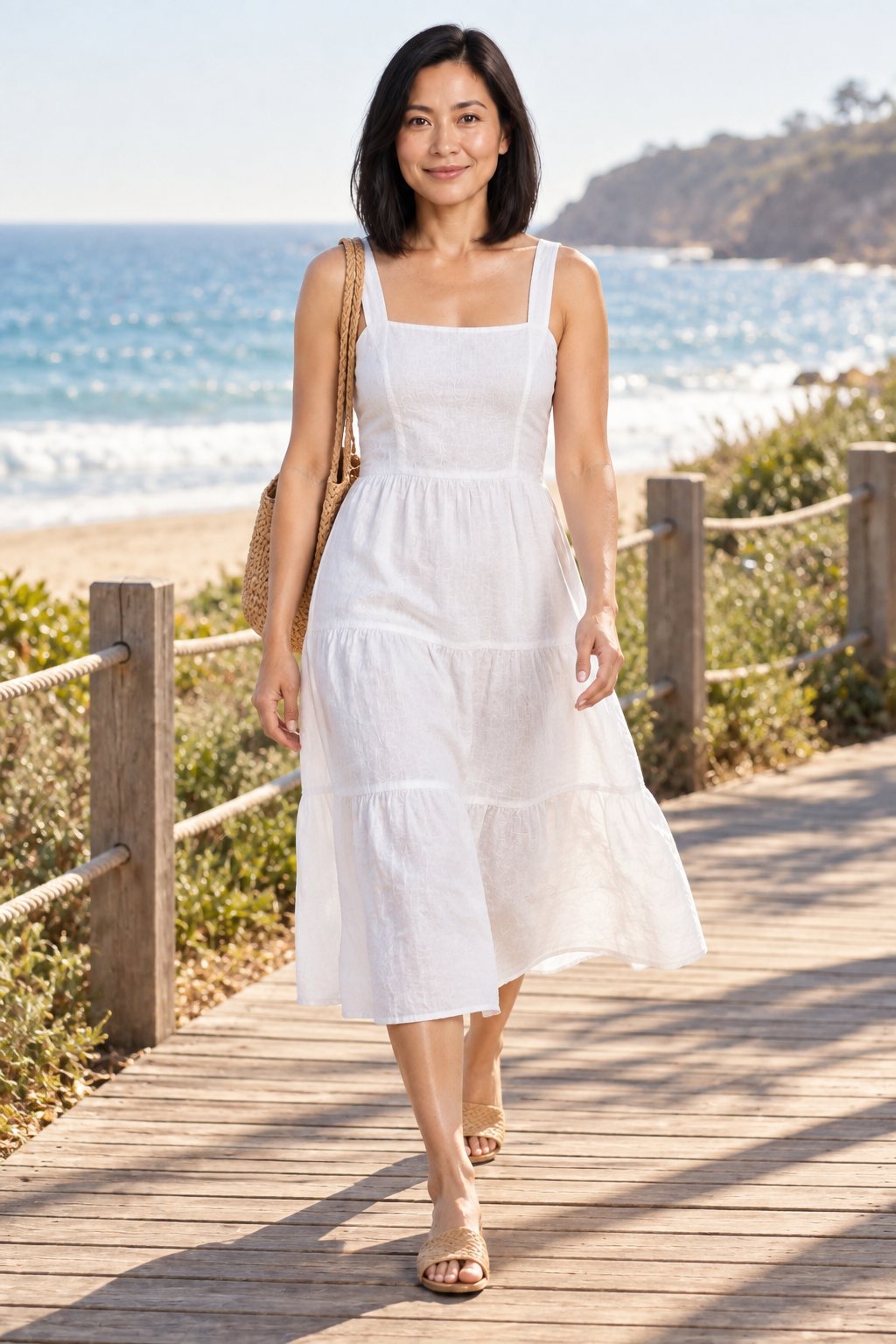
AI Fashion Photography — Studio-Quality Model Shots in 30 Seconds

Upload a flat garment photo, pick a model, choose a pose — get a photorealistic try-on image instantly. No photographer, no studio, no editing.

Try Free — 5 Credits → See How It Works
No credit card required Results in 30 seconds 14+ garment types

Interactive Demo — No Signup

Pick a garment, see the AI result instantly

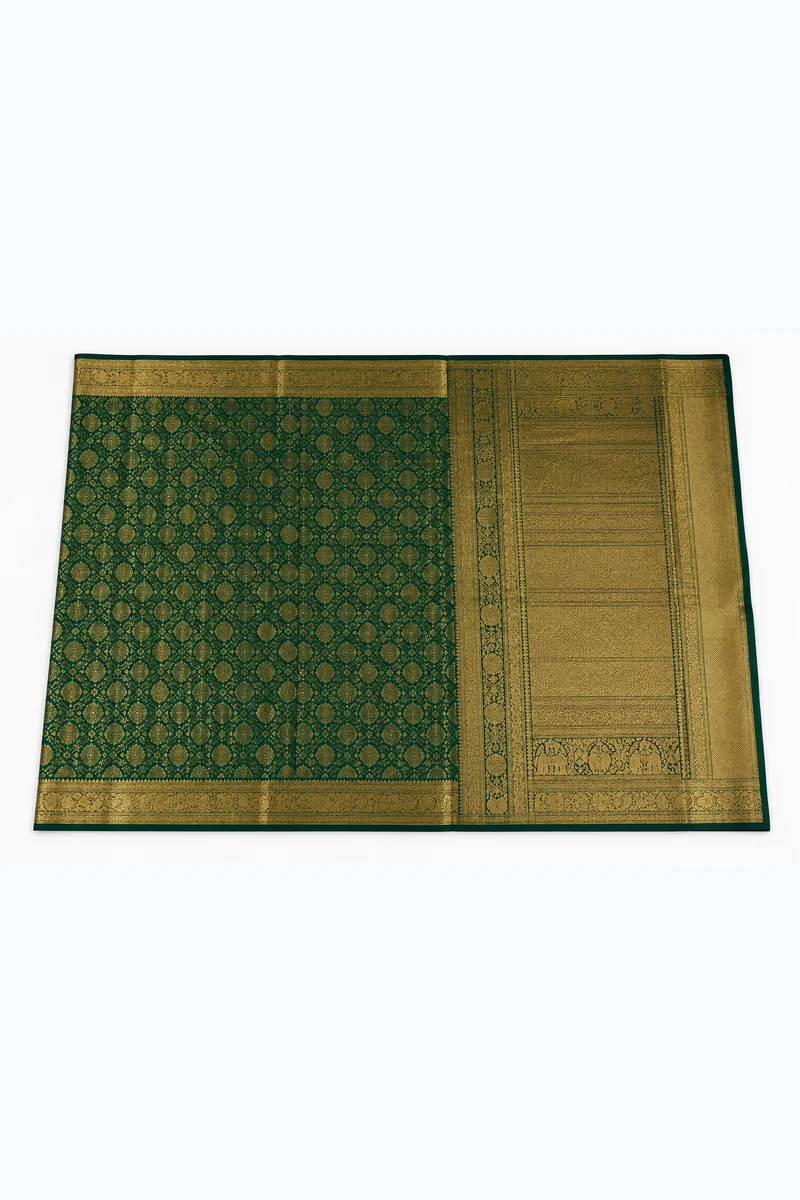
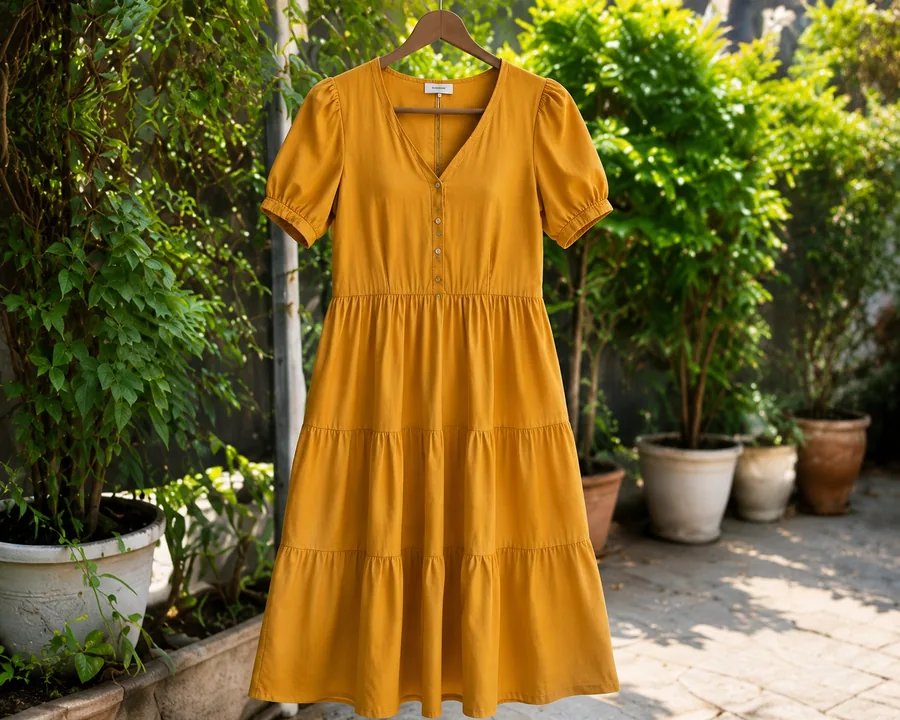
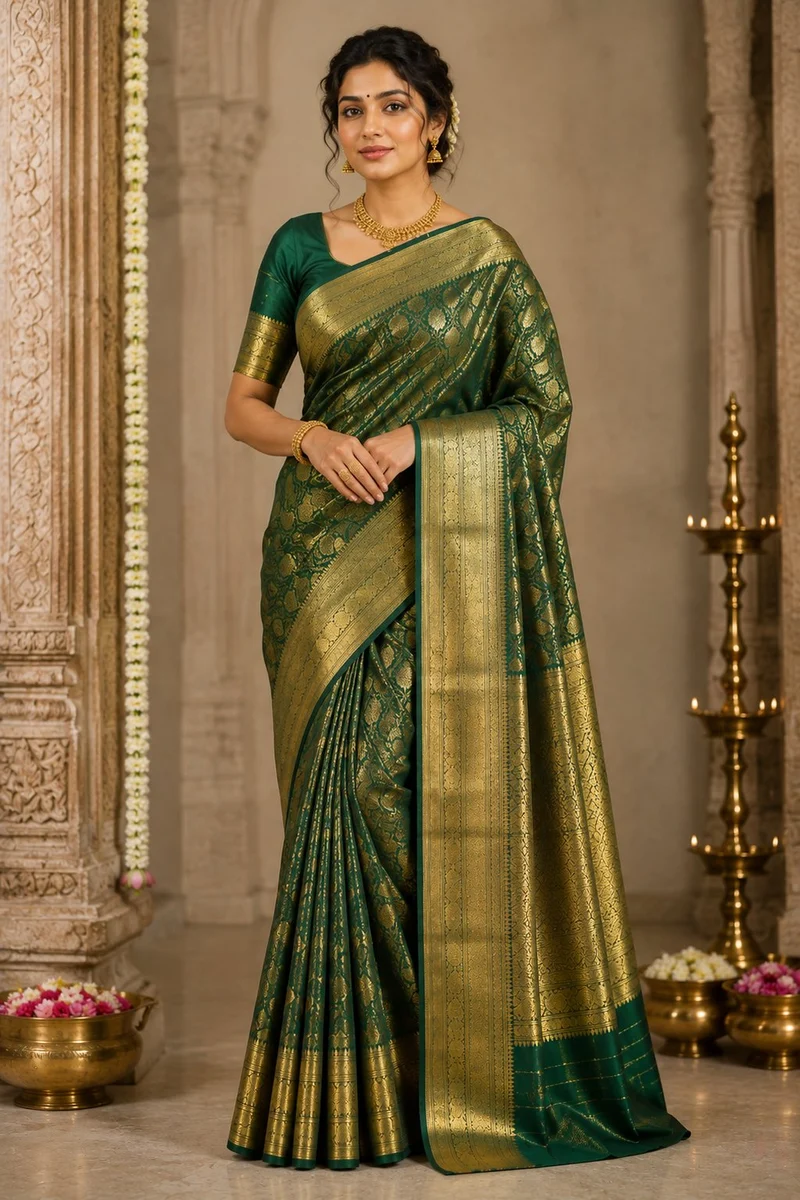
Real CatalogX generations: the flat photo a seller uploads and the on-model image our AI created from it.

Your garment Flat-lay green and gold silk saree — the input a seller uploads to CatalogXMustard tiered midi dress, flat product photo
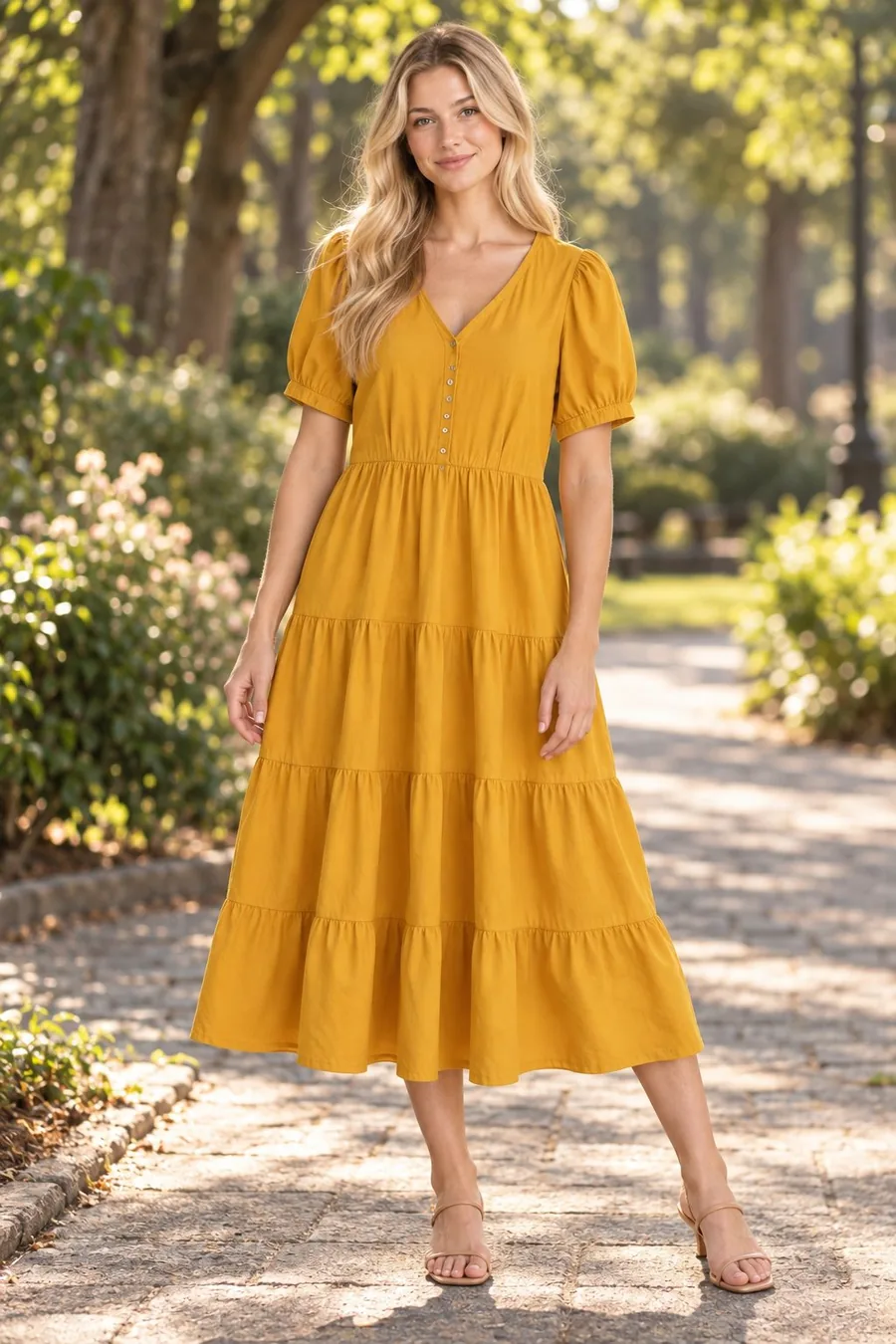
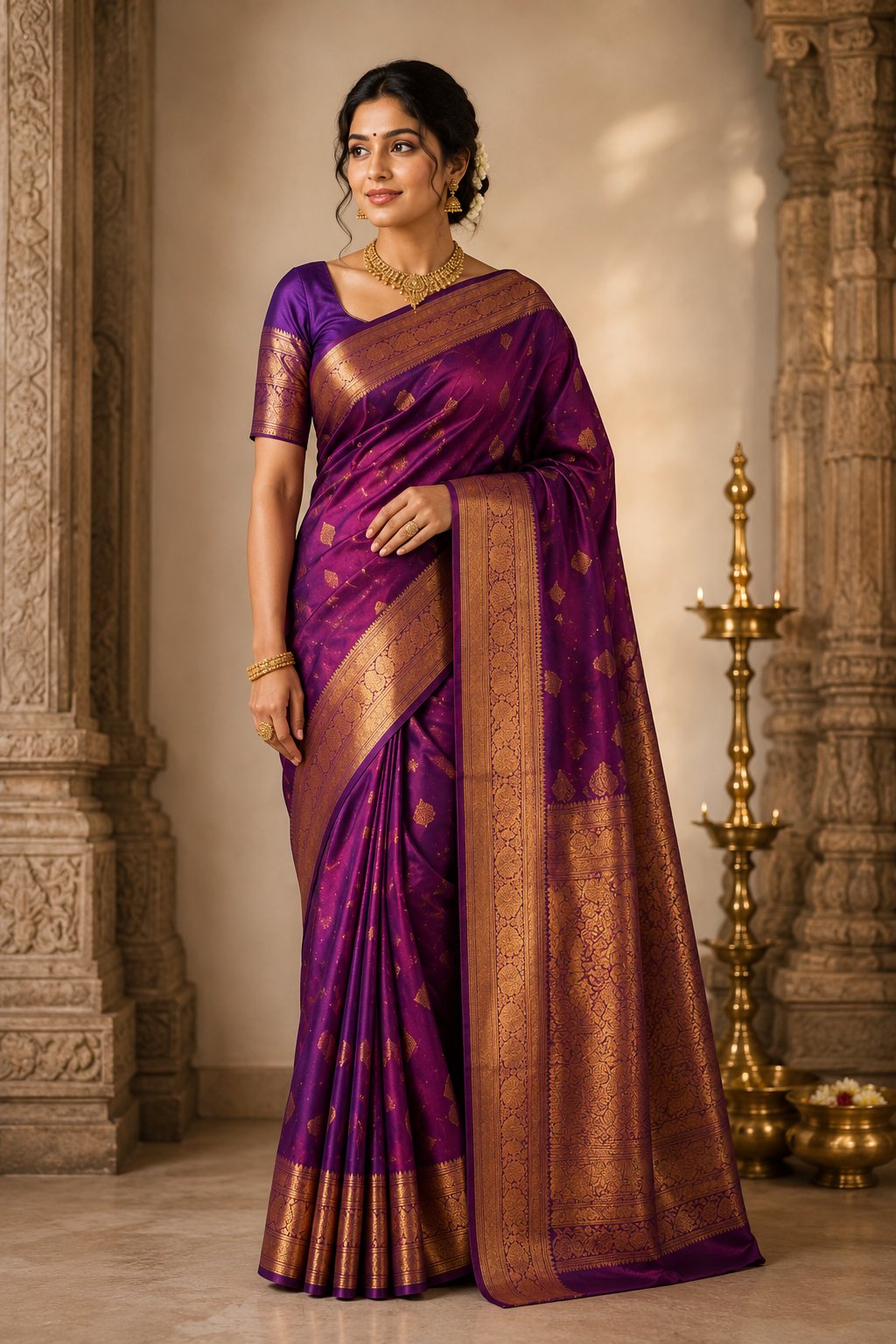
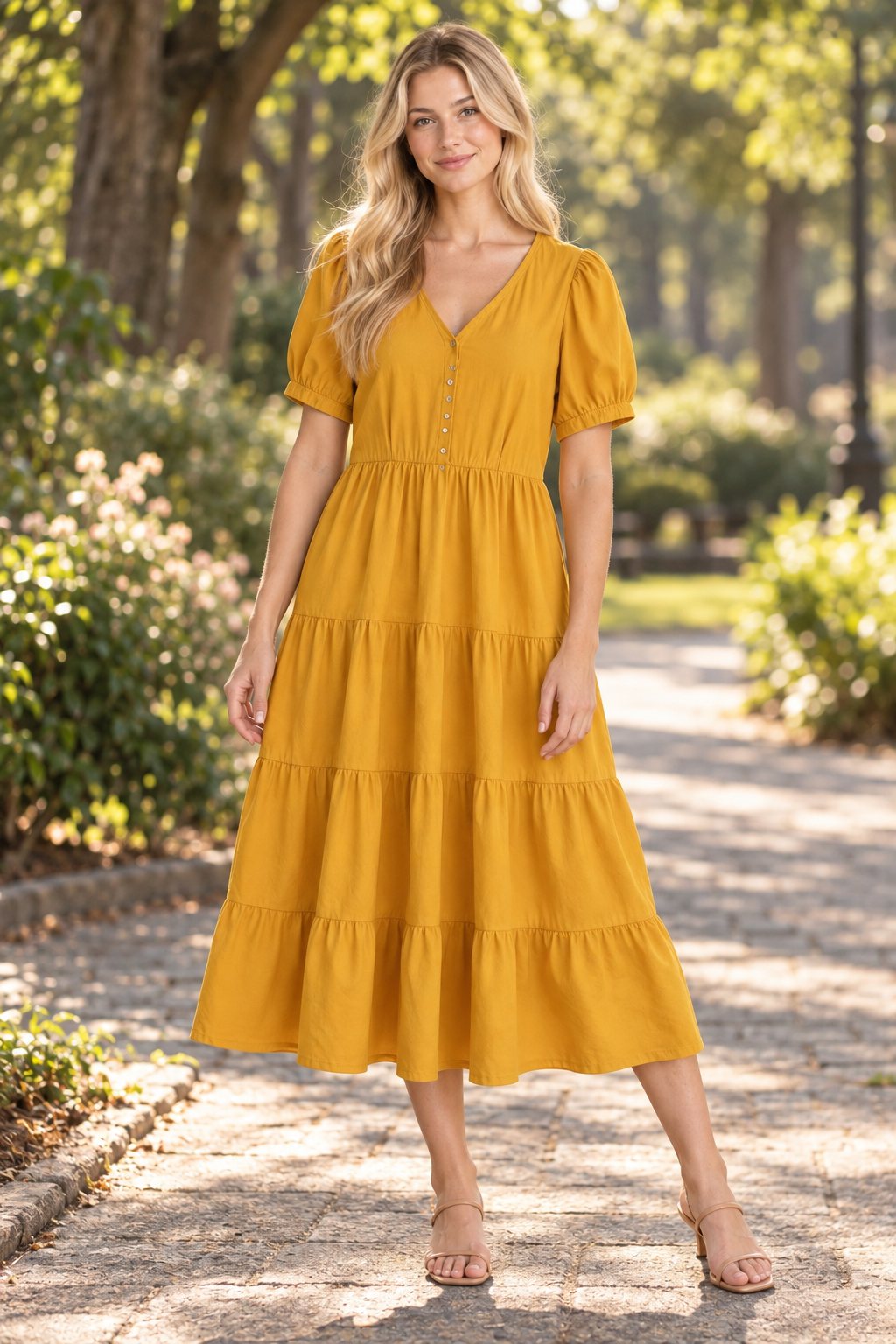
AI Result CatalogX AI virtual try-on result — Indian model wearing the green and gold saree with natural drapeCatalogX AI virtual try-on result — model wearing the tiered dress on a sunlit park path

Generated by CatalogX AI — no photoshoot, no model hired, no studio.

Try with your own garment — free →

5 free generations — no credit card required


See The Results

Real garment, real AI result

One flat garment photo in, one photorealistic model shot out — accurate draping, lighting, and fabric texture.

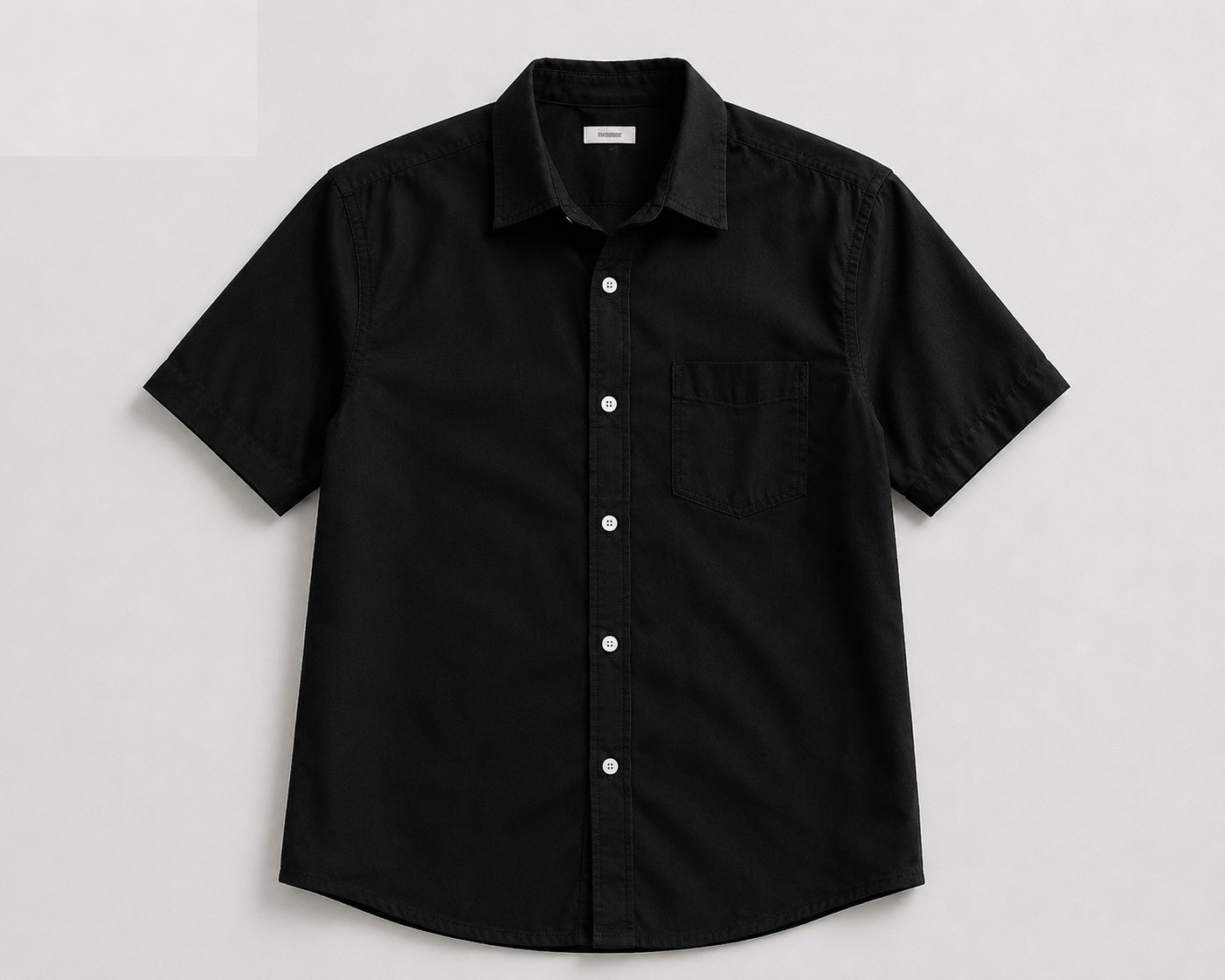
Flat green and gold silk saree photo uploaded to CatalogX AI virtual try-onFlat black short-sleeve shirt photo uploaded to CatalogX AI virtual try-on
Your garment photo
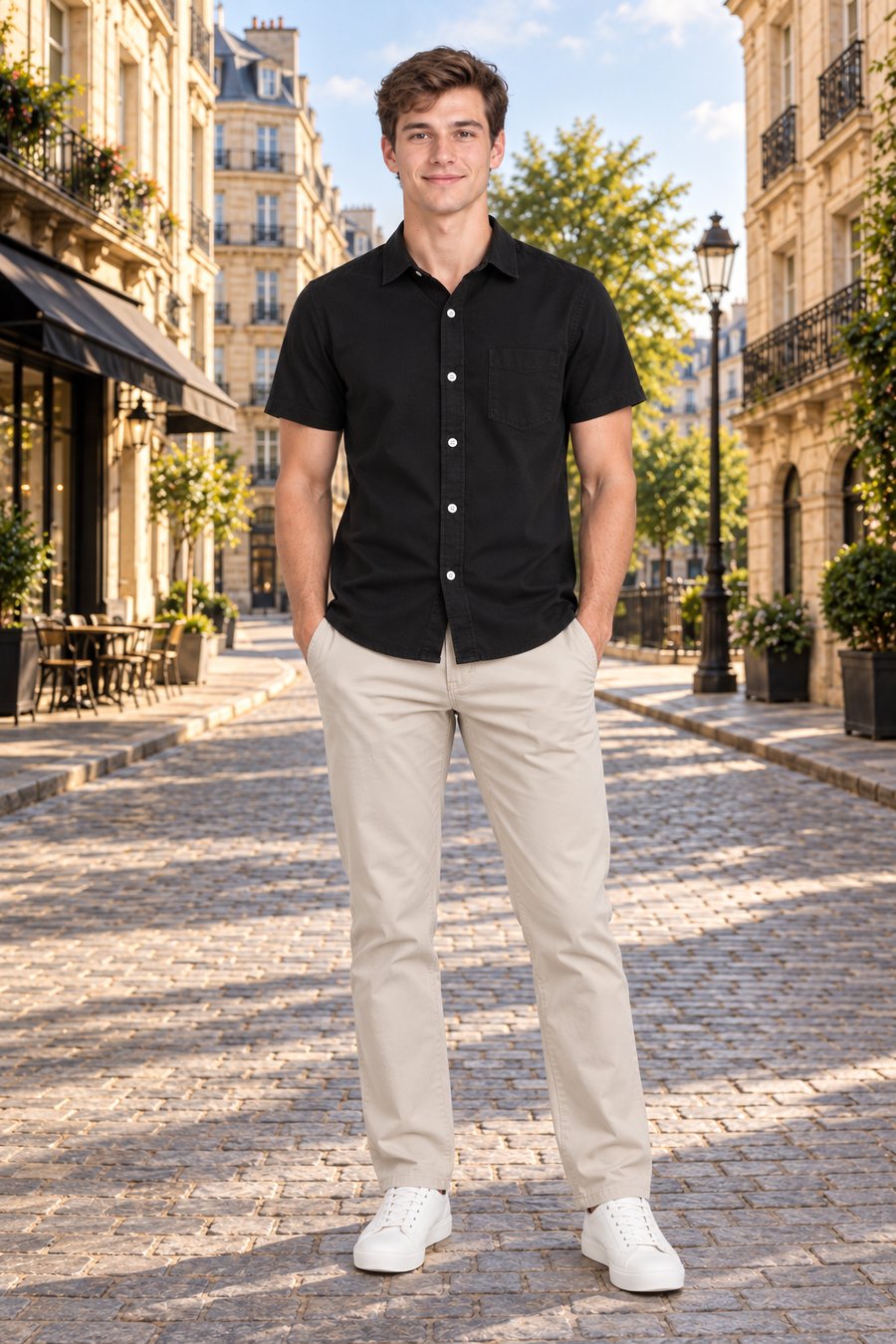
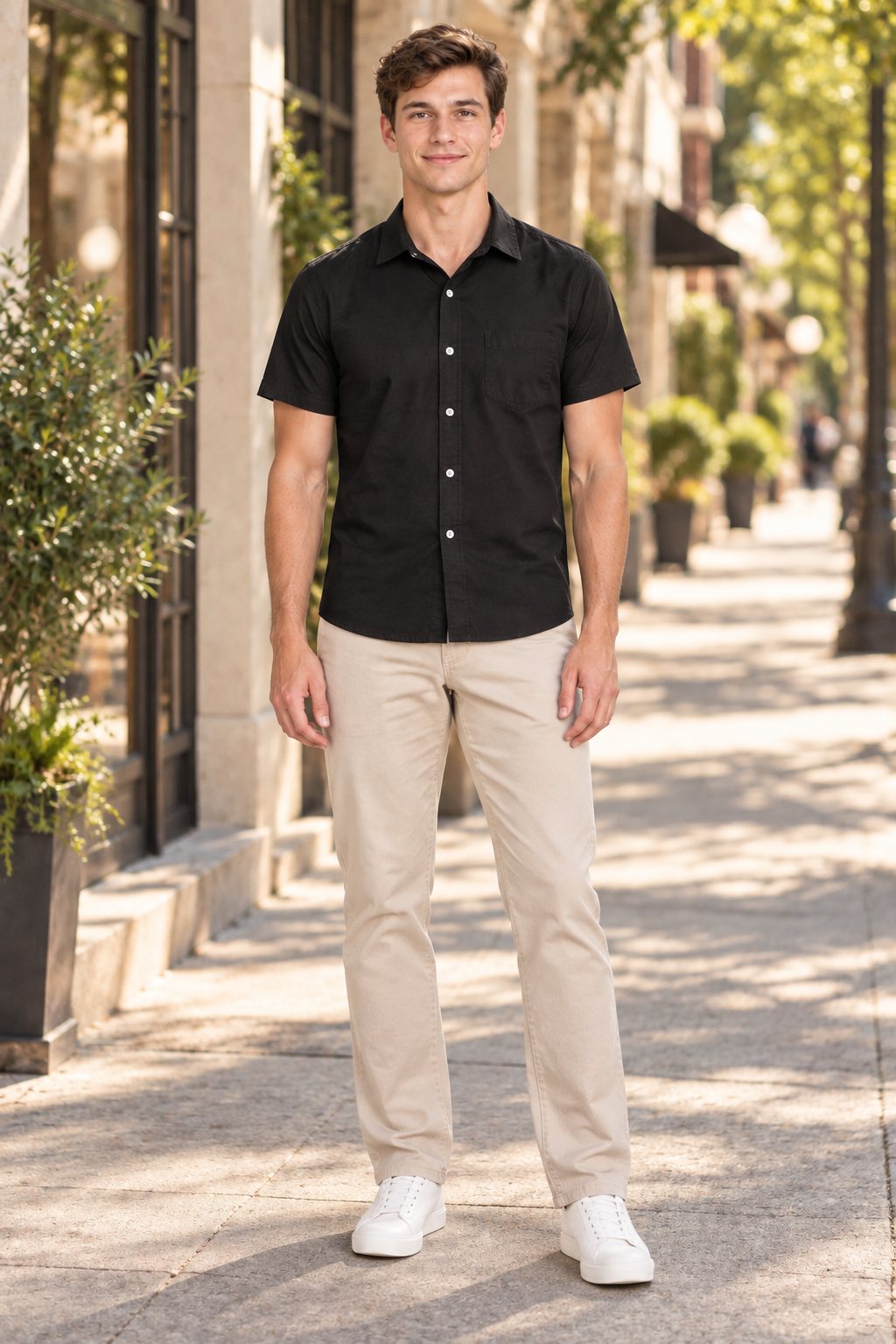
AI-generated photorealistic model wearing the green and gold saree — CatalogX virtual try-on resultAI-generated photorealistic model wearing the black shirt on a European street — CatalogX virtual try-on result
AI model result
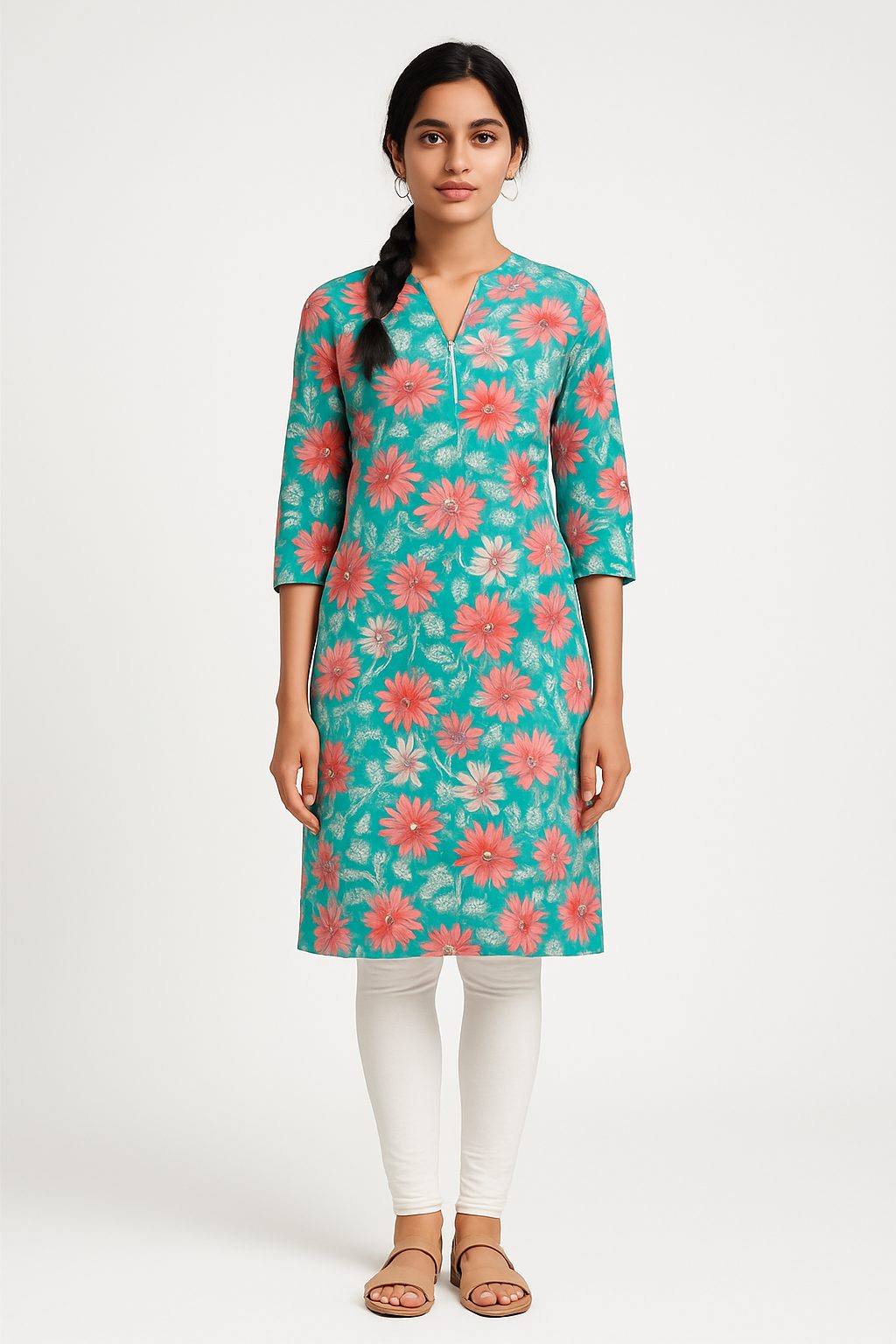
AI fashion photography model shot of a saree generated by CatalogX virtual try-onAI fashion photograph of a dress generated by CatalogX virtual try-on
Saree
AI fashion photography model shot of a kurti generated by CatalogX virtual try-onAI fashion photograph of a shirt generated by CatalogX virtual try-on
Kurti
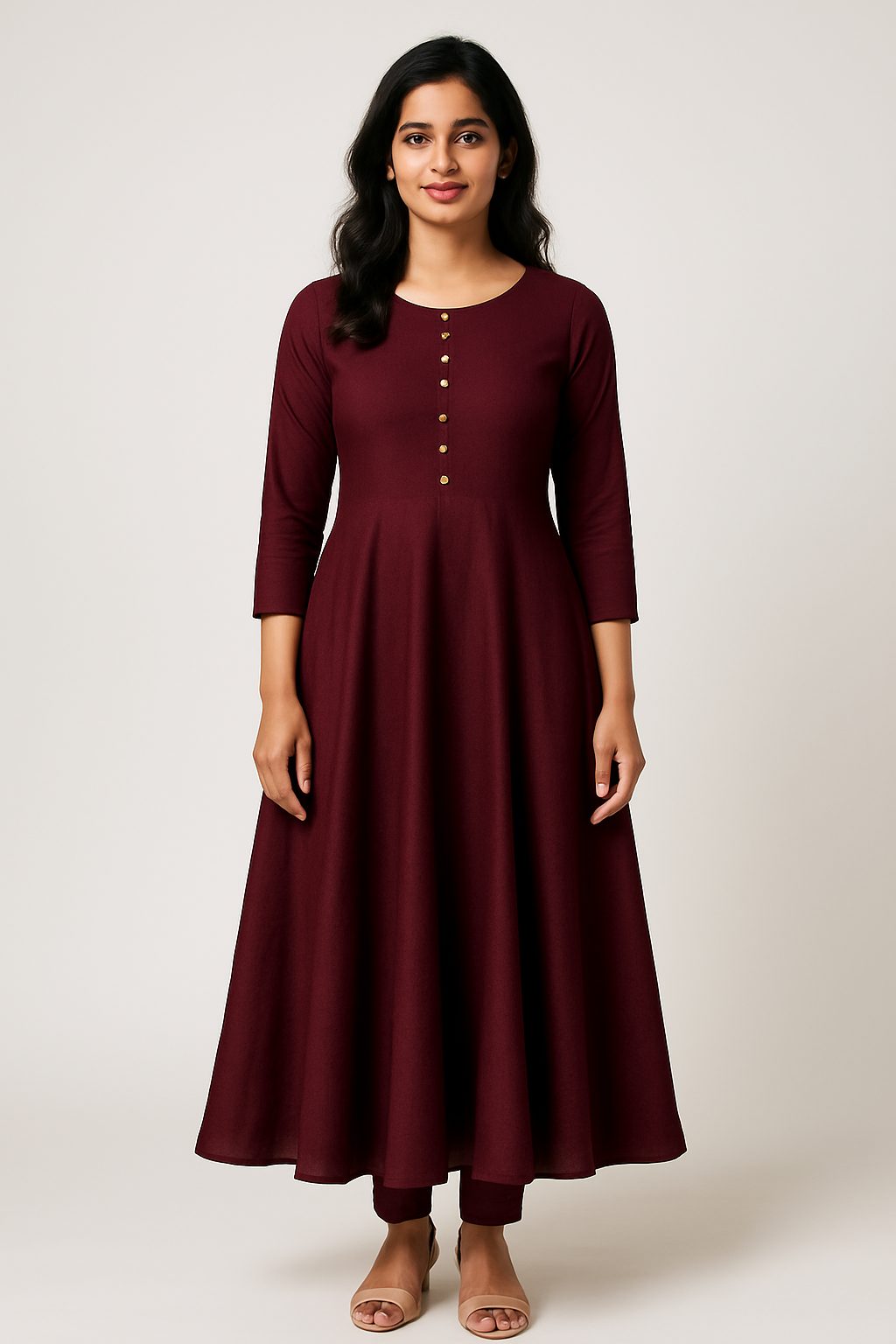
AI fashion photography model shot of an Anarkali generated by CatalogX virtual try-onAI fashion photograph of a linen dress generated by CatalogX virtual try-on
Anarkali

How It Works

Three steps to studio-quality photos

From flat garment to model-ready listing image in under a minute.

Upload Your Garment

Take a photo of your garment on a flat surface or hanger. Works with any fabric, pattern, or color.

Choose Model & Pose

Pick from 40+ diverse models. Select pose, camera angle, background, and lighting to match your brand.

Download & List

AI generates a photorealistic image in 30 seconds. Download in HD and list directly on any marketplace.


Why CatalogX

Everything traditional photography does — faster and cheaper

Replace expensive photoshoots with AI that understands fabric, fit, and lighting.

30-Second Generation

Get photorealistic try-on images in under 30 seconds. No waiting for photoshoot scheduling or post-production.

🎯

Identity Preservation

AI preserves the model's face, body shape, and skin tone exactly — only the clothing changes. No distortion, no artifacts.

🥻

14+ Garment Types

Sarees, kurtas, t-shirts, dresses, lehengas, blazers, jeans, hoodies, suits — specialized AI for each garment category.

🎨

50+ Backgrounds

Studio white, lifestyle, festival (Diwali, Eid), urban, nature — match any brand aesthetic or marketplace requirement.

📦

Bulk Generation

Upload one model and multiple garments. Generate an entire catalog in one go. Scale from 10 SKUs to 10,000.

📐

Marketplace-Ready Output

One-click resize for Amazon, Flipkart, Myntra, Instagram, and more. Background removal included free.


How It Differs

Your actual garment — not one the AI invented

There are two very different things sold under the label "AI fashion photography", and confusing them is expensive. The first is text-to-image generation: you describe a garment, the model invents one, and you get a beautiful photograph of clothing that does not exist. The second is virtual try-on: you supply a photograph of a real garment and the model renders that specific garment on a person.

For a seller, only the second one is usable. A generated garment looks wonderful and will not match the parcel you post — the neckline drifts, the print resolves differently, the border on a saree becomes a border the weaver never made. Listing an invented garment is a misrepresentation, it generates returns, and on marketplaces that require listing images to show the real product it puts the account at risk.

CatalogX is built on the second approach. The garment photo you upload is the source of truth for what the fabric looks like, and the model's job is to show it worn rather than to reimagine it.

Why colour accuracy is the whole game

Colour is the failure that costs real money. A buyer who receives a kurti two shades off from the listing photo returns it, and that return costs the shipping both ways plus the listing's rating. Generic image models drift colour constantly — they treat a colour as a description to re-render rather than a value to preserve, so a specific teal comes back as an approximate teal.

That drift is the single most common complaint sellers have about AI catalog tools, and it's why colourway accuracy gets special handling here rather than being left to chance. If you sell the same style in eight colours, eight near-misses is eight sets of returns.

Fit details that give AI away

Beyond colour, a handful of details separate a usable catalog image from an obvious fake — and they're the ones ethnic wear exposes fastest:

These are also the reasons a tool that performs well on a plain western t-shirt can fall apart on a lehenga. If ethnic wear is your catalog, that's the test to run before you commit.

What to upload

A flat lay or hanger shot of the garment, whole thing in frame, shot square-on in even light. A phone camera is genuinely enough — what matters is that the photo actually contains the detail you want reproduced. The model cannot recover a print it cannot see, so a blurry or badly lit input produces an approximate result no matter which model runs it. Smooth heavy creases first, or run unwrinkle, since folds get carried through into the worn render.

Check every output against the physical garment before it goes live. That habit catches the occasional miss, and it's the same discipline that keeps you compliant with marketplace rules requiring listing images to represent the real product.

Where it fits with everything else

On-model is the format most fashion marketplaces want for the main image — and for adult apparel on Amazon US it's the only accepted option, which is why a flat lay or ghost mannequin alone won't get an adult clothing listing live there. The usual complete listing is an on-model main image, a ghost mannequin or flat lay in the secondary slots for the clean garment view, and detail crops for fabric and trim. All three come from the same source photograph.
10K+
Images Generated
14+
Garment Types
30s
Per Generation
100+
Brands & Sellers

FAQ

Frequently asked questions

Upload a model photo and a flat garment image. CatalogX AI generates a photorealistic image of the model wearing your garment in under 30 seconds, with accurate draping, shadows, and lighting.

CatalogX supports 14+ garment types: sarees, kurtas, kurtis, t-shirts, shirts, dresses, lehengas, blazers, jackets, jeans, skirts, hoodies, suits, and kurta-pyjama sets.

Yes. Every new account gets 5 free image generations with no credit card required. Starter pack is ₹299/month for 15 credits. Pro starts at ₹849/month for 55 generations.

Yes. You own all generated images on every plan, including the free plan. There are no watermarks, no per-image licence and no usage window — use them on your own store, on marketplaces, in paid ads and in print.

CatalogX preserves the model's face, body shape, and skin tone while accurately rendering garment color, texture, fabric, and draping. Results are photorealistic and listing-ready.


📚 Related Guides

The catalog workflow: what happens after the first shot → Bulk Generate: 20 garments on one model in a single run → Accessories: bags, jewellery and footwear on a model → AI Agent: describe the shoot and it runs the tools → Custom models: one face across the whole catalogue → Pose reference: copy the pose from any photo → Quality mode: a reviewed retry, free → AI Virtual Try-On: How It Works and Why Fashion Brands Are Switching → Flat-Lay vs Model Shots: Which Sells More? → How to Photograph Sarees & Kurtas for E-Commerce Without a Model → AI Try-On vs Studio Photoshoot: Cost Breakdown for Indian Fashion Sellers (2026) → AI Saree Photography → AI Kurti Photography → AI Lehenga Photography →

Start generating model shots today

Join 100+ fashion brands using CatalogX to replace expensive photoshoots with AI.

Start Free — 5 Credits → Talk to Sales
5 free credits No credit card required Results in 30 seconds