Kurtis are a volume game — new designs every week, thin margins, and marketplaces that reward on-model photos. CatalogX turns a phone flat-lay of your kurti into a photorealistic image of an Indian model wearing it, marketplace-ready in 30 seconds.
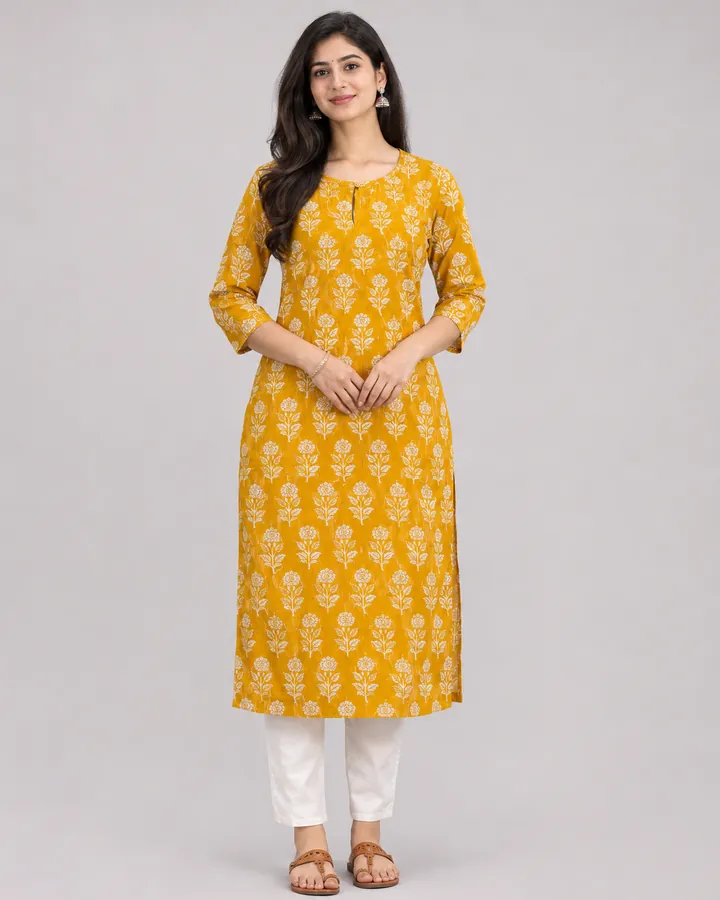
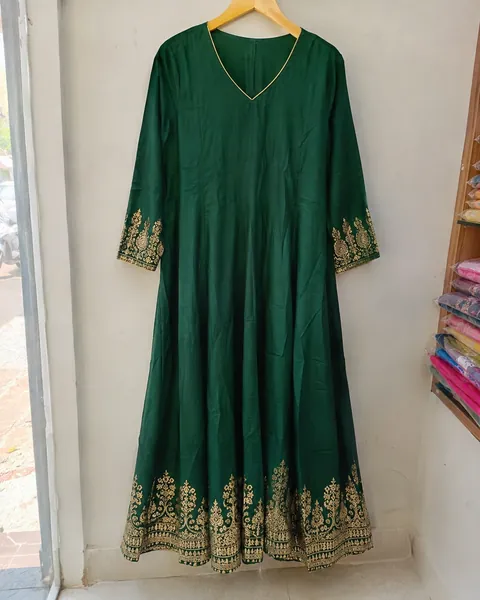
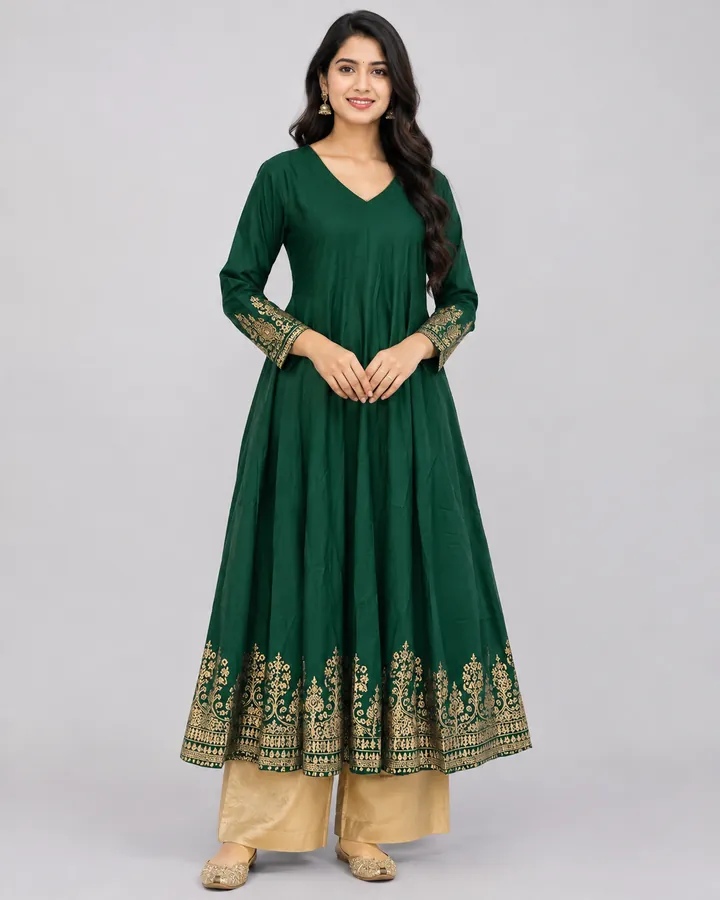
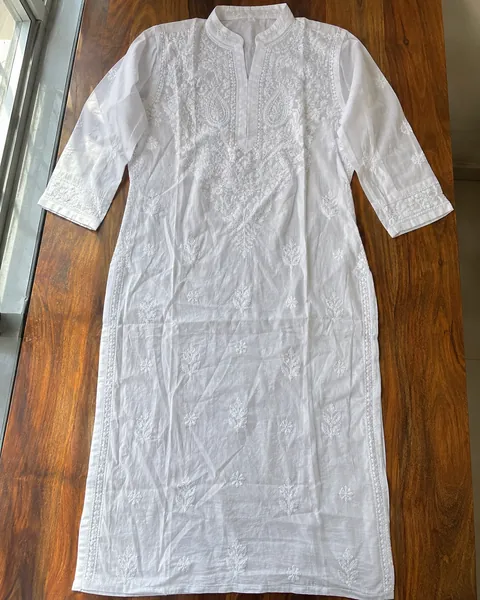
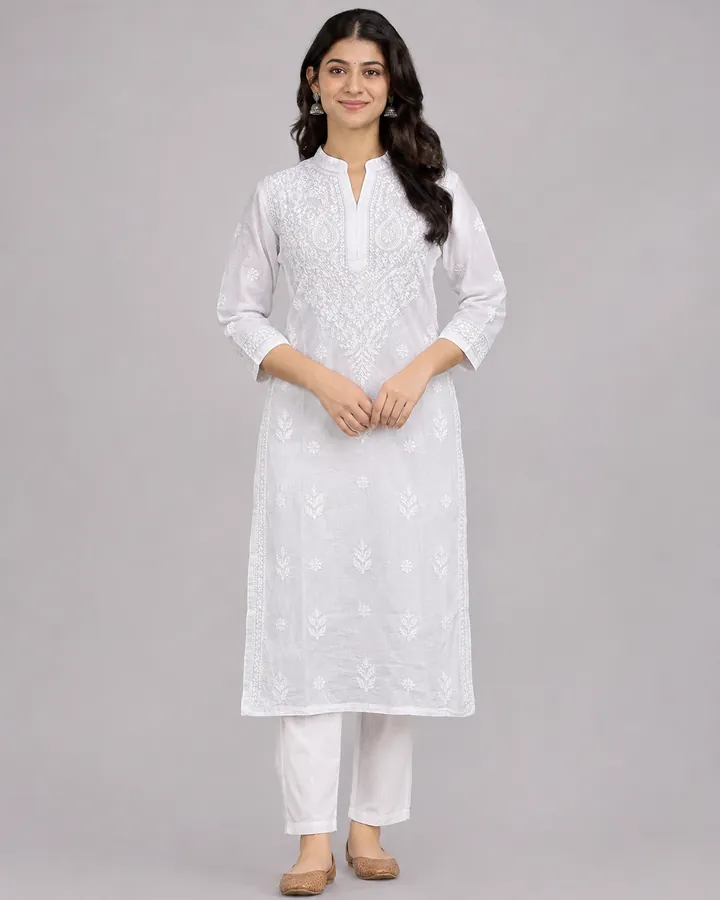
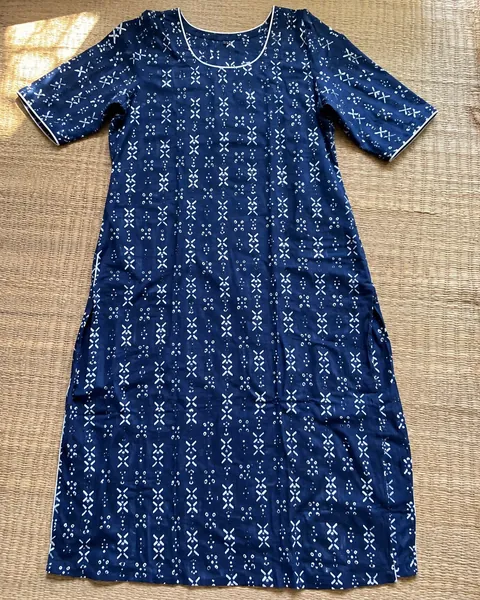
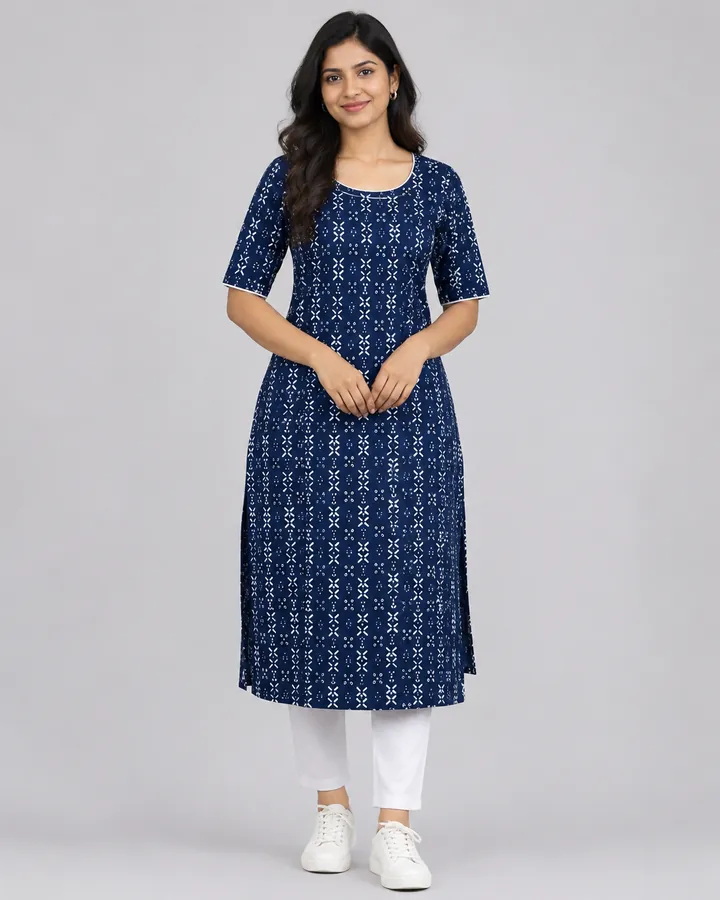
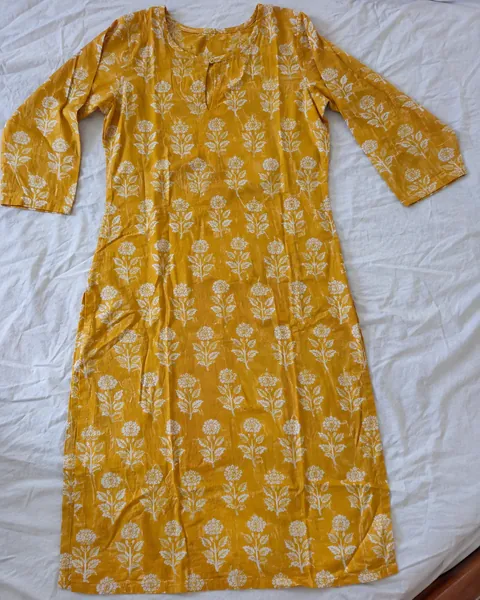
Illustrative before-and-after examples of the kind of photo you get — a kurti laid flat or on a hanger, then worn by a model.
Before
After
Before
After
Before
After
Before
AfterIllustrative examples of the change to expect — an everyday phone photo in, an on-model catalog photo out. They are not customer photos. Your result depends on the photo you upload, so check every output against the real product before it goes live. For more pairs, see the saree before/after gallery.
No studio, no model booking, no shoot day. Any phone photo of your kurti is enough.
A flat-lay, hanger, or mannequin shot works. The AI reads the cut, print, neckline, sleeves, and fabric.
Choose from Indian AI models, set the pose and angle, and pick a background — studio white for listings or lifestyle for Instagram.
Export presets for Meesho, Flipkart, Myntra, Ajio, and Amazon.in output the exact size and framing each platform requires.
The AI copies what your photo shows and guesses what it hides. Five minutes on the input photo saves re-shoots later.
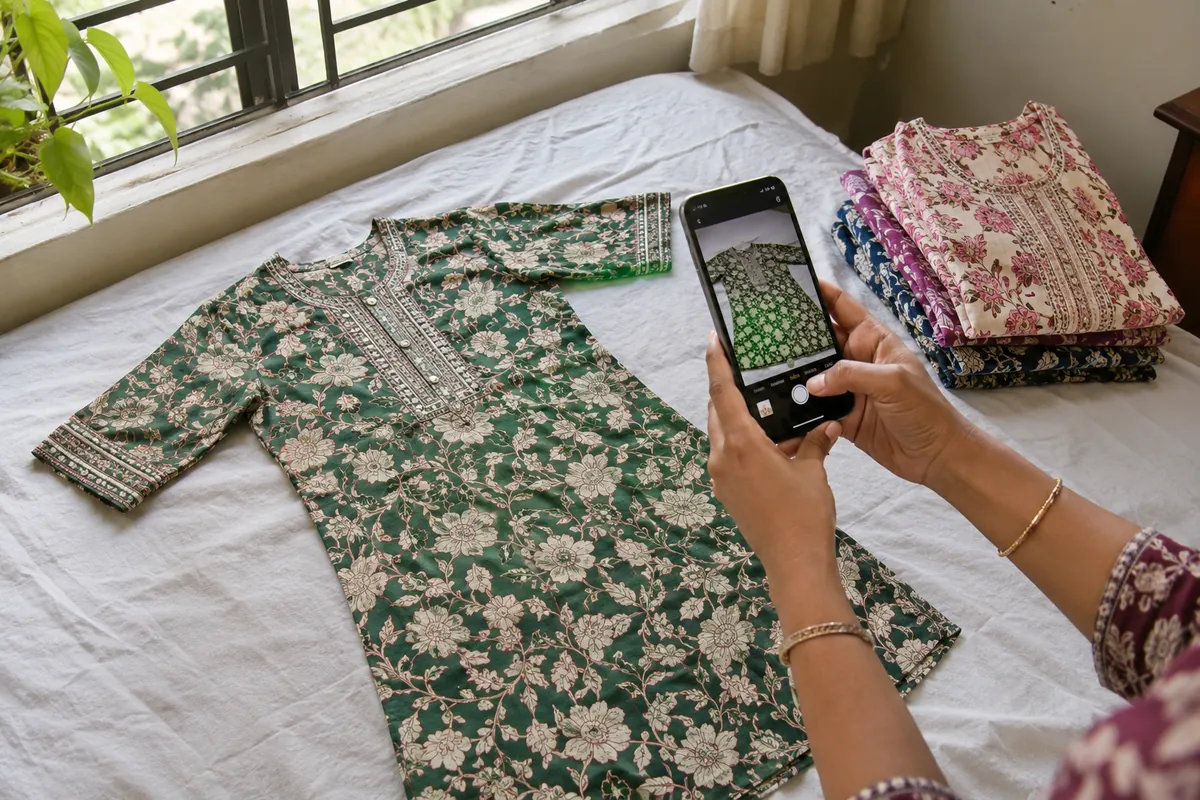
A kurti folded in half hides the hem, the side slits and the flare — the three things that tell a straight-cut from an A-line or an anarkali. Spread it flat on a bed or a plain sheet with the sleeves out, so the length is visible in the frame.
Shoot near a window in the day. Flash flattens embroidery and shifts colours, and tube light turns whites yellow. If the colour still looks off, CatalogX's free colour correction can fix the white balance before the photo is read.
Hold the phone straight above the kurti and step back until both sleeves and the hem fit with a little margin. A cut-off sleeve is a sleeve the AI has to invent. Your photo is checked before anything is charged, and you are told if it is too dark, too small or cropped.
Upload the bottom, the dupatta and a back photo separately. A back view is only generated when a back photo exists, so print placement on the back is never guessed.
Chikankari, mirror work, gota and block prints read better from a close-up of the neckline or yoke. Add it as an extra photo and the fine detail is taken from it.
The canvas each CatalogX export preset produces. Pick the marketplace at download and the photo is resized and padded for you — free, no credits.
| Marketplace | Export size | Background |
|---|---|---|
| Meesho | 1080 × 1080 (1:1) | White |
| Flipkart | 2000 × 2000 (1:1) | White |
| Amazon.in | 2000 × 2000 (1:1) | White, product ~85% of frame |
| Myntra | 1080 × 1440 (3:4) | Light grey |
| Ajio | 1500 × 2000 (3:4) | White |
For a kurti listing, the photo order that works on every one of these is: a full-length front view on a plain background first, then a side or three-quarter view, a back view, a close-up of the neckline or print, and finally a lifestyle shot. The Listing Pack exports that whole set in one download, with a spreadsheet already in the marketplace's own image columns.
One photo is one credit. Every plan is also sold as a one-time pack at the same price — no subscription needed.
| Plan | Price | Photos |
|---|---|---|
| Free | ₹0 | 5 photos on signup, no card |
| Starter | ₹299 | 15 photos |
| Pro | ₹849 | 50 photos |
| Business | ₹3,000 | 200 photos |
| Agency | ₹10,000 | 700 photos |
That works out to roughly ₹12–20 per finished model photo. A studio shoot with a model typically costs ₹300–1,500 per SKU before retouching, and a weekly drop of twenty kurtis has to wait for the shoot day. Background removal, HD upscale and marketplace export are free on every plan. Full details are on the pricing page.
When you list twenty new designs a week, photography speed and consistency decide whether you catch the trend or miss it.
Straight-cut, A-line, anarkali, high-low, front-slit, kurti sets — garment-specific fit rules mean an anarkali flares and a straight-cut falls straight, the way it does in real life.
One model, your full weekly range, consistent lighting and background across every image. A 100-SKU catalog that looks like a single professional photoshoot.
Choose models your customers relate to, and face preservation keeps the same model across your catalog — your storefront builds a recognizable brand look.
Block prints, chikankari, mirror work, digital prints — the details that sell a kurti are carried over faithfully from your original photo.
Meesho, Flipkart, Myntra, Ajio, and Amazon.in presets built in — upload-ready files without ever looking up an image spec.
At ₹12–20 per image (packs from ₹299, 5 free to start), on-model photography finally makes sense for a ₹400 kurti — versus ₹300–1,500 per SKU for a traditional shoot.
No account needed. Clean up your existing kurti images with our free tools, then upgrade to on-model photography when you're ready.
Upload a flat-lay, hanger, or mannequin photo of your kurti from any phone camera. CatalogX's AI reads the cut, print, neckline, and sleeve style, then generates a photorealistic image of an Indian model wearing it — with the straight fall and fit a kurti should have. Results are ready in about 30 seconds.
Yes — straight-cut, A-line, anarkali, high-low, front-slit, and kurti sets with palazzos or pants. The AI applies garment-specific fit rules so an anarkali flares and a straight-cut falls straight.
Yes. Bulk mode takes one model and your entire kurti range and returns consistently lit, consistently framed images — same model face, same background — so a 100-SKU catalog looks like one photoshoot.
Yes. One-click export presets for Meesho, Flipkart, Myntra, Ajio, and Amazon.in output the exact dimensions, framing, and background each marketplace requires for kurti listings.
New accounts get 5 free image generations with no credit card. Credit packs start at ₹299/month — roughly ₹12–20 per finished image, versus ₹300-1,500 per SKU for a traditional model photoshoot.
Yes — CatalogX works as a kurti photo on model app in any mobile browser, so there's nothing to download from an app store. Open catalogx.app on your phone, upload a photo of your kurti, and get a photorealistic on-model photo in about 30 seconds.
Not reliably — a fold hides the hem, so length is a guess. Our own example on this page shows it: the same folded kurta came out hip-length in one render and knee-length in another. If length matters for the listing, lay the kurti out full length for the photo, or say the length (short, hip, knee, calf) in the shoot settings.
Yes. A kurti set has its own slots for the bottom (palazzo, pant or salwar), the dupatta and a back photo. Each piece is copied from its own photo instead of being invented, and a back view is only generated when you upload a back photo.
Upload one kurti and see the result yourself. 5 free credits, no card required.