Jewellery model photoshoot, without the photoshoot
Photograph your kundan set, jhumkas or bangles on a plain surface. CatalogX puts the piece on a photorealistic Indian model at its real size, keeps the stones, plating and design you photographed, and sizes the photo for Meesho, Instagram, Flipkart and Amazon. Built for imitation and artificial jewellery sellers.
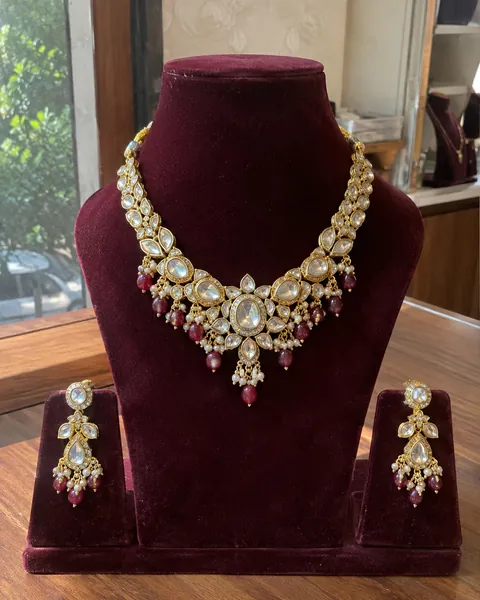
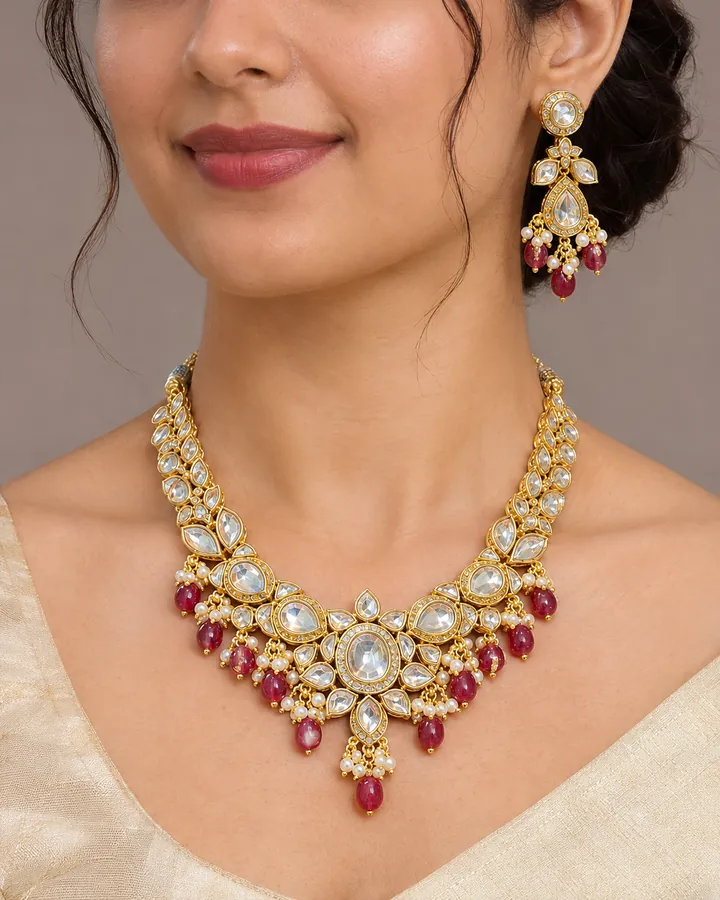
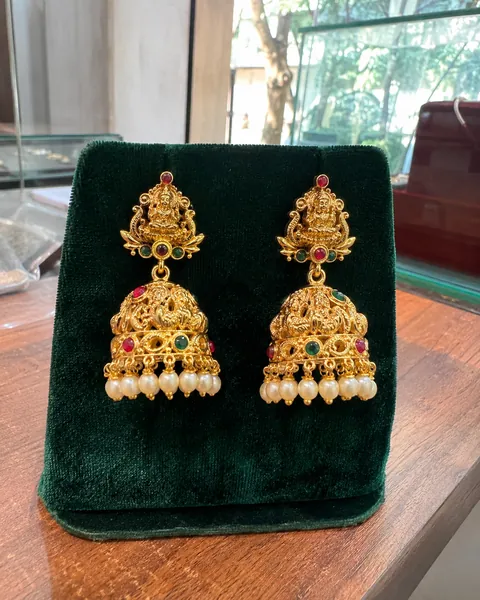
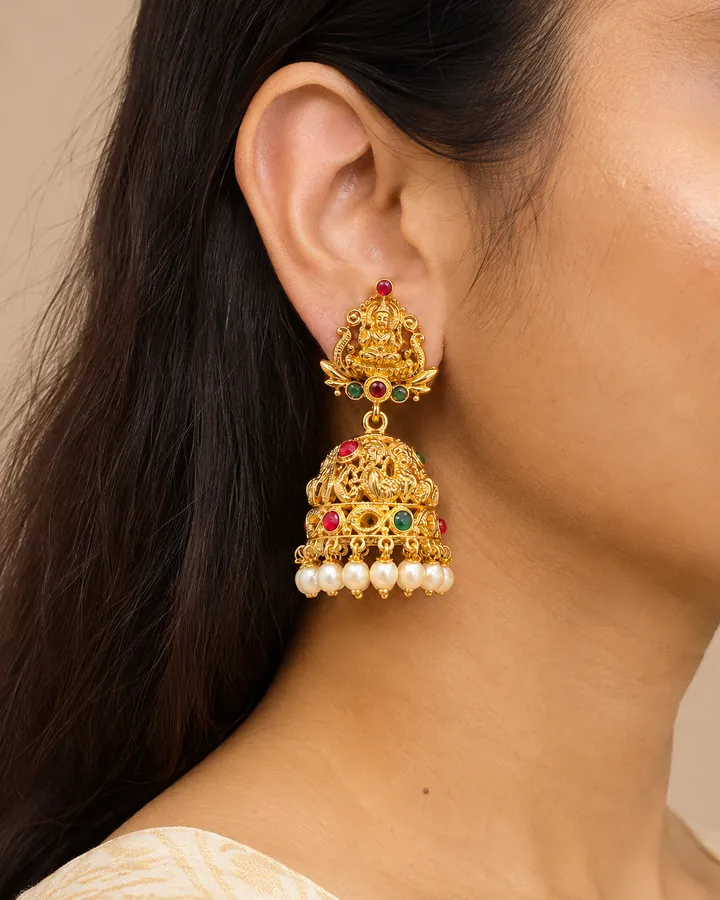
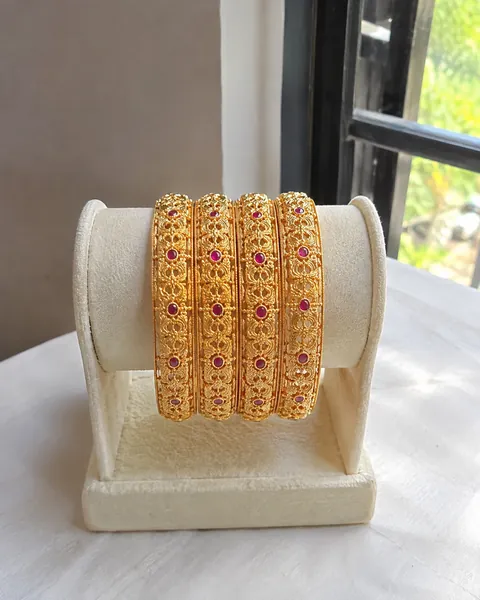
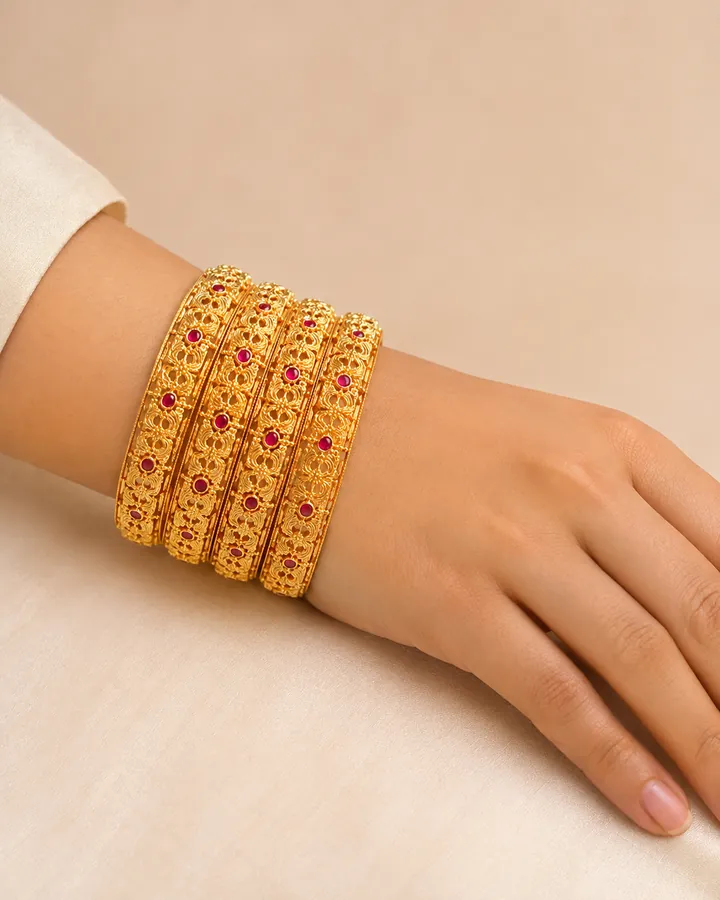
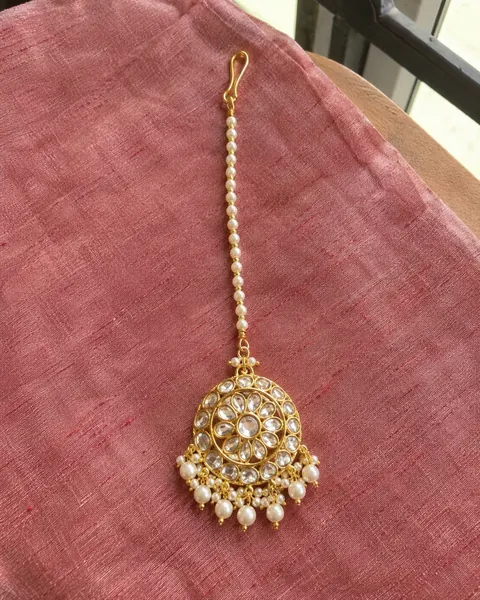
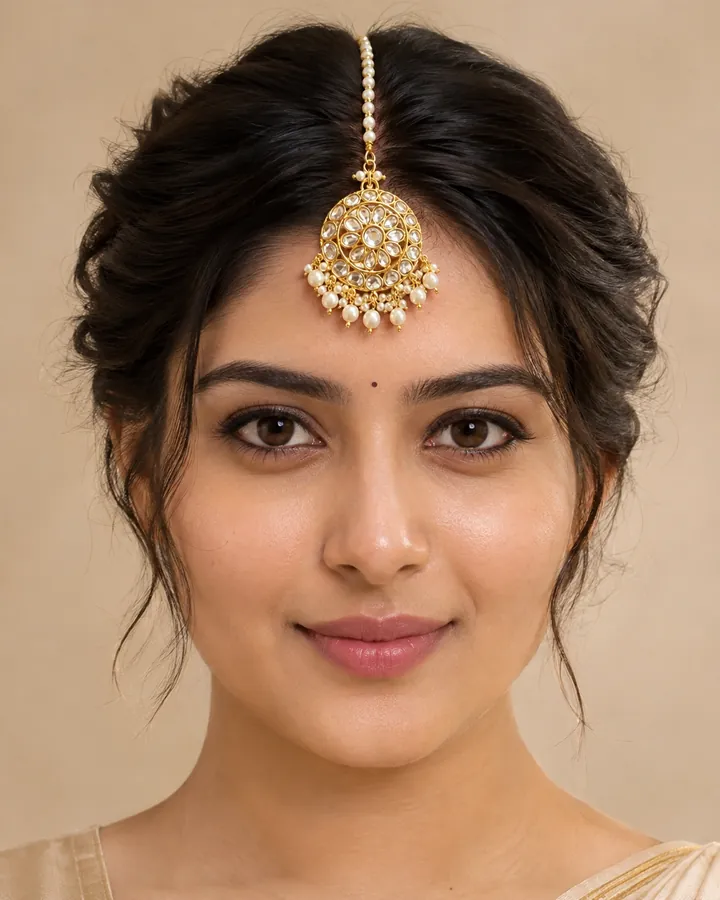
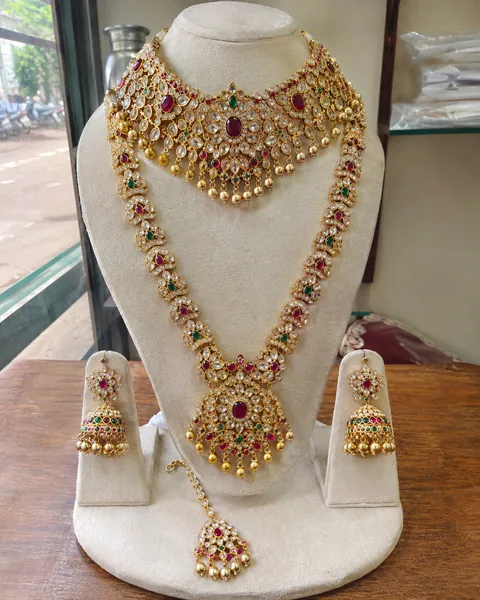
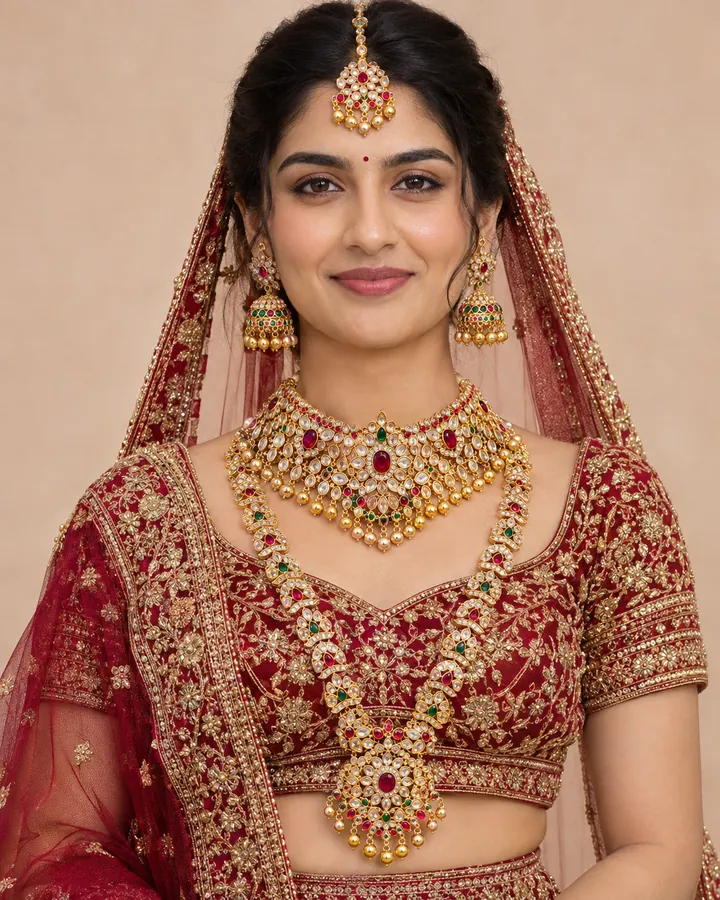
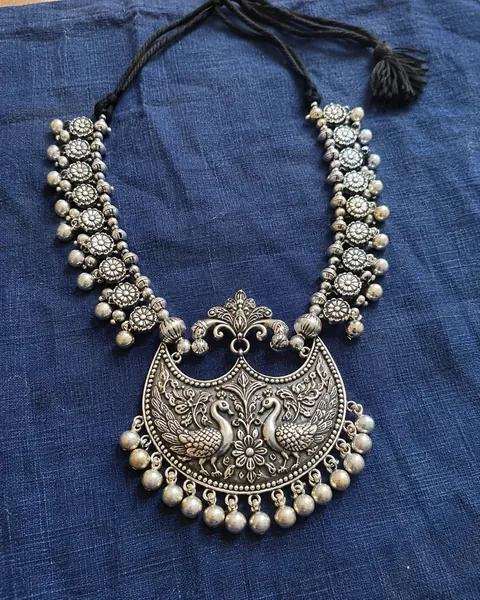
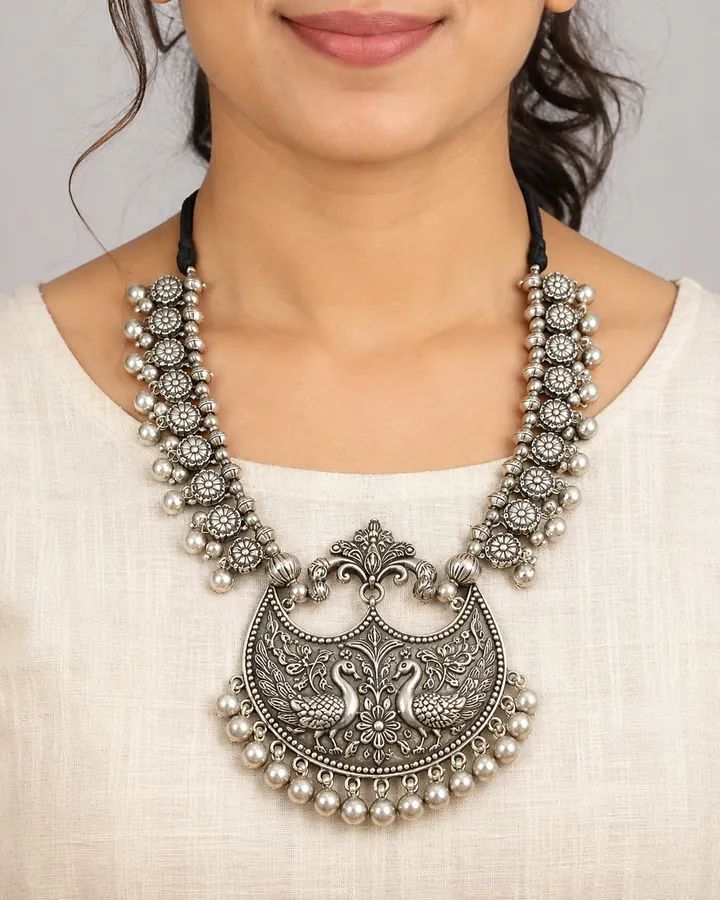
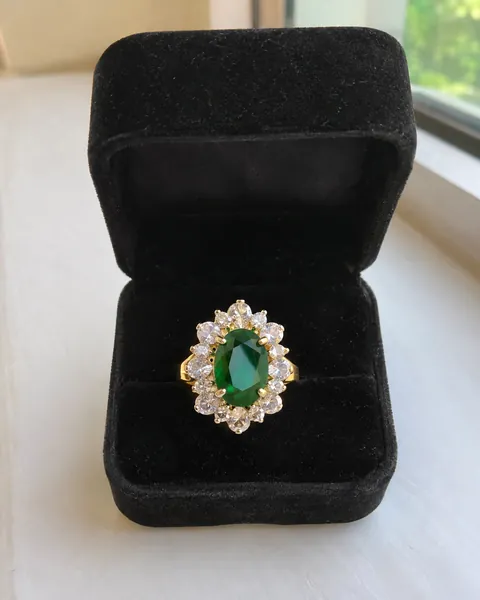
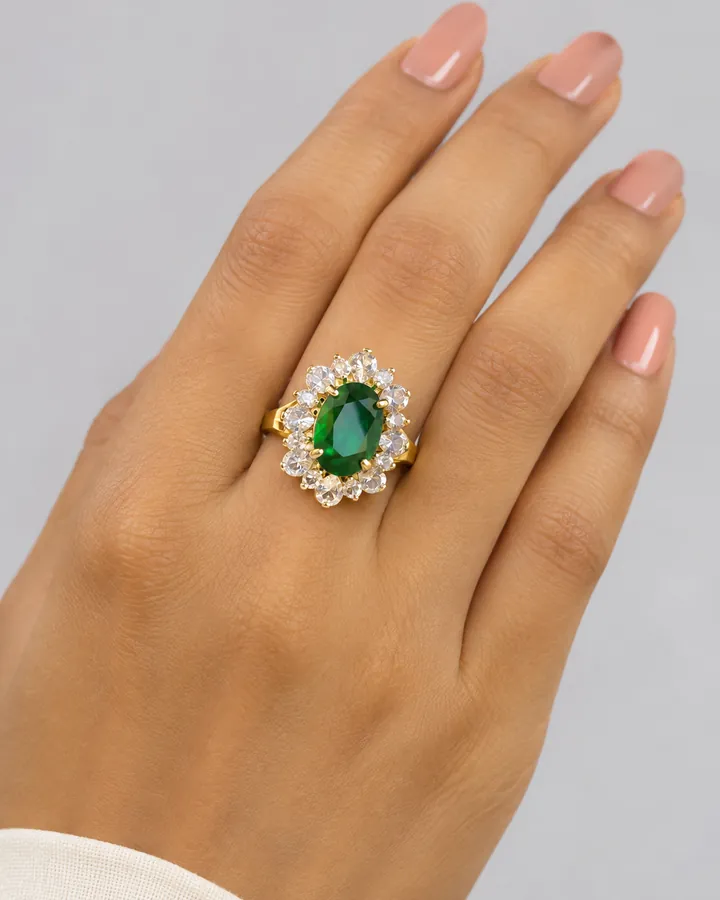
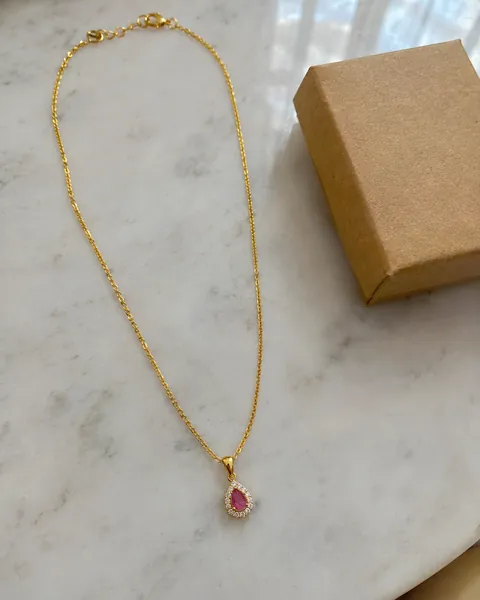
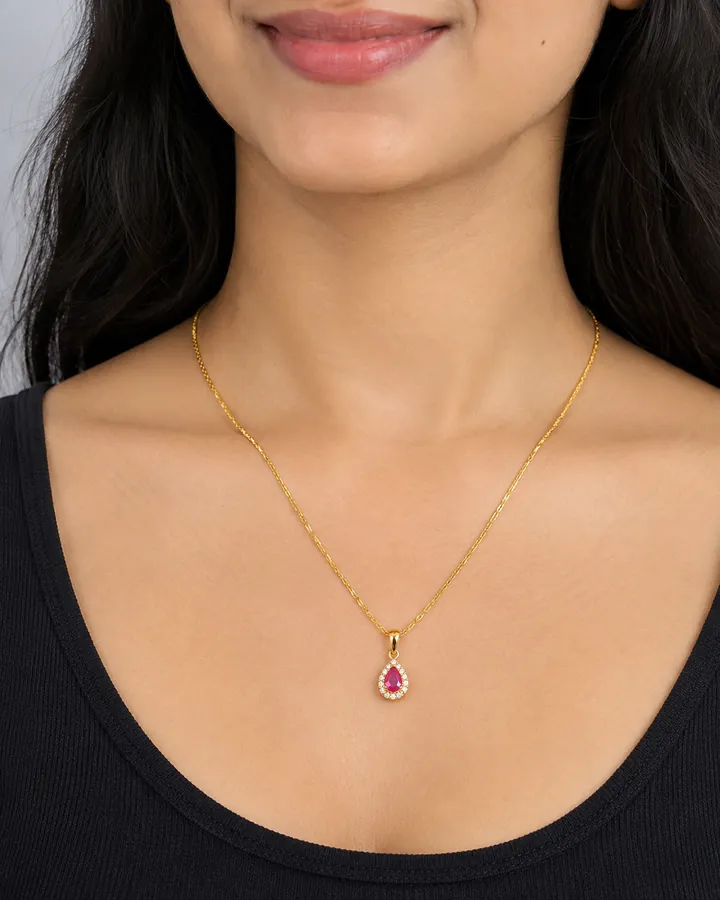
Illustrative example. It shows the kind of before and after this page describes. It is not a CatalogX output.
5 free photos, no card1 credit per HD photo9 jewellery piece typesNo watermark
At a glance
What a jewellery model photoshoot gets you
Input: one clear phone photo of the piece on a plain surface. For a set with separate earrings, add the earrings as a second photo.
Output: the same piece worn by an Indian or international model, framed close enough that stones and metalwork read, in a studio, festive or bridal scene.
Pieces: necklaces and haars, earrings and jhumkas, rings, bangles and kadas, nose pins, maang tikkas, anklets, brooches and full sets.
Size: type the real chain length or earring drop ("45 cm chain", "5 cm drop") and it is turned into where the piece falls on the body.
Cost: 1 credit per HD photo, the same as a garment. About ₹14–20 a photo on monthly plans, from ₹12 on volume plans.
Why it matters
Buyers of jewellery ask about size
Read the questions under any imitation jewellery listing on Meesho or an Instagram post and most of them are the same question: how big is it? How long is the chain? Does the jhumka touch the shoulder? Will the bangle look chunky? A tray photo cannot answer any of these, because a pair of small studs and a heavy chandbali fill the same square in the thumbnail.
A photo of the piece being worn answers them at a glance, which is why bigger jewellery brands shoot every design on a model. For a reseller with 200 designs and a new drop every week, booking a model, a makeup artist and a photographer for each design is not realistic. An AI jewellery model photoshoot closes that gap: one product photo in, one worn photo out, for about the price of a cup of tea.
The catch is that jewellery is the category where small errors are the whole product. A render that turns gold plating copper, drops a stone from a kundan cluster or adds a matching earring you do not sell is not a slightly worse photo of your piece. It is a photo of a different piece. That is what CatalogX is built to avoid.
Jewellery types
Indian jewellery, style by style
There is no fixed list of styles. CatalogX copies the design, metal tone, stone colour, count and setting from your photo, so these all work the same way. What changes is how you photograph them.
Kundan and polki
Foil-backed stones throw back hard light as white glare. Shoot in shade or near a window, not under a bulb, so each stone's colour and its gold surround stay readable on the model.
Temple jewellery
Antique gold finish and dense deity motifs. Fill the frame with the piece and keep it sharp: motifs that are only a few pixels wide in your photo get approximated.
Oxidised silver
The dark recesses are the design. Use soft, neutral light so the blackened areas are not crushed to black, and avoid warm yellow bulbs that tint the silver.
American diamond (AD)
Many small stones in a pattern. Use your phone's full resolution: under 1,600 pixels on the long side, the app warns you that fine stones will be approximated.
Bridal sets
Choose Full Set and every piece is placed: necklace at the throat, earrings at the ears, tikka on the forehead, bangles at the wrist, framed wide enough to hold them all. Bridal outfit styling and palace or wedding-hall backgrounds are available.
Jhumkas and chandbalis
Choose Earrings. Hair is tucked back and the head turns slightly so the full drop, lobe to tip, faces the camera. State the drop length and it lands at the jaw or the shoulder as it should.
Bangles and kadas
Choose Bangle / Cuff. The wrist is raised into the frame and turned toward the lens, so the band reads instead of sliding out of shot.
Maang tikka and nose pins
A tikka gets a frontal head shot with a visible centre parting, so the chain and pendant both show. A nath gets a close three-quarter view from the pierced side.
Before and after
From a flat photo to a worn photo
Illustrative examples. They show the kind of before and after a jewellery model photoshoot produces. They are not CatalogX outputs. Your own first five photos are free, so judge the tool on your own pieces.
Kundan necklace
Jhumka earrings
Gold-tone bangles
Maang tikka
Bridal set
Oxidised silver necklace
Cocktail ring
Pendant and chain
The workflow
Product photo to model photo in five steps
Photograph the piece
Lay it on a plain, non-shiny surface in daylight. Uncoil the chain so its full length shows, fill the frame, and tap to focus on the stones. Take price tags, boxes and display cards out of the shot. For a set, spread every piece out in one photo.
Choose Accessories, then Jewellery
Pick the piece: Necklace, Earrings, Ring, Bangle / Cuff, Nose Pin, Maang Tikka, Anklet / Payal, Brooch or Full Set, or leave it on auto. Each one sets where the piece is worn and how the shot is framed. A plain backdrop around the piece is trimmed automatically so it is framed tighter.
Give the size
Pick Delicate, Everyday, Statement or Bridal, or type the real measurement. For a necklace, 40 cm sits as a choker, 45 cm just below the collarbone and 80 cm at mid-chest. For earrings, a 5 cm drop reaches the jawline. This stops a fine chain being drawn as a statement piece.
Pick the model, outfit and scene
Choose from 129 AI models, Indian and international. By default the model keeps her own outfit; you can switch to Festive / Ethnic, Bridal, Party, Formal, Casual or Plain. The jewellery backgrounds include a palace durbar hall, a bridal suite, a sheesh mahal and a champagne silk studio.
Generate, check and export
Each photo takes about 30 seconds. On every plan, the gold or silver tone in the render is measured against your photo and pulled back if it drifted. On Pro and above an AI reviewer also compares the result with your original. Then export for Meesho, Instagram or any marketplace, free.
Where the photos go
Image rules for jewellery listings in India
The size each free export preset produces, and where an on-model jewellery photo belongs. Marketplaces change their rules, so check the current category guide before a big upload.
The pattern is the same everywhere: a clean shot of the piece leads where the marketplace insists on it, and the worn shot does the selling in the next slot. A Listing Pack resizes every photo for 17 marketplaces and writes a title, bullets and a description. Background removal, marketplace export and the WhatsApp Leaflet card are free on every plan.
Pricing
What a jewellery model photo costs in India
One credit is one HD photo, the same for a jhumka as for a saree. 2K uses 2 credits and 4K uses 4 (Business and above). Unused credits roll over.
Plan
Price
Photos a month
Good for
Free
₹0
5, once, no card
Testing your trickiest piece first
Starter
₹299/mo
15
A reseller adding a few designs a week
Pro
₹849/mo
50
2K output, the AI reviewer, Quality mode, short jewellery videos
Business
₹3,000/mo
200
A weekly drop of new designs, 4K output, API access
Agency
₹10,000/mo
700
Studios shooting for several jewellery brands
Volume
From ₹12 a photo
1,000+
Wholesalers and manufacturers, agreed on a call
Every plan can also be bought once, for a month, without a subscription. A short video of the piece being worn (4, 6 or 8 seconds at 720p) is available from Pro at 2 credits a second. Full plan comparison →
Honest limits
What it won't do
It cannot show what your photo does not. A blurry or tiny photo of a piece with fine stones gives an approximate result, and gemstone colour is copied from your photo rather than corrected afterwards, so a colour cast in your photo can carry through. The size control anchors the piece to the right place on the body; it is not millimetre measurement. There is no human retouch desk. Zoom in on every render before you list it, and regenerate any photo that misses.
Questions
Jewellery model photoshoot FAQ
Yes. Upload one clear photo of the piece, choose Accessories, then Jewellery and the piece type, pick a model and generate. Export to Meesho's 1080 × 1080 size for free. Each HD photo is 1 credit and your first 5 are free, with no card.
Necklaces and haars, earrings and jhumkas, rings, bangles and kadas, nose pins, maang tikkas, anklets, brooches and full sets. Kundan, polki, temple, oxidised, American diamond and bridal styles all work, because the design, stones and metal tone are copied from your photo rather than chosen from a style list.
That is the most common failure, and the reason you can state the real size. Type the chain length or earring drop and it is turned into a body landmark: a 45 cm chain sits just below the collarbone, a 5 cm jhumka reaches the jawline.
Image models tend to push yellow gold toward copper in warm scenes. CatalogX measures the metal colour in your photo and in the render and pulls the render back toward your photo, on every plan. It does the same for silver turning champagne. It corrects colour only, never polish.
Yes. Choose Full Set and every piece in your photo is placed at its own spot, framed wide enough to show all of them. If the earrings were photographed separately, add them as the Matching Earrings photo.
It is instructed not to. Upload a necklace alone and the ears and wrists stay bare, so your listing never shows a matching set you cannot ship. Check each result before listing, as with any AI photo.
1 credit at HD, the same as a garment. That is about ₹14–20 a photo on monthly plans (₹299 for 15 up to ₹10,000 for 700) and from ₹12 on volume plans of 1,000+ photos a month.
Yes, on every plan including free. There is no watermark, so you can use them on Meesho, Flipkart, Amazon, Instagram, WhatsApp and your own website.