See The Results
Same model, same pose — every color
Generate one try-on image, then recolor the garment. Model, pose, background, and lighting stay identical across variants.
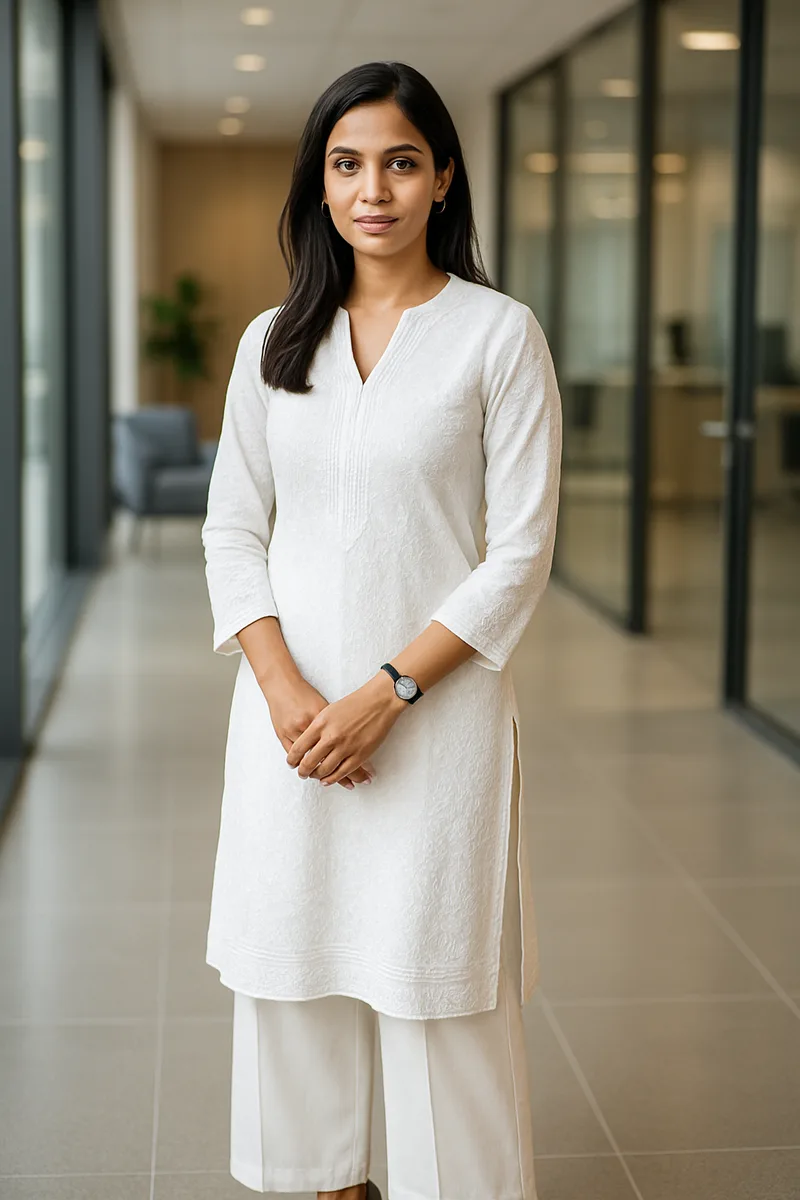
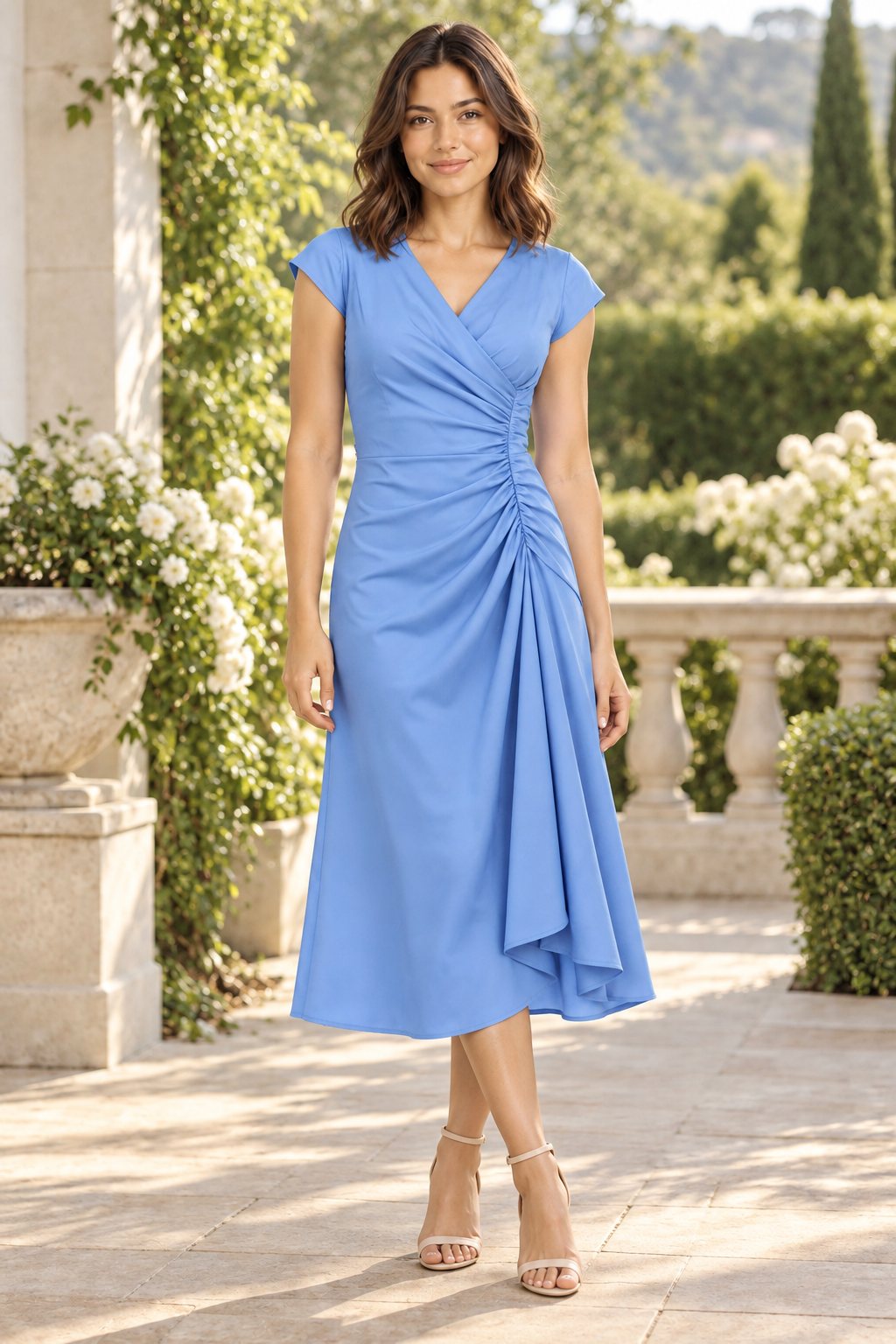
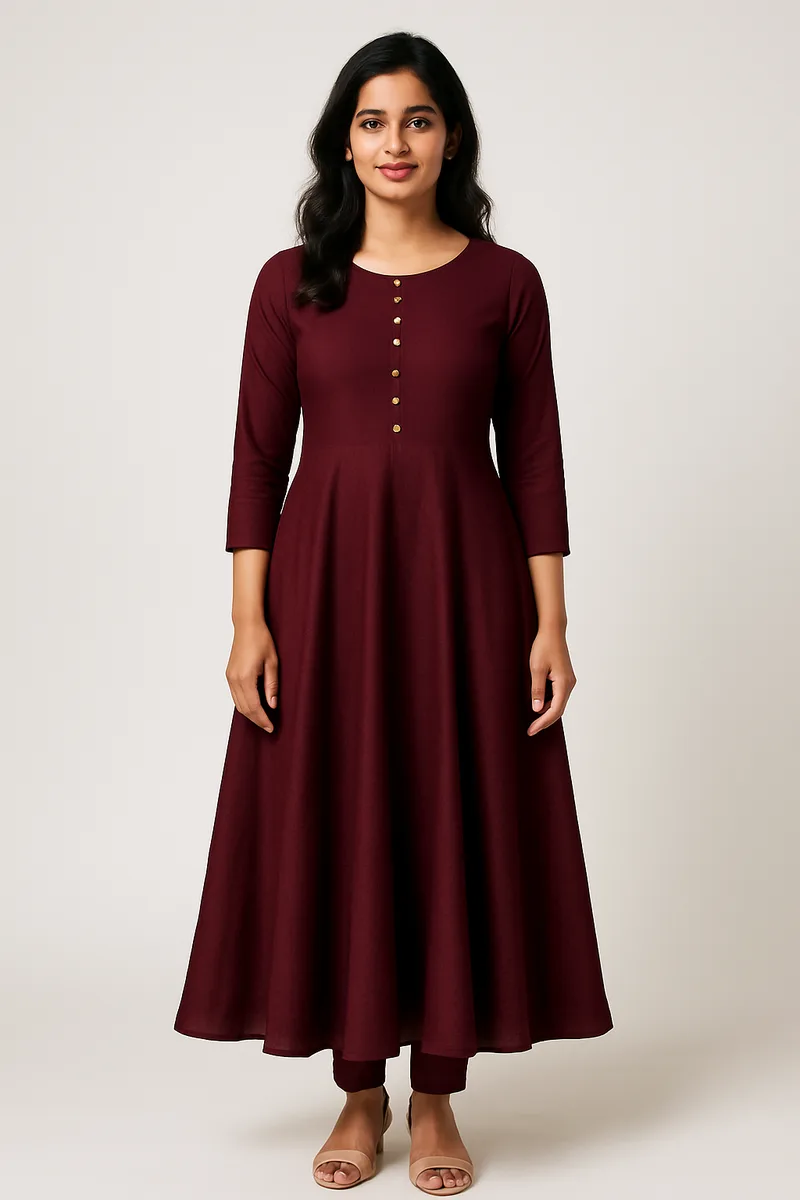
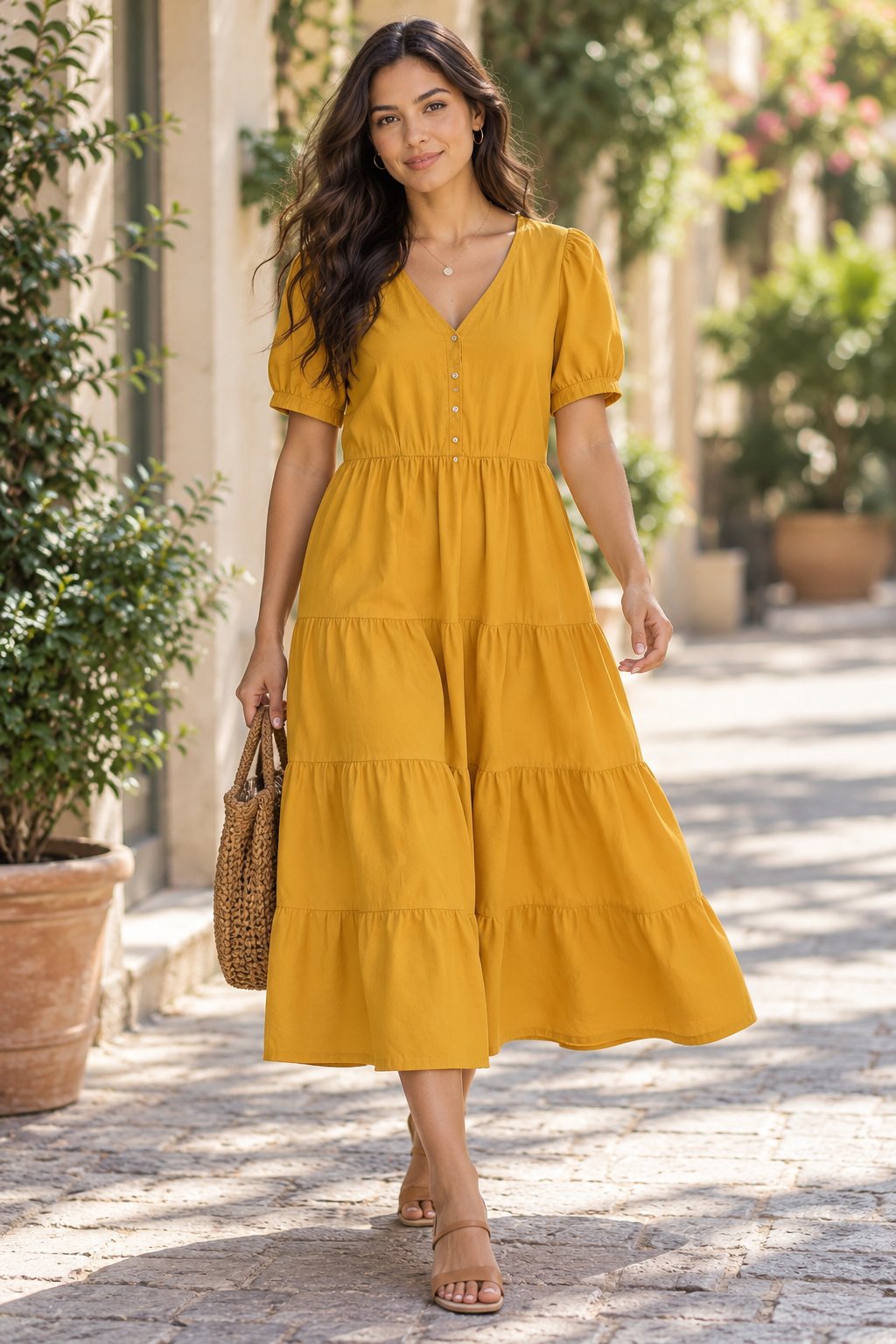
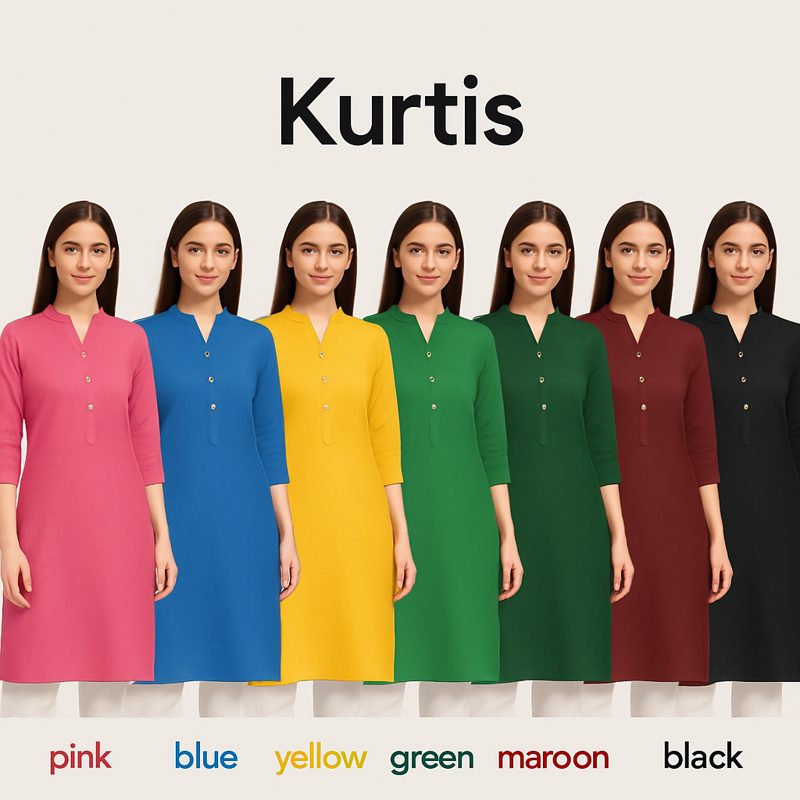
Turn one try-on image into a full color range. Same model, same pose, same background — just the garment color changes. 12 presets plus custom colors.
Generate one try-on image, then recolor the garment. Model, pose, background, and lighting stay identical across variants.
From one try-on image to a complete color range in seconds.
Create a base image with CatalogX's virtual try-on. Any garment, any model, any pose.
Choose from 12 preset colors (black, white, navy, red, pink, green, etc.) or enter any custom color.
AI changes only the garment color while preserving the model, pose, background, lighting, fabric texture, and pattern.
AI-powered recoloring that understands fabric, texture, and light.
Black, white, navy, red, pink, green, brown, beige, maroon, grey, yellow, sky blue — plus any custom color you specify.
AI understands fabric structure. Shadows, highlights, and wrinkles adjust naturally for the new color. No flat color overlays.
Prints, graphics, embroidery, and text on the garment are preserved exactly. Only the base fabric color changes.
Each color variant costs one generation credit. Generate 5 colors of the same design for 5 credits total.
Everything stays identical except the garment color. Perfect for showing customers available color options.
Every variant is a full-quality image ready for marketplace listings. No post-editing needed.
There are 12 preset colors plus unlimited custom colors. Enter any color name or hex code.
Yes. Each color variant consumes one generation credit, same as a standard try-on.
Color variants work on images from your CatalogX generation history. Generate the base image first, then create variants.
Yes. The AI changes only the base fabric color. Prints, graphics, embroidery, and text remain intact.
Enter the closest color name or hex code. The AI will match as closely as possible. For exact Pantone matching, contact our enterprise team.
Turn one garment image into every color your customers want. Same model, same pose, different color.