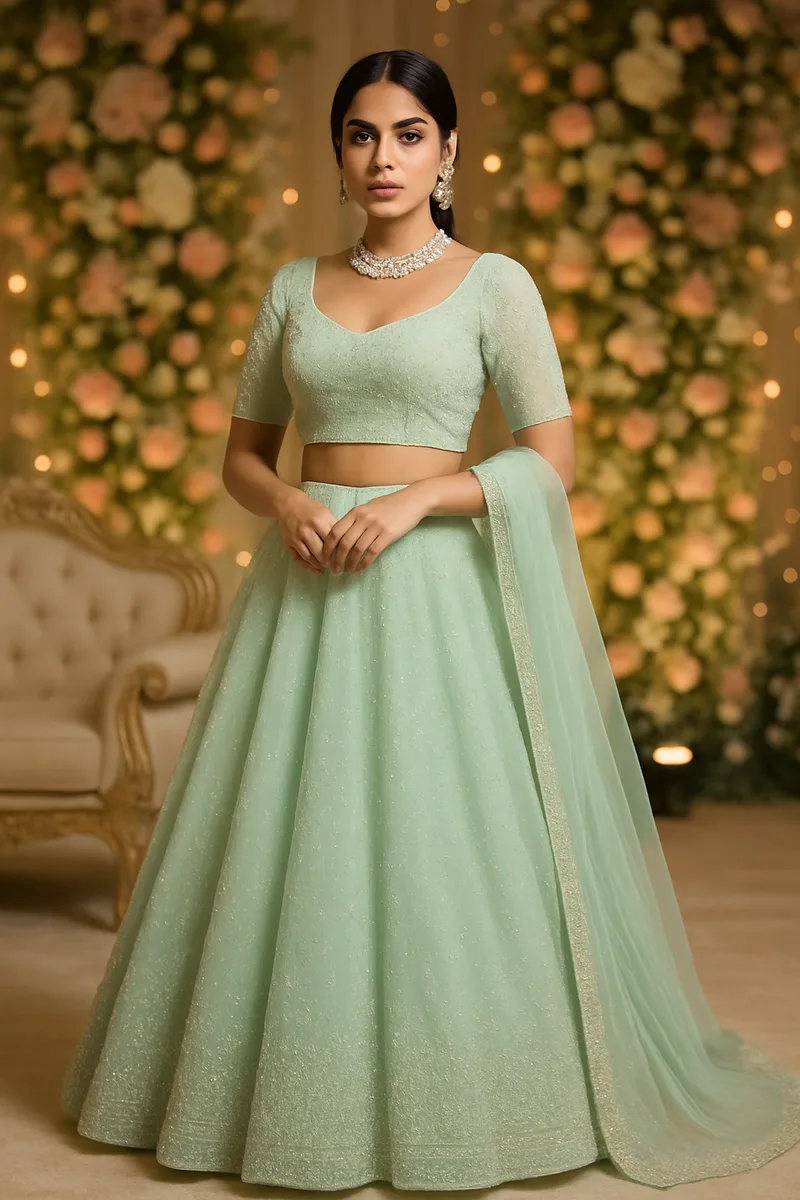
Every AI photography tool sits on top of one or more image models. The question that decides whether your listing looks right is not which model — it is what happens either side of it.
Why one model is not enough
A six-yard saree, a structured blazer and a printed cotton t-shirt are three different physics problems. A saree has to fall in pleats and keep a pallu the right length. A blazer has to hold a shoulder line that does not exist in a flat photo. A printed tee has to keep a graphic readable and undistorted across a curved chest.
Image models are not equally good at all three. One holds fine print and text better; another handles heavy drape and fabric weight better; another is faster and cheaper at the resolutions a marketplace actually needs. Committing the whole product to a single model means every garment you sell inherits that model's particular weakness.
CatalogX runs several models and routes to the one that suits the garment in front of it. You never choose; the routing is part of the product.
The part that is ours
Model choice is the smaller half. Most of what separates a usable listing image from a near-miss happens in the passes we built around the generation:
- The garment is measured before it is generated. Hem length, sleeve length and neckline are read off your flat photo and anchored in inches, so a kurti does not come back as a gown.
- Colour is held by construction, not by hope. Your fabric colour and print are carried through as pixels rather than described in words, because a description of “teal with orange flowers” is exactly how a print drifts.
- Construction is preserved. Side slits, button plackets, borders and dupatta drape are identified in the input and required in the output.
- Every image is reviewed before you see it. A separate pass checks the result against the garment you uploaded and re-runs it if it does not match.
These are the parts tuned specifically for apparel, and specifically for the garments this catalogue actually contains — ethnic wear included, which is where general-purpose tools fail most visibly.
What this means for you
Nothing in your workflow changes. You upload a garment photo, pick a model, a pose and a scene, and generate. There is no engine setting to get wrong, and no garment type that quietly routes to something unsuitable.
It also means the product improves without you doing anything. As models improve, the routing picks them up; as our measurement and review passes get sharper, every garment type benefits at once.
Resolution
Generation is native at HD, 2K and 4K — the pixels are produced at that resolution rather than upscaled afterwards, so there is no interpolation softness in the fabric texture. 2K and 4K cost more credits because they cost more to produce; HD is the default because it is what most marketplace listings need.
Frequently Asked Questions
Do I have to choose an engine?
No. Routing is automatic and based on the garment. There is no setting to configure.
Will my results change from one run to the next?
The same garment, model, pose and scene give you a consistent result. Saving a model, a background or a pose fixes those choices across an entire catalogue.
Are my images used to train anything?
No. Your uploads are not used to train models. See the Privacy Policy for how uploads are handled and how long they are kept.
Does this work for ethnic wear?
That is the case it was built hardest for. Sarees, lehengas, kurtis and dupattas are where drape, hem length and border placement matter most, and where the measurement and review passes earn their keep.