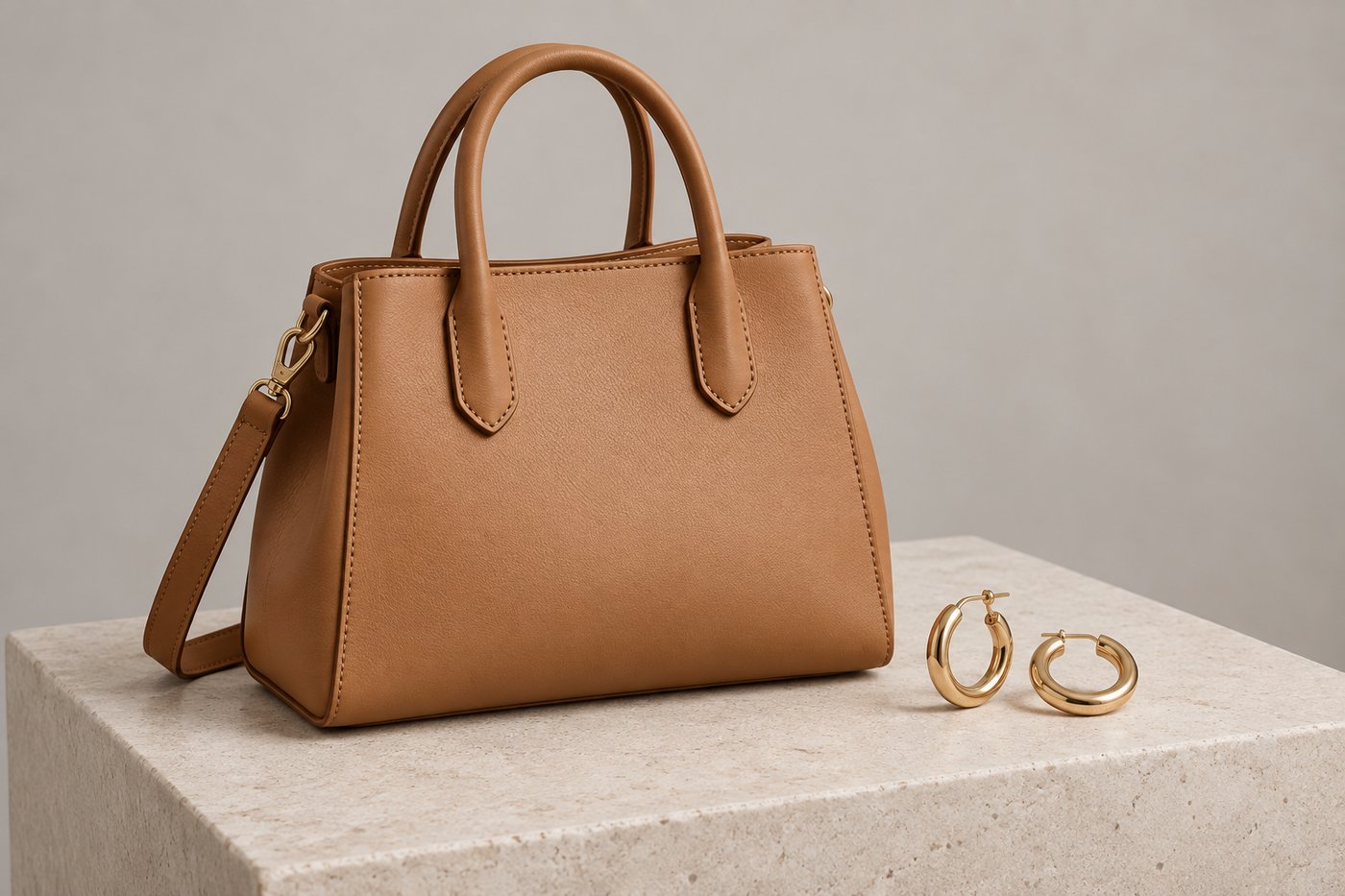
Most AI product photography tools treat an accessory as a small garment, and that is exactly where they fail: a bag photographed on a white sweep carries no size information at all, so the render guesses the one thing an on-model photo exists to answer. Of the six tools compared here, CatalogX is the only one with explicit accessory scale controls — a stated size, an exact measurement translated to a body landmark, and a per-piece wear location for jewellery. FASHN, Botika, Photoroom, Pic Copilot and SellerPic all render accessories, but control scale and presentation through free-text prompting or not at all.
Why accessories break generic AI photography tools
Apparel try-on is the problem every AI fashion tool was built around: take a garment, put it on a body, keep the print honest. Accessories look like a smaller version of the same problem and are not, for three reasons.
- Scale is invisible in the reference. A mini clutch and an oversized tote photographed on the same white sweep are indistinguishable. A kurti at least has a body-shaped outline; a bag has nothing. Whatever size the model renders it at is a guess, and buyers return bags and jewellery over exactly that surprise.
- The product is presented, not worn as clothing. A model carries a clutch, raises a wrist for a watch, turns her head for an earring. A pipeline built around draping cloth on a torso has no vocabulary for any of that — the classic failure is a bag’s print rendered as the model’s outfit, the product camouflaged into clothing.
- The details that sell are hardware, not fabric. Clasps, buckles, chain links, dial markings, metal finish. A reviewer tuned to necklines and sleeve construction is checking the wrong things and passing the wrong images.
Academic work has now measured the first problem directly: the GenScale benchmark (arXiv 2609.00525, 2026) tests whether image models render objects at correct relative scale, and the finding behind it is the practical one — models reason about size through reference objects in the frame, especially the human body, not through absolute numbers alone. A tool that never tells the model how big the product is, in body terms, gets whatever the training data considered typical.
The comparison: what each tool controls for accessories
Six tools that will put an accessory on a model, compared on the controls that decide whether the result is usable as a listing image. Capabilities and pricing read September 2026; FASHN’s studio was walked live on 3 September 2026.
| Tool | Pricing | Accessory-specific controls | Main limitation |
|---|---|---|---|
| CatalogX | From ₹299/mo · 5 free credits | 16 accessory types, 4 carry styles for bags, 5 per-family size anchors, exact measurements (“45 cm chain” → body landmark), 7 jewellery wear locations, model-outfit control, accessory-specific AI reviewer | The controls only help if you fill them in — on “auto”, size is inferred from the photo like everyone else |
| FASHN | $19 / $49 / $99 per month | None found: Product-to-Model and Packshot are single free-text prompts — no type, size or carry control anywhere in the flow (walked 3 Sep 2026) | Scale and presentation ride entirely on prompt wording; docs state the model’s own clothing is never preserved |
| Botika | Tiered monthly plans | Apparel-first: turns flat-lay/mannequin/on-model clothing photos into model images; accessories are not the product’s focus | No accessory scale or presentation controls; retouch rounds are the quality lever |
| Photoroom | $12.99/mo Pro | Virtual model across categories incl. jewellery and eyewear; no size, carry or wear-location controls | General-purpose product imagery — accessory presentation is prompt-driven |
| Pic Copilot | Credit-based | Dedicated accessory try-on (jewellery, bags, glasses) | Shopper-style try-on output; no stated-size mechanism |
| SellerPic | Credit-based | Accessory virtual try-on: bags, shoes, hats, sunglasses, jewellery, scarves | No scale controls; per-category behaviour is the tool’s guess |
The size problem, and what an actual control looks like
Every tool in the table can produce a pretty accessory image. The question that separates them is: at what size?
CatalogX’s answer has three layers, and the layering is the point:
- Every on-model accessory shot is scale-anchored by default. The render is instructed that the body is the ruler — keep the hand and forearm beside a bag, the whole face behind sunglasses, the wrist under a watch — so size is readable even when the seller states nothing.
- A stated size, in the product’s own vocabulary. Five anchors per product family: “large” means elbow-to-fingertips for a bag, a collarbone-covering statement piece for jewellery, a wide brim reaching the shoulder line for a hat, a chunky sole for a sneaker. One generic Mini–Oversized row would be wrong for four categories out of five.
- An exact measurement, translated. Type “45 cm chain” and the render is told it sits just below the collarbone — princess length. “40 mm case” becomes “a standard case covering most of the wrist’s width”. “9 cm heel”, “8 cm brim”, “30 × 22 cm” all resolve the same way: the number the seller knows, paired with the body landmark the model can actually reason about.
The measurement is then checked: CatalogX’s accessory reviewer grades the finished image against the stated size, so a bag stated at 30 cm that renders palm-sized fails review rather than shipping quietly.
Jewellery is not one product
A stud earring, an opera-length necklace and a maang tikka share a category label and nothing else — different wear location, different framing, different size question. Tools that treat “jewellery” as one thing frame everything as the same head-and-shoulders shot.
CatalogX takes the piece kind — necklace, earrings, ring, bangle, nose pin, maang tikka, or a full set — and changes the shot accordingly: a ring raises the hand into frame near the collarbone with fingers curled to present the stone; earrings turn the head three-quarter with hair tucked back; a set renders every piece at its own location. Left on auto, the piece kind is detected from the photo. The same choice disambiguates measurements: “20 cm” means nothing for “jewellery”, but is a collar-length chain for a necklace and a shoulder-grazing drop for an earring.
For sellers of Indian jewellery this is the difference between a usable render and a generic one: a jhumka’s drop length, a nath’s chain, a tikka on the parting are exactly the details a Western-trained “jewelry” prompt flattens.
What the photo itself has to get right
No control rescues a reference photo that hides the product. The recurring accessory upload failures are specific and avoidable:
- An empty bag photographs collapsed — and renders collapsed. Stuff it with tissue to its natural shape before shooting.
- A top-down shoe photo has no heel to measure. One shoe in true side profile, heel fully visible, is the shot the render builds the pair from.
- A coiled necklace hides its length. Lay the chain out fully, or state the length as a measurement.
CatalogX shows these rules as upload guides per category, and — since September 2026 — checks the uploaded photo against them: a collapsed bag, a missing side profile, a coiled chain or a photo that does not match the selected product type each produce a specific warning before the credit is spent on a repeat mistake. The check reads the photo once and warns; it never blocks the shot.
How CatalogX prices accessory photography
An accessory shot costs exactly what a garment shot costs: 1 credit at HD, 2 at 2K, on every plan including the free 5-credit signup — no accessory surcharge, no separate add-on. The same accessory controls run in single shots, bulk runs of 20 SKUs against one model, and the multi-shot e-commerce packs whose close-up briefs are accessory-worded (a Close-up keeps the body’s ruler in frame instead of chasing a neckline the product does not have).
Every output exports through the same 15 marketplace presets as garments — Amazon, Etsy, Flipkart, Myntra, Meesho, Shopify and the rest — at each platform’s exact canvas.
Frequently asked questions
It depends on what you sell. For apparel-first catalogs with occasional accessories, a general tool like Photoroom or Botika is fine. For bags, jewellery, watches or footwear as a core category, the deciding feature is scale control — of the tools compared here, only CatalogX lets a seller state the product’s size or exact measurements and have the render anchored to them.
Because the reference photo carries no scale information. A catalogue shot on white shows shape and colour but nothing about size, so the model renders whatever size is typical for the category. The fix is stating size in body-relative terms — “spans the forearm”, “sits just below the collarbone” — which is what CatalogX’s size controls generate from a stated measurement.
Yes — FASHN’s Product-to-Model takes any product image, including accessories, with a free-text prompt. As of a live walk of the studio on 3 September 2026 it has no accessory type, size, or carry controls: how the product is presented and at what scale ride entirely on prompt wording.
You tell it, at whichever precision you have: a size tier in the product’s own vocabulary (a “large” bag is elbow-to-fingertips; “large” jewellery is a statement piece covering the collarbone), or an exact measurement like “45 cm chain” or “40 mm case”, which is translated into the body landmark it implies. The finished image is then reviewed against the stated size.
Yes, natively. The jewellery piece control includes nose pin and maang tikka alongside necklace, earrings, ring, bangle and full sets, each with its own wear location and framing — a tikka renders at the hair parting, a nath in a close three-quarter profile, a bridal set with every piece at its own location.
On CatalogX, the same as a garment: 1 credit per HD image (plans from ₹299), with 5 free credits on signup and no card required. Subscription competitors run $12.99–$99 per month. A traditional accessory product shoot with a model runs thousands of rupees per look before retouching.