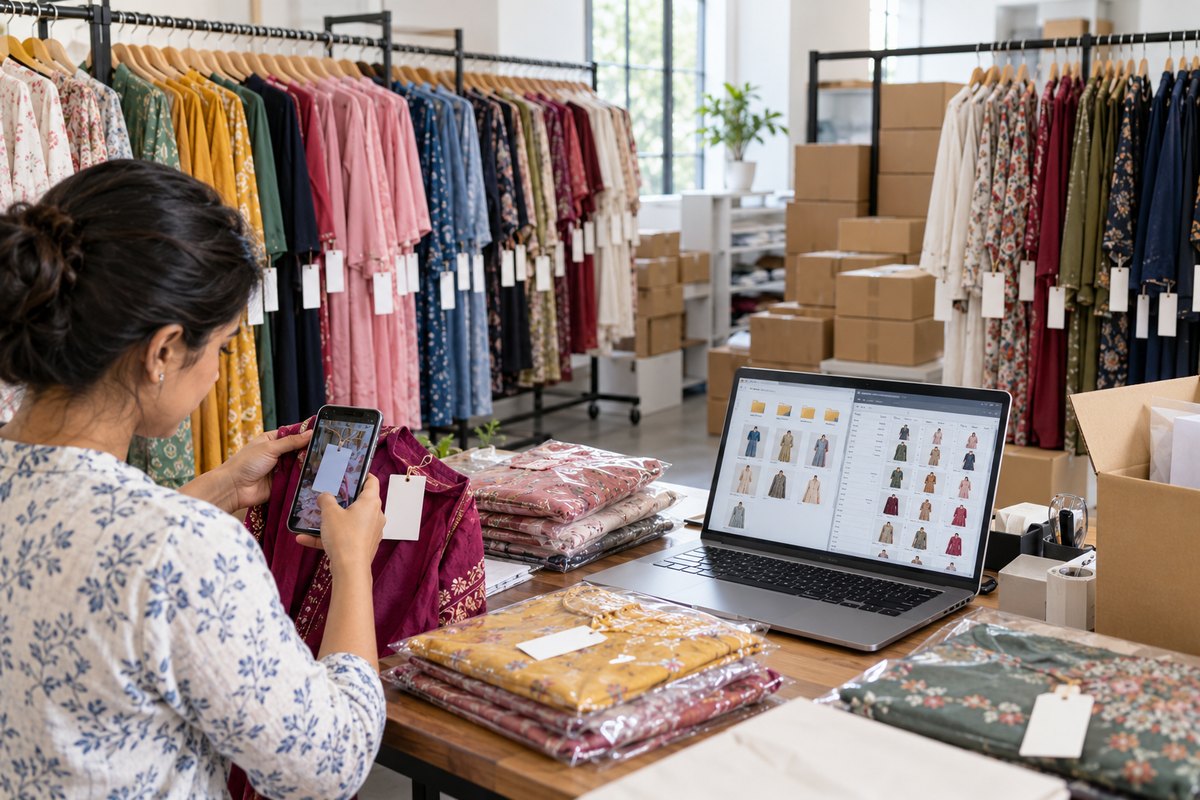
Here is what we found when we verified the whole competitive field in September 2026: not one AI fashion tool ships a catalog workflow. No SKU mapping, no export manifest, anywhere. FASHN has no batch interface at all — its own documentation tells catalog users to process garments one by one. The tools compete on image quality and simply assume you'll sort out the other hundred SKUs yourself.
Your filenames are your SKUs
Upload RK-RM-026.jpg to a bulk run and the output comes back named RK-RM-026-model.jpg — not generated-17.jpg. The source filename is captured at upload, stored with the generation, and used to name the download. A 20-SKU batch comes back already matched to your catalog spreadsheet, no manual re-mapping.
manifest.csv: the ZIP your tooling can read
Every ZIP export — bulk results and gallery/project exports alike — includes a manifest.csv: source file, output file, tool and quality mode, generation id, timestamp. Your PIM or spreadsheet joins outputs back to SKUs mechanically. Duplicate SKUs are suffixed rather than silently overwritten.
Projects: named buckets, free on every plan
Generations file into named projects — a drop, a season, a client — and the gallery filters by them. Deliberate decisions worth knowing:
- Free, ungated. Filing work you already paid to create shouldn't cost extra; credits stay the only meter.
- Archiving never deletes. Archived projects keep their contents; unarchive and the grouping returns intact.
- Agencies: one project per client pairs naturally with a per-client saved model and background.
Honest limits
Bulk runs currently cap at 20 garments per run — a 200-SKU catalog is ten runs, not one. Batch review by exception (approve the batch, inspect only flagged shots) is where this workflow is heading. We'd rather tell you the real ceiling than round it up.