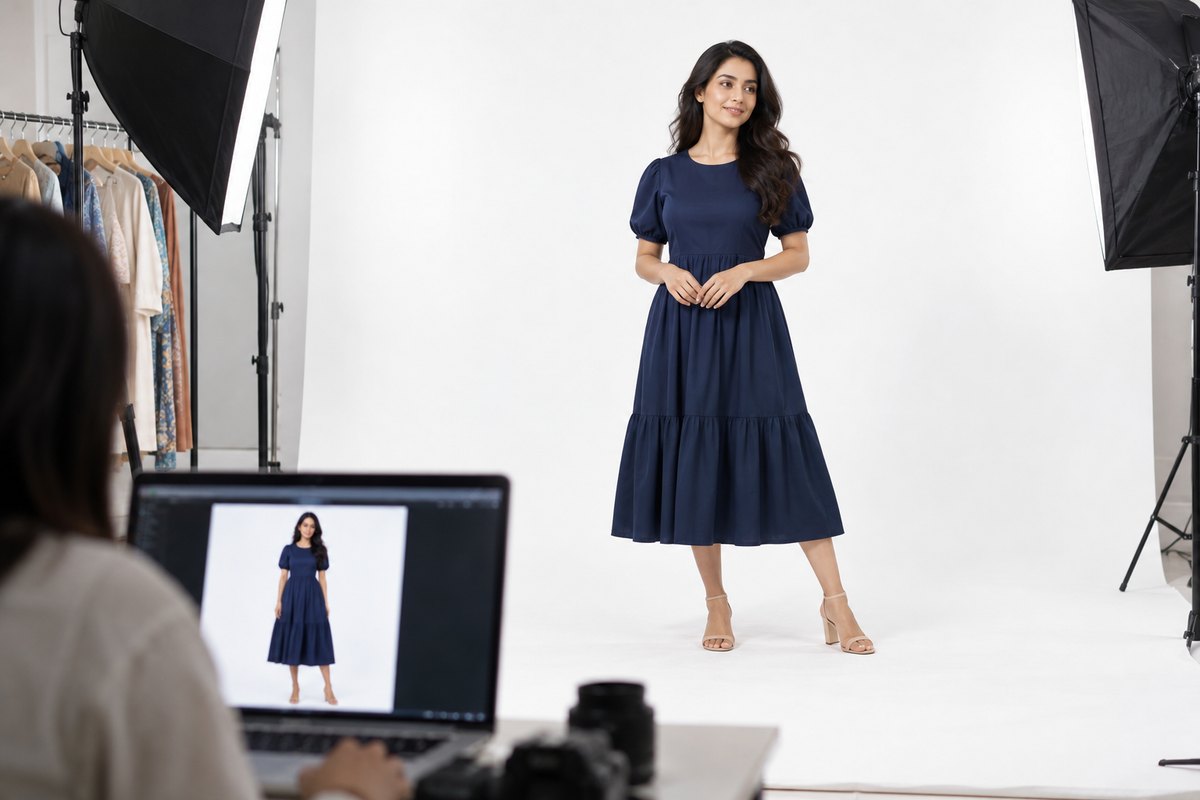
If you sell clothing on Amazon US, your images are not a style choice — they are a compliance surface. Amazon enforces its apparel image standards automatically, and a listing whose MAIN image breaks the rules can be suppressed from search until you fix it. No warning email you'll read in time, no partial credit: the listing simply stops appearing.
The rules themselves are not complicated, but they are scattered across style guides and seller help pages, and one of them surprises almost everyone coming from Etsy, Poshmark or their own Shopify store. Let's start with that one.
The Standing-Model Rule
For adult clothing, Amazon US requires the MAIN image — the first image, the one shown in search results — to show the garment worn by a standing human model. Not folded. Not on a hanger. Not on a mannequin. Not artfully arranged on a table. A real, visible person, standing, wearing the product.
There is one carve-out: kids' and baby clothing may use a flat-lay MAIN image. Everything sized for adults — men's, women's, unisex — falls under the standing-model requirement.
This is the rule that stalls new apparel sellers. Sourcing product is solved, listing copy is solved — and then every SKU suddenly needs a person to wear it on camera. We will get to the modern answer to that below; first, the rest of the spec, because the standing model alone is not enough.
The Rest of the MAIN Image Spec
Pure white background — RGB 255, 255, 255
The MAIN image background must be pure white. Not off-white, not light gray, not a subtle studio gradient — pixel value 255/255/255. Amazon checks this programmatically, so a background that looks white to your eye but photographs at 250/250/248 can still trip the filter. Lifestyle backgrounds belong in the secondary slots, never the MAIN.
The product fills roughly 85% of the frame
The garment (on its model) should occupy about 85% of the image frame. Too much empty white space around the product reads as a violation; so does cropping the garment at the edges. Frame the model so the full garment is visible with modest margins.
1600px or larger on the longest side
Images need at least 1600px on the longest side to enable Amazon's zoom feature — and zoom measurably helps conversion on apparel, where buyers inspect fabric and stitching. In practice, aim for 2000px+ so the image survives any recompression with zoom intact.
Nothing on the image but the product
The MAIN image must not contain:
- Mannequins — visible mannequins are prohibited on apparel MAIN images (and for adult clothing, a mannequin would fail the standing-model rule anyway)
- Hangers, clips, tags or packaging
- Props — furniture, plants, accessories that are not part of the product
- Text, logos, watermarks, badges or graphic overlays — including your own brand watermark and "sale" stickers
- Multiple views or collages — one product, one angle
Secondary Images: Where the Rules Relax
Everything strict above applies to the MAIN image slot. The remaining slots are where you actually sell: lifestyle scenes, back views, fabric close-ups, size charts, styling shots and model poses beyond standing are all allowed there. A strong apparel gallery typically runs: compliant MAIN → back view → detail close-up → lifestyle shot → fit/size reference.
The practical implication: you need one perfectly compliant standing-model shot per listing, then creative freedom for the rest. For the full slot-by-slot breakdown, see our Amazon image requirements guide for clothing sellers.
What Actually Gets Apparel Listings Suppressed
From most to least common, the image issues that take clothing listings out of search:
- Non-white MAIN background. The number-one trigger, often from supplier photos shot on gray seamless or lifestyle sets.
- Flat-lay or folded MAIN on adult apparel. Perfectly normal on Etsy; a violation on Amazon.
- Mannequin or hanger in the MAIN image. Including "invisible" mannequins where a stand or neck insert is still visible.
- Text and watermarks. Supplier catalog images with embedded logos are a frequent import mistake.
- Low resolution. Under-1000px images may upload fine but hurt ranking and can be flagged; under the zoom threshold you also lose the zoom feature.
- Frame-fill violations. A tiny garment floating in white space, or a crop that amputates sleeves or hem.
A suppressed listing is recoverable — replace the offending image and the listing returns after review — but every suppressed day is lost sales and lost ranking momentum. Getting the MAIN image right before you publish is far cheaper than fixing it after.
The Compliance Checklist
| Requirement | MAIN image (adult apparel) | Secondary images |
|---|---|---|
| Model | Standing human model required | Any pose, or no model |
| Kids/baby apparel | Flat lay acceptable | Any |
| Background | Pure white (RGB 255,255,255) | Lifestyle scenes allowed |
| Frame fill | Product ~85% of frame | Flexible |
| Resolution | 1600px+ longest side (2000px recommended) | Same target for zoom |
| Mannequins / hangers | Not allowed | Discouraged; model or flat preferred |
| Text / watermarks / props | Not allowed | Size charts and infographics allowed |
How to Comply Without a Photoshoot
Read the checklist again and notice what it is really asking for: a specific image format. Standing model, white background, 85% frame fill, 2000px. It does not ask how the photograph was produced — and that is where the economics change.
The traditional route is a studio session: in the US, that runs $300+ per session, or $50–150 per finished image once model, photographer and retouching are counted. For a catalog of 40 SKUs, MAIN-image compliance alone becomes a four-figure recurring cost — we broke down the full math in our AI vs studio cost comparison for US sellers.
The alternative: AI virtual try-on takes the flat or ghost-mannequin photo you already have from your supplier and generates a photorealistic image of the garment worn by a standing model on a clean white background — the exact format the MAIN image slot demands. With CatalogX that takes about 30 seconds per garment, with 40+ models to choose from and output resolution that clears the zoom threshold. If your source photos are ghost-mannequin shots, the ghost mannequin to model converter handles that conversion directly.
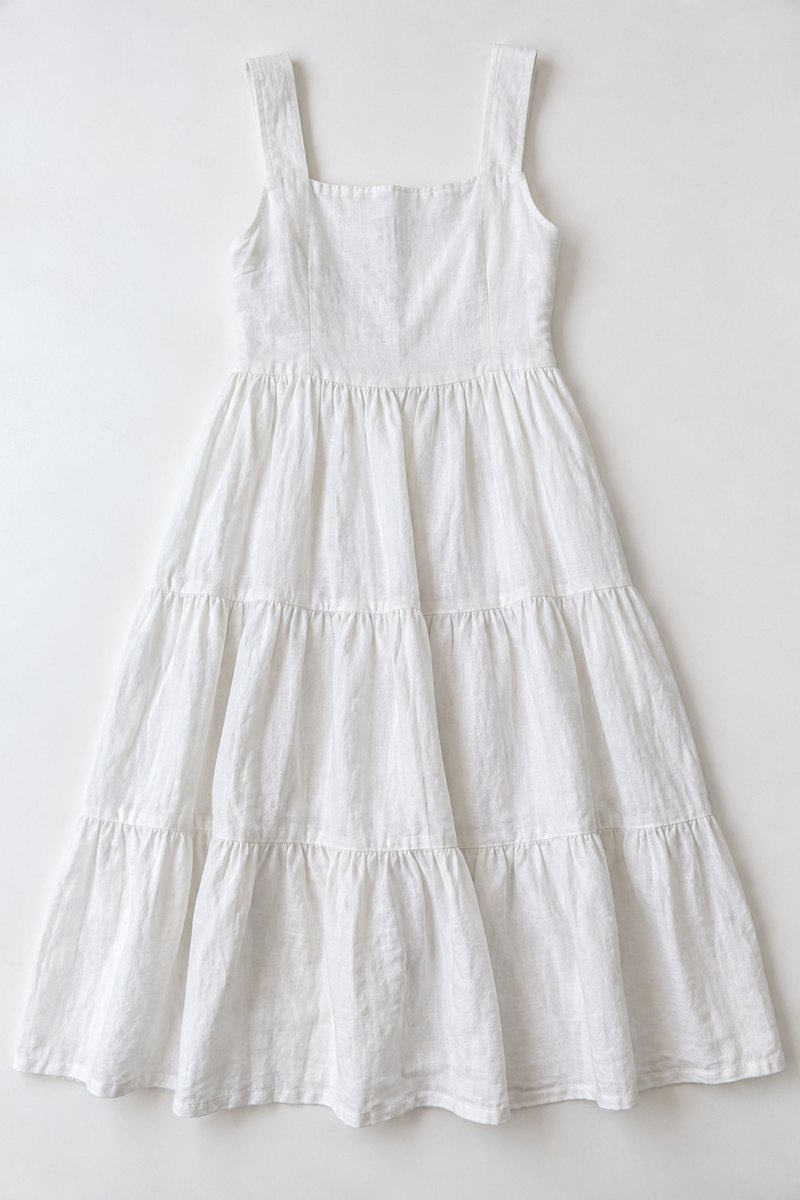
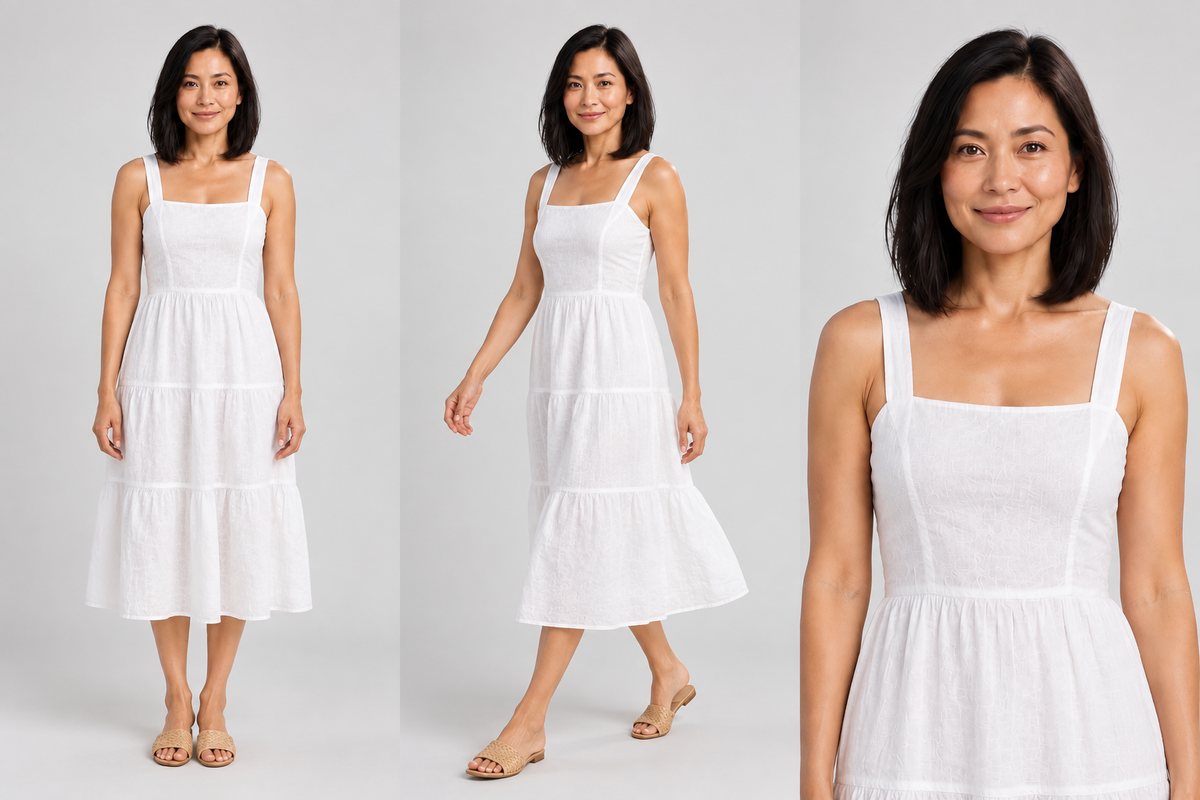
One honesty note, because it matters for compliance: the format is Amazon's rule; the accuracy is your responsibility. However an image is produced — studio, home setup or AI — it must truthfully show the exact product the buyer receives. That is precisely why garment fidelity is the metric that matters in an AI tool: the print, the neckline, the hem length and the color in the generated photo must be the real garment's, not an idealized reinterpretation. A beautiful image of a slightly different garment is a returns problem and a policy problem.
Standing model, white background, zoom-ready resolution, in about 30 seconds. 5 free credits, no card needed.
Make my MAIN image compliant →
A Note for Ethnic-Wear Sellers: Yes, This Applies to Kurtis and Sarees
This section exists because of a pattern we see constantly among diaspora sellers expanding from Etsy to Amazon: the assumption that ethnic wear is somehow its own category with its own rules. It is not. Amazon US classifies kurtis, sarees, lehengas, kurta sets and salwar suits as adult apparel — which means the standing-model MAIN image rule applies to every one of them.
On Etsy, a beautifully folded Banarasi saree showing the pallu and border is a perfectly good lead photo. Move that listing to Amazon unchanged and it is non-compliant on day one: flat lay on an adult garment. The same goes for the mannequin-draped saree shots most Indian suppliers provide — a visible mannequin fails twice over.
Ethnic wear also raises the difficulty of the fix. Finding a US-based model who can drape a saree correctly is genuinely hard outside a few metro areas, and a Western-trained photographer will not catch a pallu falling the wrong way. This is the specific gap CatalogX was built for: saree pleat and pallu direction, border continuity, lehenga flare and hem-length accuracy are handled as first-class garment constructions, not approximated as "dress." See saree model photos for US sellers for how that works on the hardest garment of them all, and our international home for the full US/UK seller toolkit.
The upside runs the other way too: because so many ethnic-wear listings on Amazon still lead with folded or mannequin shots, a compliant standing-model MAIN image doesn't just keep your listing live — it makes it the best-looking result on the page.
The Short Version
- Adult clothing MAIN image: standing human model, no exceptions (kids/baby: flat lay is fine).
- Pure white background (255,255,255), product at ~85% of frame, 1600px+ longest side — 2000px+ if you want zoom, and you want zoom.
- No mannequins, hangers, props, text or watermarks on the MAIN image.
- Secondary slots are free territory: lifestyle, details, size charts.
- The rules define a format, not a production method — AI on-model photos of your real garment can meet the format; you remain responsible for the image accurately showing what you ship.