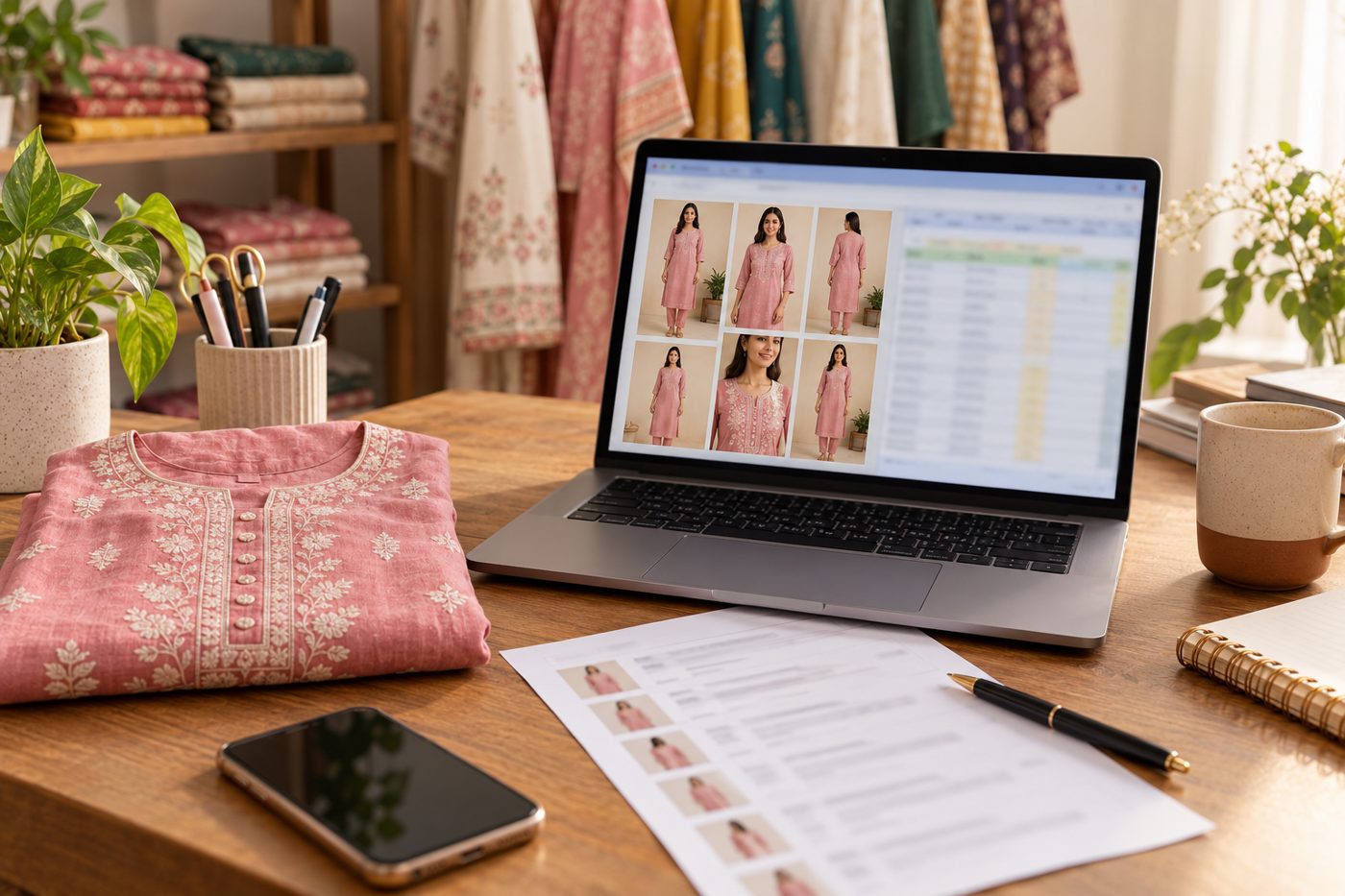
CatalogX connects to your Shopify store, brings a product's photo in as the garment, and adds the finished on-model photos to that same product's images. You connect once from the CatalogX sidebar, approve on Shopify, then publish from the Shopify panel or straight from your Gallery with Send to Shopify. CatalogX can only read your products and add images to them. Connecting and publishing are free; each model photo costs from $0.15–0.33 (₹12–20 in India), and the first 5 are free.
How it works, step by step
- Connect your store. In CatalogX, open Shopify under Marketplace Listings, enter your
your-store.myshopify.comaddress and approve on Shopify's screen. - Pick a product. Your products appear with their photos. Search by name, then tap the photo you want on a model — a new shoot opens with it as the garment.
- Generate. Choose a model, pose and background as usual. CatalogX checks the photo first (folded, cut off, too dark, other items in frame), and on Pro and above an AI reviewer compares the result with your original photo.
- Publish back. Tap Publish images to this product and choose the image — or, from your Gallery, open any image and tap Send to Shopify. It is added to the product's media with the product title as alt text.
Step-by-step help, including troubleshooting: Shopify help article.
What CatalogX does — and does not do — in your store
| CatalogX | |
|---|---|
| Read your products and their photos | Yes |
| Add images to a product | Yes, appended to the product's media |
| Change titles, descriptions, prices or inventory | No |
| See orders, customers or payments | No |
| Cost to connect and publish | Free |
| Cost per model photo | From $0.15–0.33 (₹12–20), 5 free |
Need written copy too? A Listing Pack gives you Shopify-sized images and a Listing copy sheet with a title, bullets and description per product, which you paste into Shopify yourself.
Why connect instead of downloading
- No round trip. The product's own photo comes in, and the result goes back to the same product — nothing saved to a laptop in between.
- The right photo on the right product. You choose the product in the picker, so a shot never lands on the wrong listing.
- Every image, any time. Anything in your Gallery can be sent later, so a re-shoot or a colour variant reaches the product in two taps.
Frequently asked questions
CatalogX connects to Shopify directly from catalogx.app: open Shopify in the sidebar, enter your store address and approve. It is not listed on the Shopify App Store yet.
Read products and write products — enough to list your products and add images to them. CatalogX does not change titles, prices or inventory, and never sees orders or customers.
No. Images only. The Listing Pack writes a title, bullets and description per product for you to paste into Shopify.
Yes. Each store you connect is listed in the Shopify panel, and you choose the store when you send an image.
Tap Disconnect next to the store in CatalogX's Shopify panel, or uninstall CatalogX from your Shopify admin.