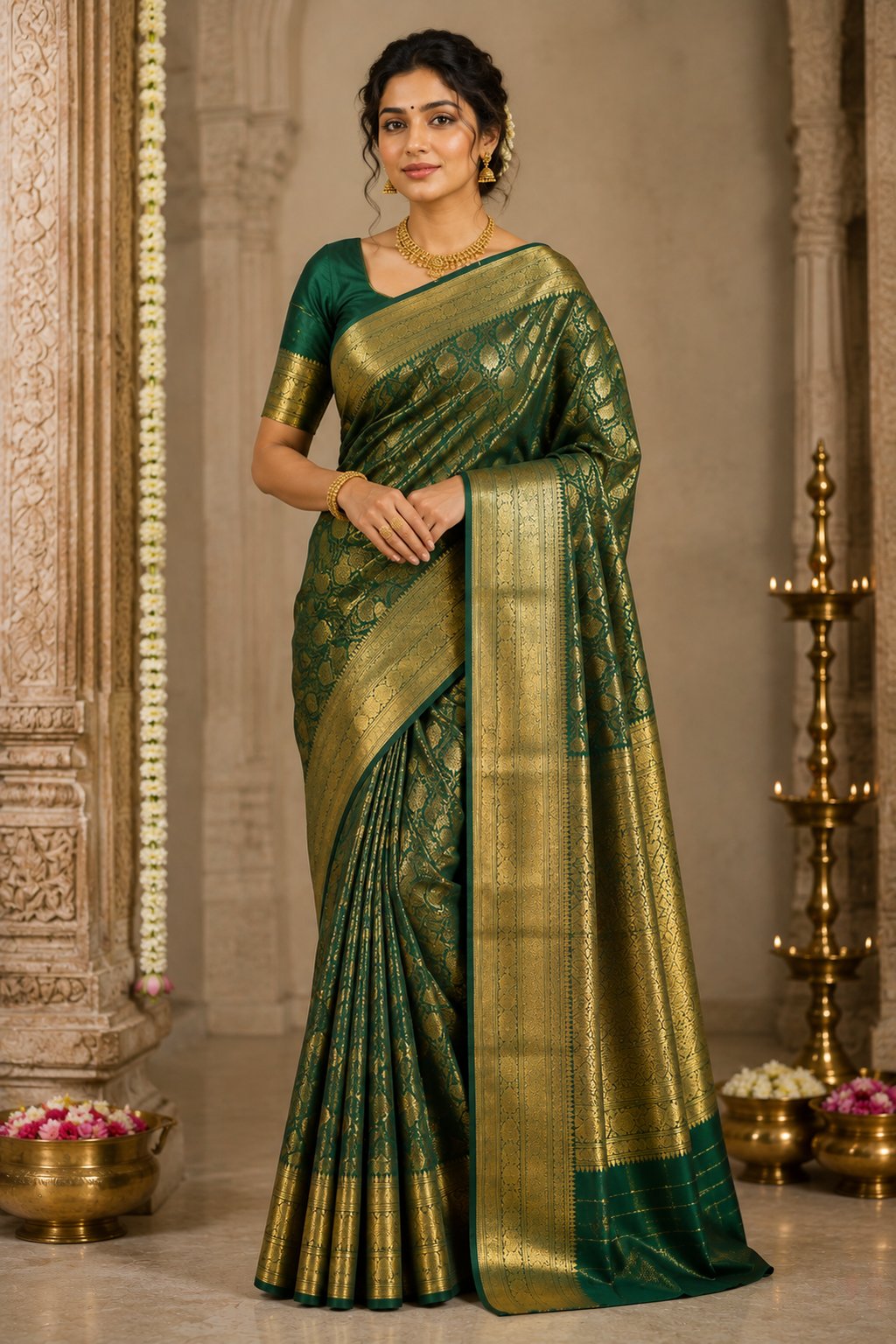
Sarees and kurtas are among the most challenging garments to photograph for e-commerce. The draping, the fall of the fabric, the way a pallu sits — these details make or break a purchase decision. But hiring models for every catalog update isn't practical for most Indian ethnic wear sellers.
Here are proven techniques to get professional-looking product images without a model, along with a look at how AI is solving this problem entirely.
Method 1: Mannequin Photography
Mannequin (or ghost mannequin) photography is the most common model-free approach for structured garments like kurtis, shirts, and blouses.
- Equipment: A torso mannequin (₹2,000-5,000), white backdrop, and two softbox lights are all you need to get started.
- Technique: Dress the mannequin, pin for fit, shoot front and back, then edit out the mannequin in post-production to create a "ghost" effect.
- Best for: Kurtis, shirts, blouses, jackets — garments with structure that hold their shape on a form.
- Limitation: Doesn't work well for sarees (need draping), doesn't show how garments move, and looks "floating" which some buyers find off-putting.
Method 2: Flat-Lay Styling for Sarees
For sarees, flat-lay photography can showcase the fabric, border, and pallu design effectively when done right.
- Fabric surface: Use a clean white or off-white fabric surface — not a hard table. A soft surface lets the saree's texture come through.
- Pleating: Create neat pleats to show how the saree will look when worn. Show the pallu design prominently — it's the first thing buyers look at.
- Detail shots: Always include close-ups of the border, motif, zari work, and blouse piece if included.
- Angles: Shoot from directly above for the full layout, and at a slight angle for texture and depth.
Method 3: Hanger and Clip Photography
Simple but effective for quick catalog shots:
- Use a wooden hanger (not plastic — it looks cheap) against a clean backdrop.
- Pin or clip the garment to show its natural fall and length.
- This works well for kurtas, dupattas, and scarves where you want to show the full length and design.
- Limitation: Doesn't show fit, draping, or how the garment looks when worn.
Upload your garment and get a studio-quality AI mockup in 30 seconds. 5 free credits, no card needed.
Try Free Now →
Method 4: DIY Self-Photography
Some sellers photograph garments on themselves using a tripod and timer. This is low-cost but comes with significant trade-offs:
- Inconsistent quality — lighting, background, and angles vary between sessions.
- May not match your target customer's body type or aesthetic expectations.
- Difficult to achieve professional framing and composition alone.
- Can work for small operations where authenticity and personal touch matter (boutique stores, Instagram sellers).
Method 5: AI Virtual Try-On (The Modern Approach)
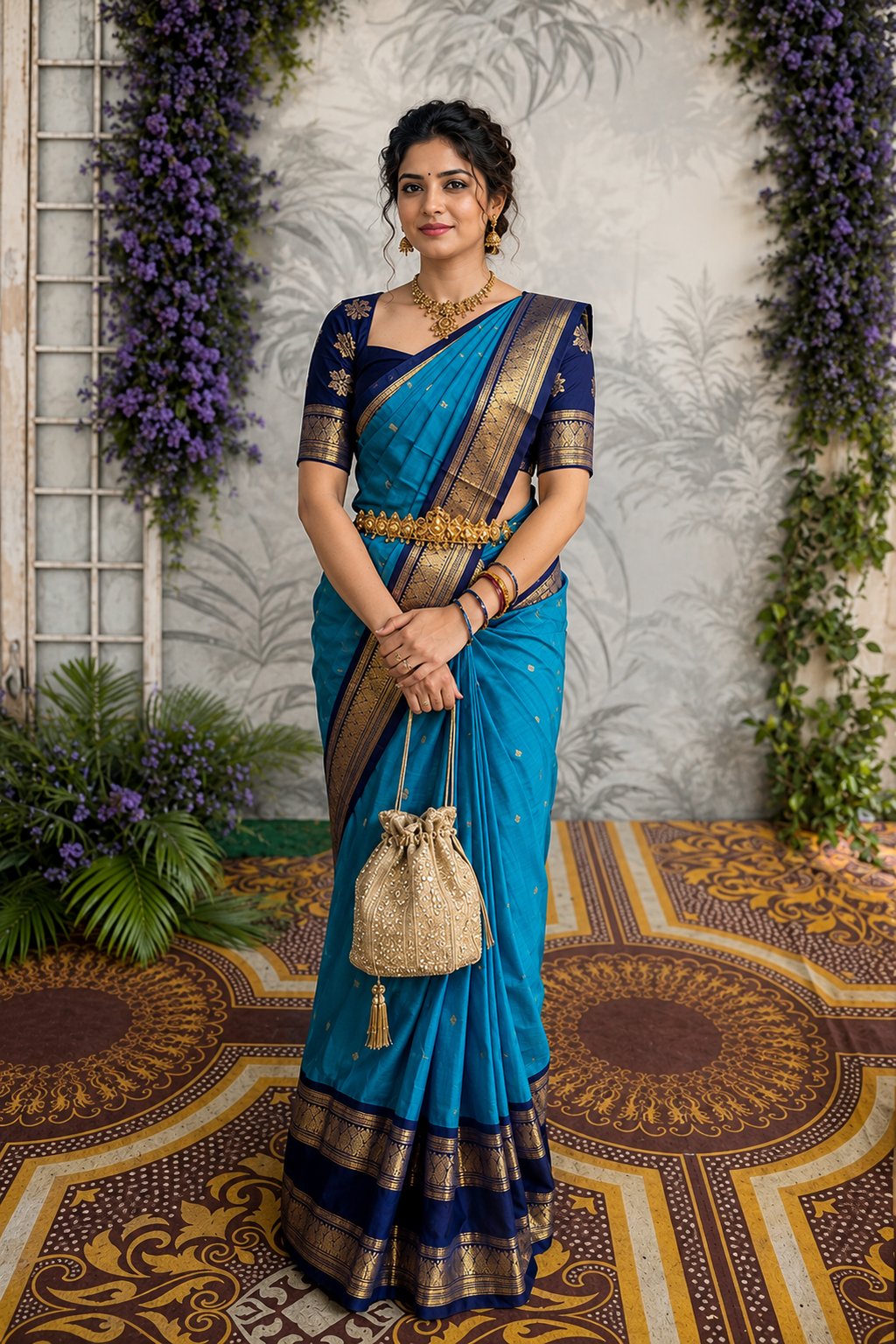
AI-powered virtual try-on tools represent a fundamental shift in how ethnic wear can be photographed. Here's how it works:
- Photograph your garment using any method — flat-lay, hanger, or mannequin. This is your garment reference image.
- Choose a model reference — either from the platform's model library or upload your own brand model image.
- AI generates the result — a photorealistic image of the model wearing your saree, kurta, or lehenga with natural draping and fit.
The advantage for ethnic wear specifically:
- Saree draping is handled by AI: The most complex part of saree photography — getting the pleats, pallu, and draping right — is handled automatically.
- Consistent model: Use the same model across your entire catalog for a cohesive brand look.
- Multiple poses: Generate front, side, walking, and close-up views from a single garment image.
- Background variety: Show your ethnic wear in festive, traditional, or studio settings without changing locations.
The Best Approach: Combine Methods
The most effective product listings combine multiple image types:
- Primary: AI-generated model shot (front view, full body)
- Secondary: AI-generated model shot (different angle or pose)
- Detail: Flat-lay close-up of border, zari, or embroidery work
- Context: AI-generated lifestyle shot (festive or outdoor background)
- Reference: Full garment flat-lay for color accuracy and overall design view
This combination gives buyers all the information they need to purchase with confidence — fit visualization from model shots, quality assurance from detail images, and design overview from flat-lays.
Getting Started
If you're selling Indian ethnic wear and haven't tried AI virtual try-on yet, the barrier to entry is minimal. Take the garment photos you already have and run them through an AI tool. The quality difference in your listings will be immediately visible — and measurable in your conversion rates.
Related Articles
- Flat-Lay vs Model Shots: Which Sells More?
- Choosing the Right Pose, Angle and Background for Your Product Photos
- Why Product Photography Is So Expensive for Fashion Brands
Frequently Asked Questions
Use a mannequin or dress form to display the saree with proper draping, including the pallu. Alternatively, use flat-lay styling on a white surface, arranging pleats and the pallu artistically. For the best results, take these photos and run them through an AI virtual try-on tool to generate model-on images.
Use a dress form or invisible mannequin to show the kurta's fit and shape. Ensure even lighting from both sides to minimize shadows. Shoot against a white or light background. Capture front, back, detail (embroidery or print), and neckline close-ups. Iron the garment thoroughly before shooting to eliminate wrinkles.
Yes, AI tools like CatalogX are specifically trained on Indian ethnic wear categories including sarees, kurtas, lehengas, and salwar suits. Upload a flat-lay or mannequin photo and the AI generates a photorealistic image of a model wearing the garment with proper draping and styling.
Use diffused natural daylight from a large window as your primary light source, with a white reflector on the opposite side to fill shadows. Avoid direct sunlight which creates harsh shadows and washes out embroidery details. Two softbox lights placed at 45-degree angles work well for consistent studio-style results.
A mannequin or dress form is strongly recommended for kurtas, dresses, and tops as it shows the garment's shape and fit. For sarees, a mannequin helps with proper draping. However, flat-lay photography on a white surface also works, especially when combined with AI virtual try-on tools that generate model-on images from flat-lay photos.