Showcase
An everyday phone photo in. A catalog photo out.
Sarees, lehengas, kurtis, menswear, western wear, jewellery and accessories — photographed on a bed, a hanger or a shop table, then worn by a model.Dresses, outerwear, denim, activewear, menswear, jewellery and accessories — photographed on a hanger or a bed, then worn by a model for your Shopify, Etsy or Amazon listing. Tap any photo to see the before and after side by side.
From sellers’ catalogs
Made in CatalogX and offered by the sellers themselves, with their store beside each.
Before and after examples
Illustrative examples of the change to expect — an everyday phone photo in, an on-model catalog photo out. They are not customer photos. Your result depends on the photo you upload, so check every output against the real product before it goes live.
One model, every look
Keep the same face across your whole catalog
Save a model once and shoot every product on her — a saree, a kurti, a lehenga, a blazer suita little black dress, a trench, a pantsuit, athleisure — with the same face, backdrop and light, so your store reads like one brand instead of a collage of shoots. Saved models are on Pro and above.
How saved models work →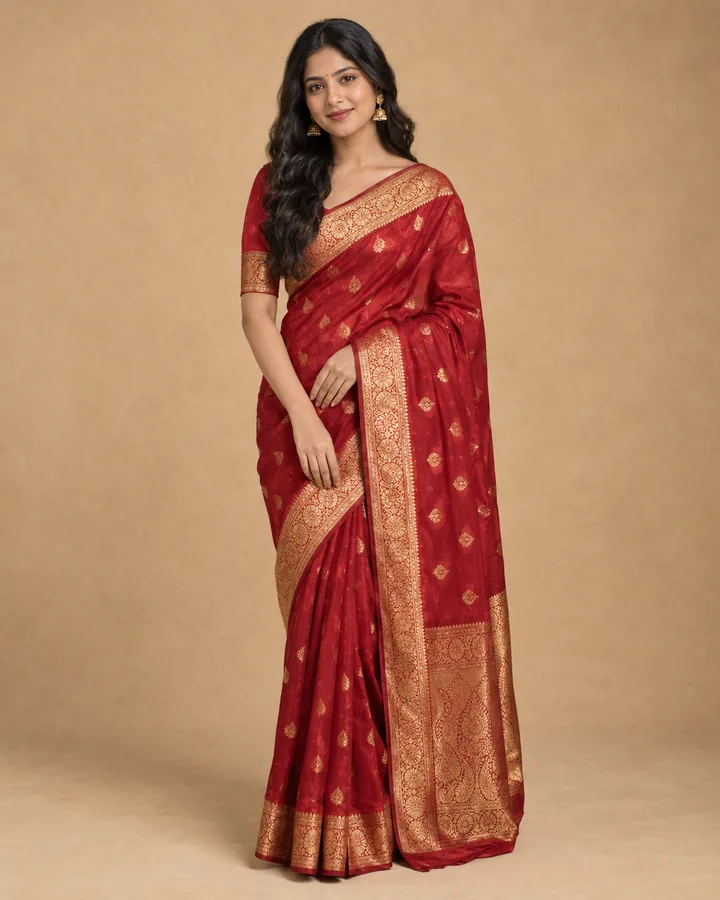
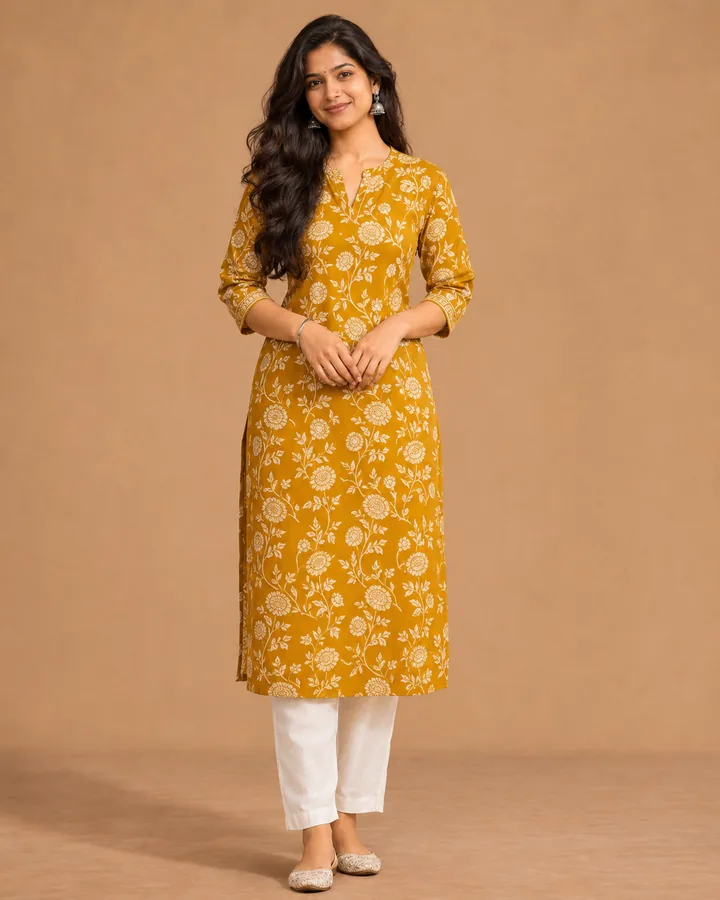
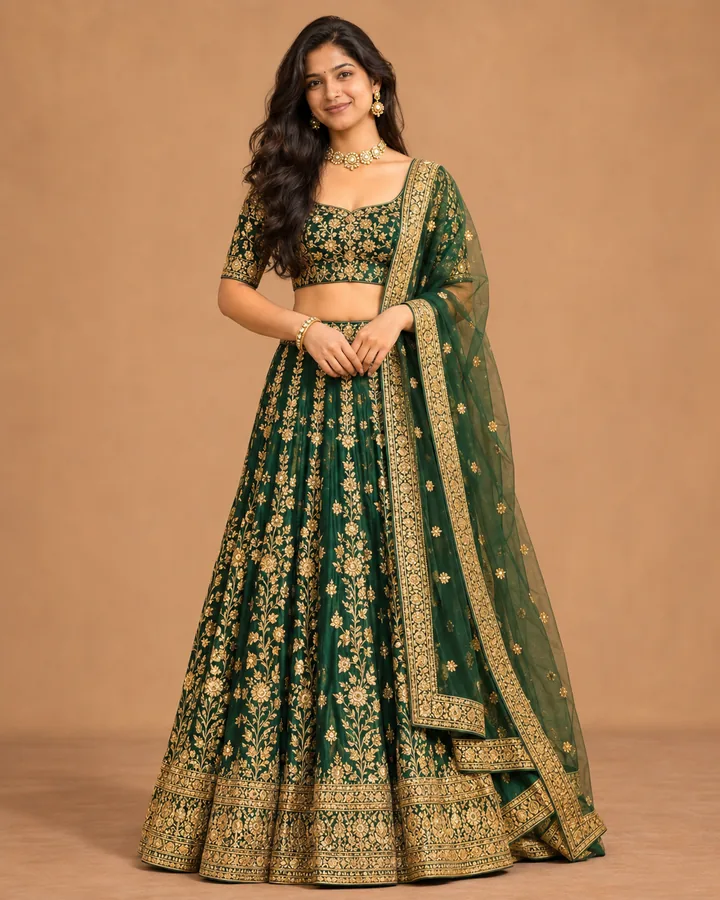
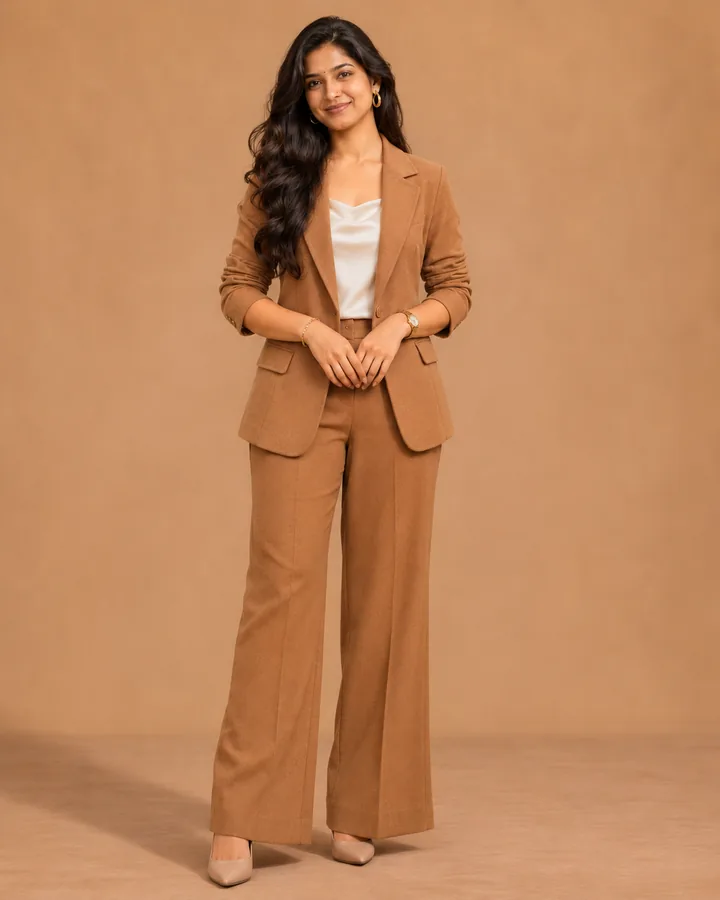
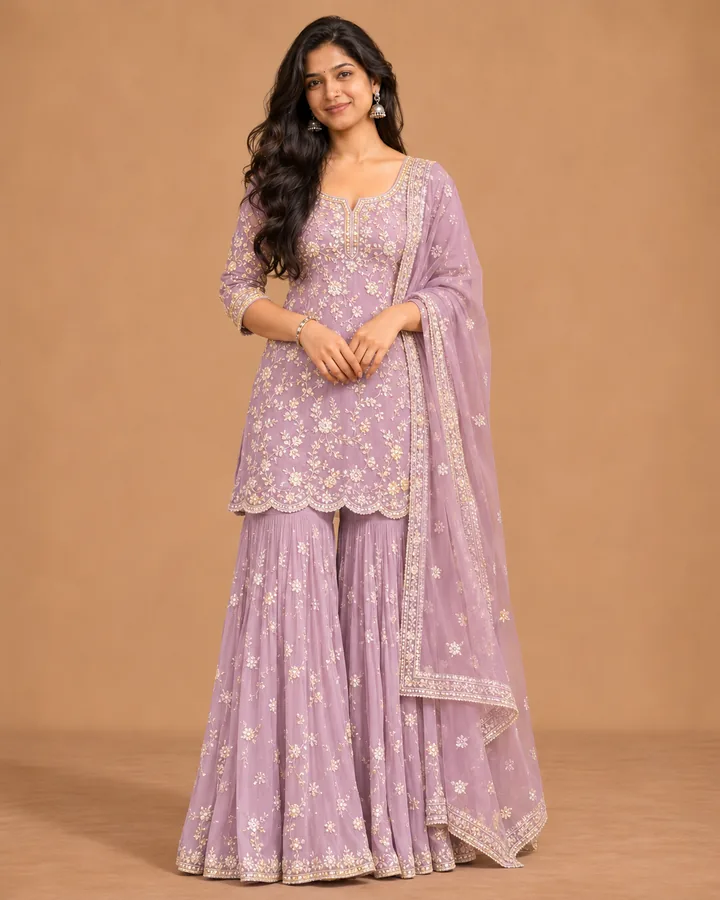
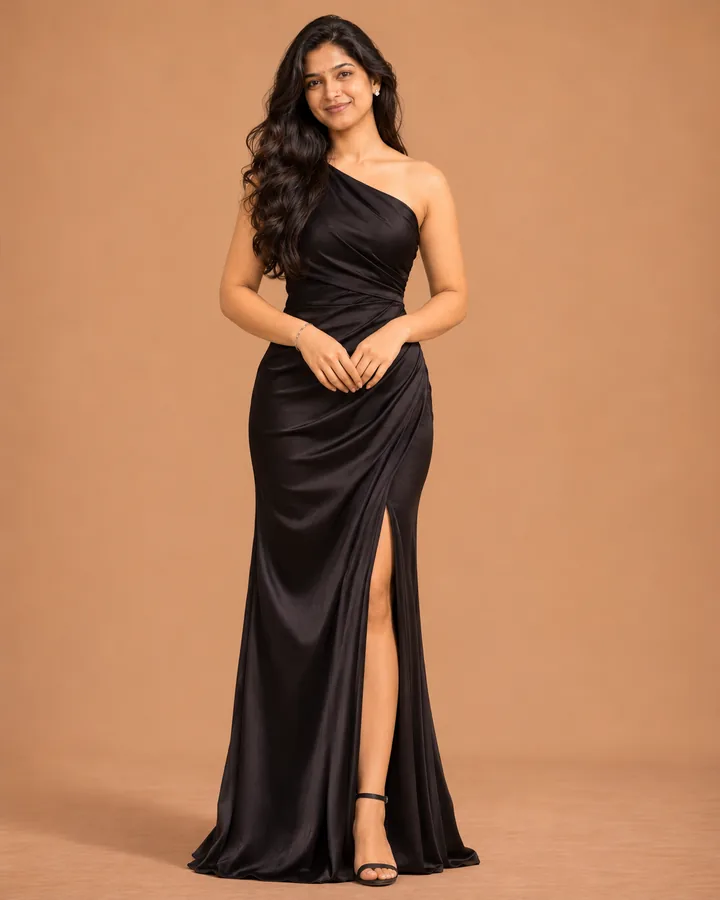
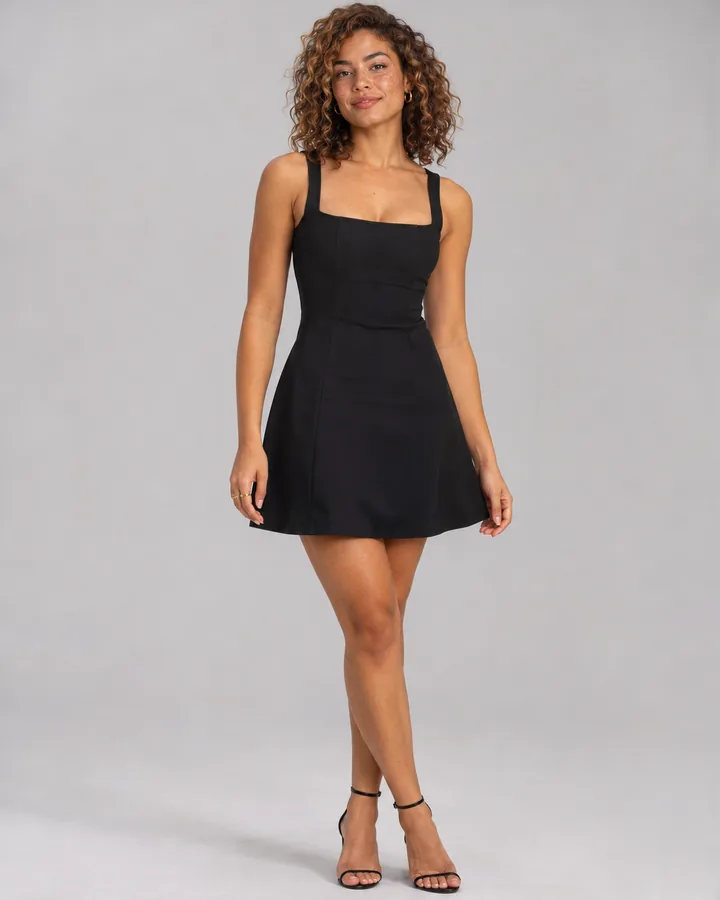
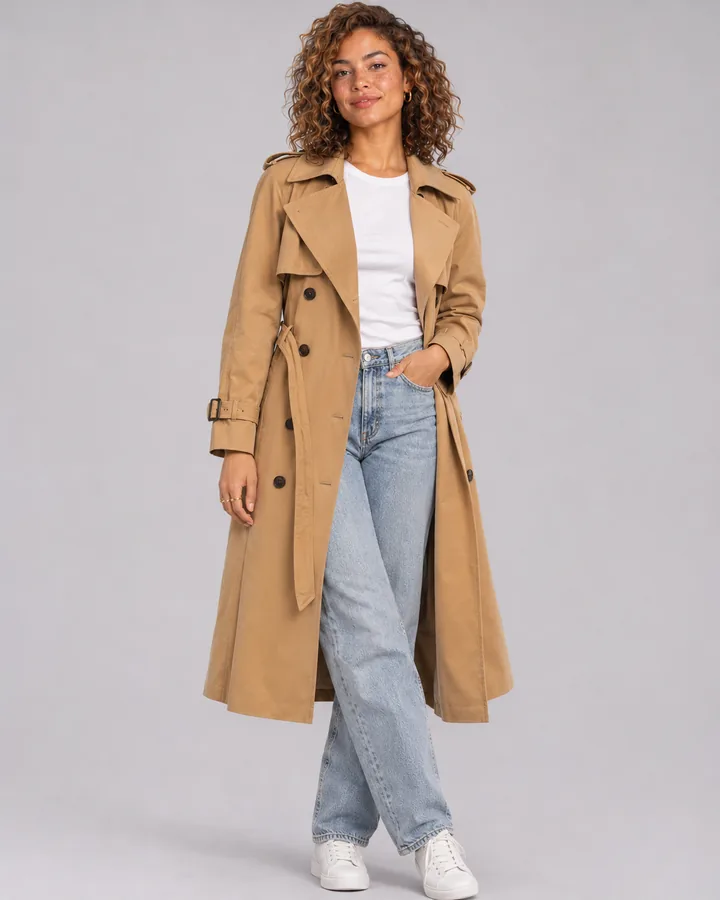
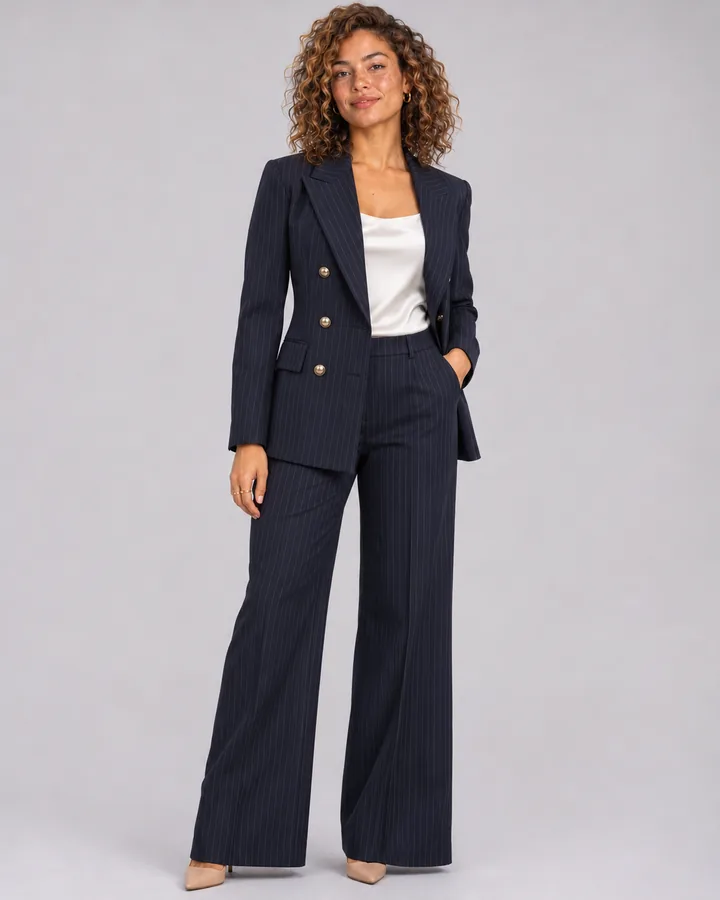
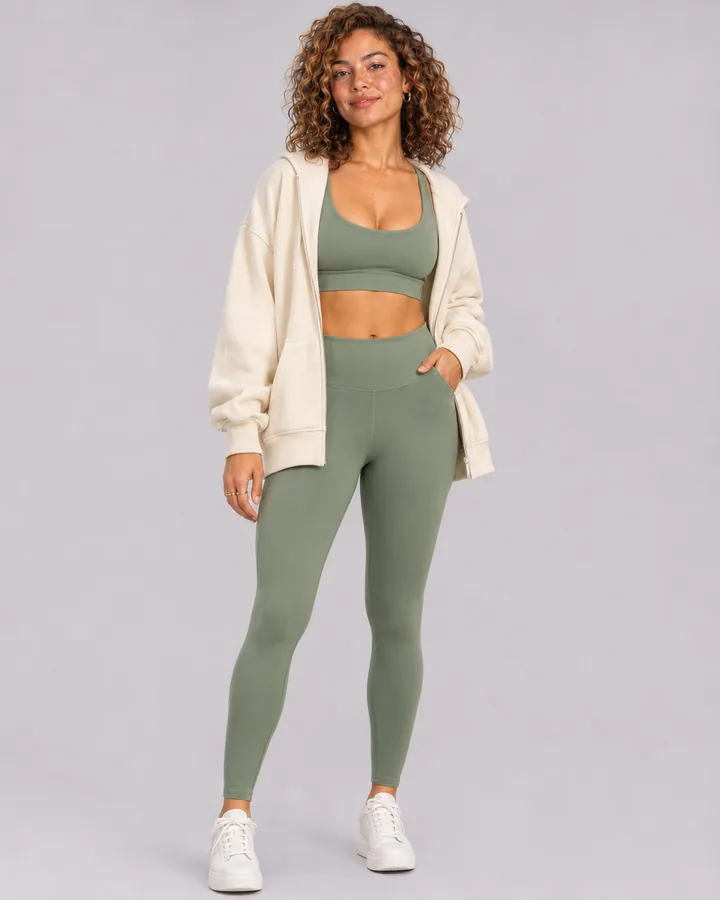
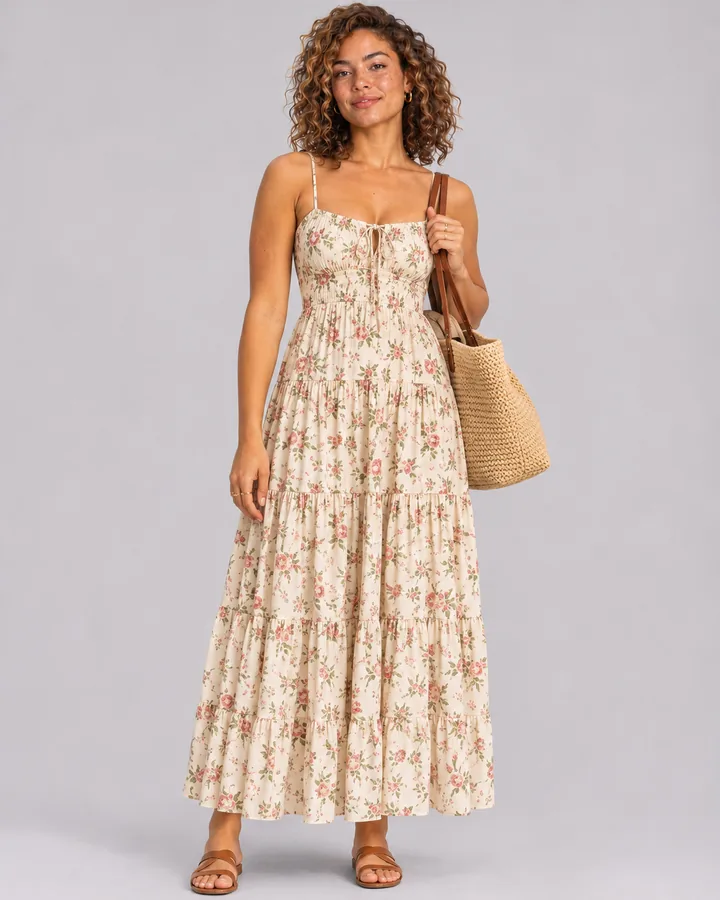
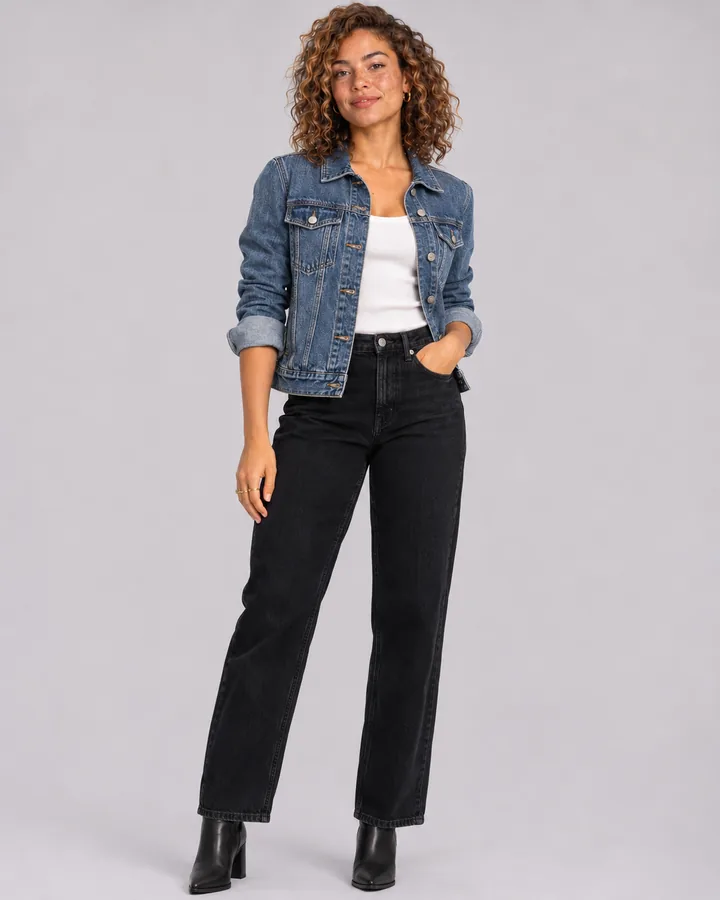
Illustrative example, not a customer photo.
Try it on your own product
Upload a photo of a garment or accessory and get an on-model photo in about 30 seconds. 5 free photos, then from ₹12$0.15 a photo.
Start free →How a seller’s photo gets on this page
- A seller generates a product image in CatalogX.
- In their gallery they tap Show my work, choose the name to show and, optionally, a store link.
- We review it — it must be a real product and show the garment faithfully — and approve it.
- It appears at the top of this page with that name and link. The seller can withdraw it at any time.
No seller’s email, account or anything else is shown. Store links open in a new tab and are the seller’s own.