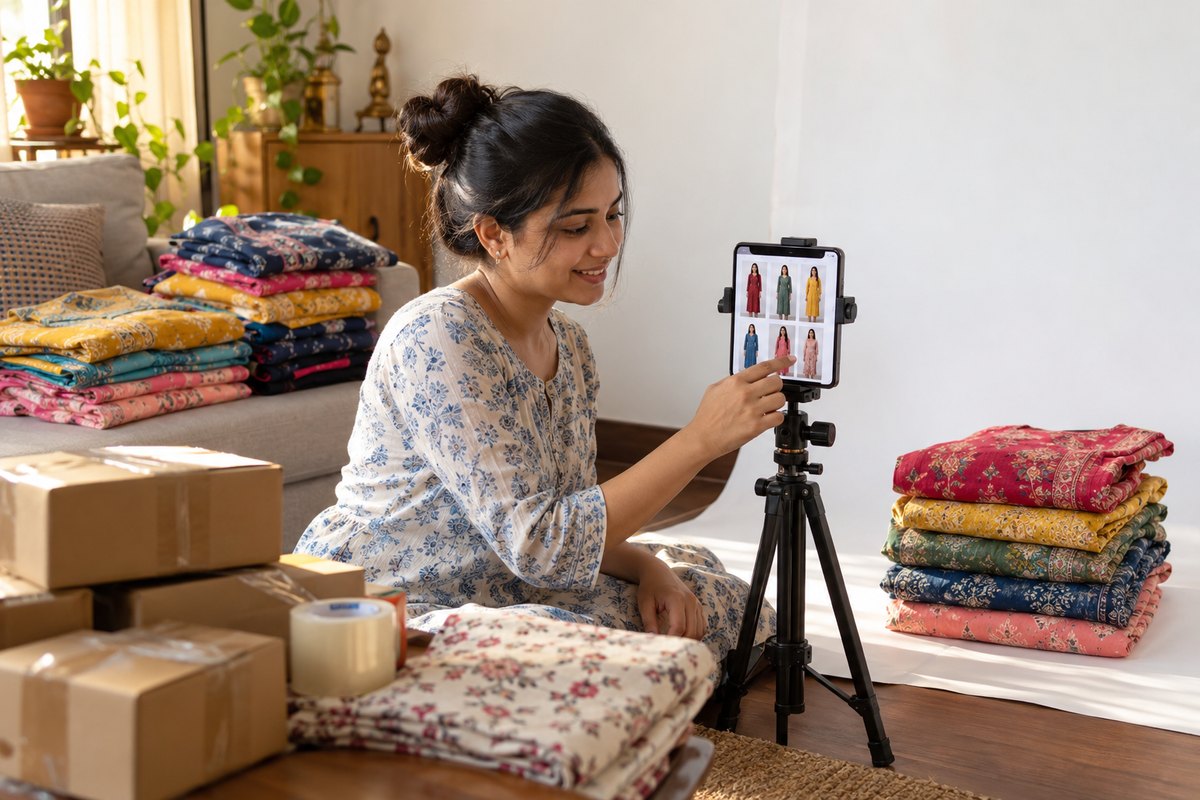
Meesho is India's most accessible marketplace — zero commission on most categories, simple onboarding, and an audience of crores of buyers plus lakhs of resellers in Tier 2 and Tier 3 cities. But that accessibility creates the most image-driven competition in Indian e-commerce: with prices compressed and product descriptions barely read, your catalog image is effectively your entire pitch.
This guide covers everything image-related on Meesho: the exact technical requirements, the catalog creation workflow, why catalogs get rejected (and how to fix each reason), how to create the model shots that dominate Meesho's fashion categories, and a factor most guides ignore — optimizing images for the WhatsApp resharing that drives a huge share of Meesho sales.
Meesho Image Requirements: The Exact Specs
| Specification | Requirement |
|---|---|
| Minimum resolution | 500 x 500 px (1000 x 1000 px or higher strongly recommended) |
| Aspect ratio | 1:1 square preferred; portrait accepted but square displays best in the app grid |
| Format | JPEG or PNG |
| Max file size | 5 MB per image |
| Images per product | Minimum 1; up to 4-9 depending on category (use at least 3-4) |
| Background | Clean, uncluttered background; pure white not mandatory (unlike Amazon) but plain backgrounds perform and pass review best |
| Content rules | Single product per frame, product fully visible and centered, real product being sold |
| Prohibited | Watermarks, text overlays, phone numbers, logos, price tags, promotional badges, collage layouts, images copied from other sellers or brands |
Two practical notes on these specs. First, although 500 x 500 is the floor, Meesho's app lets buyers pinch-zoom — and fabric-checking before purchase is universal behavior for saree and kurti buyers. Upload at 1000 x 1000 minimum, ideally 2000 x 2000, so zoom shows weave instead of pixels. Second, "no watermark" is enforced strictly and automatically; even a faint diagonal brand watermark triggers rejection.
The Meesho Catalog Creation Workflow
On Meesho you don't list individual products — you upload catalogs, groups of related products (typically 3-9 styles of the same type). Here's the image-focused walkthrough:
- Prepare your image set per product before starting. For fashion: main shot, back or alternate angle, fabric/detail close-up, and a size chart image. Name files by SKU so bulk upload doesn't scramble them.
- Go to Supplier Panel → Catalog Upload. Choose single catalog upload (guided, image-by-image) or bulk upload via spreadsheet with image links for large catalogs.
- Select the correct category carefully. Image review criteria differ by category — a saree catalog uploaded under "dress materials" can fail review even with perfect images.
- Upload images first, then fill details. The first image becomes the cover image that appears in search and shared links — this is the image that decides your click-through rate.
- Complete every attribute field. Fabric, work type, sleeve, occasion — Meesho's search filters run on these, and complete listings get more surface area.
- Submit for quality check. Catalogs go through Meesho's review, typically clearing within 24-72 hours. Approved catalogs go live; rejected ones return with a reason code.
Common Rejection Reasons — and Exact Fixes
Meesho's quality check rejects a large share of first-time catalogs. Nearly all rejections trace to one of these:
- Watermark or text on image. Includes brand names, "COD available," phone numbers, and supplier stamps on images from wholesalers. Fix: Use only clean originals. If your supplier's images carry watermarks, that's your cue to create your own — you don't have rights to their images anyway.
- Blurry or low-quality image. Phone shots in dim rooms, heavy compression from WhatsApp forwards. Fix: Never use WhatsApp-forwarded images (WhatsApp compresses to ~70KB); get originals or reshoot. Shoot in daylight with a stabilized phone.
- Multiple products or collage in one frame. Grids showing 4 colorways in one image get rejected. Fix: One product per image; list colorways as separate products within the catalog.
- Image copied from another listing or brand. Meesho detects duplicate images across sellers. Fix: Original photography or AI-generated images from your own product photos — unique images also protect you from the me-too price war on identical photos.
- Product cut off or too small in frame. Cropped hemlines, garment occupying a corner of the frame. Fix: Center the garment, full product visible, filling most of the square.
- Image doesn't match category or description. A kurti image on a "kurta set" listing, wrong color against the stated variant. Fix: Audit image-to-listing consistency before submitting.
Rejections aren't permanent — fix and resubmit — but each cycle costs 1-3 days of review time. Getting images right the first time is the difference between selling this week and selling next week.
Creating Model Shots for Meesho Without Hiring a Model
Walk through Meesho's fashion bestseller lists and the pattern is unmissable: the winning catalogs use model shots. For sarees, kurtis, gowns, and co-ord sets, on-model images communicate drape, length, and fit in a single glance — and they're what resellers proudly forward to their customers.
The traditional obstacle: Meesho's economics don't support photoshoots. When your kurti sells at 350 with single-digit margins, spending 2,000-4,000 per SKU on studio photography is impossible. This created Meesho's signature image problem — sellers copying each other's supplier photos, hundreds of listings with the identical picture, competing on price alone.
AI model generation breaks that cycle at Meesho-compatible economics:
- Photograph your actual garment as a flat-lay or hanger shot with your phone in good light — 2-3 minutes per piece.
- Upload to CatalogX and pick a model and pose that fits the product — a front-facing standing pose for the cover image, plus a back or three-quarter pose for supporting images.
- Generate photorealistic model shots in seconds. Because they're created from your product photo, they're unique to you — no duplicate-image rejection, no blending into a wall of identical supplier photos.
- Export at Meesho specs — square ratio, high resolution, clean background, under the file size cap — plus Amazon/Flipkart sizes from the same generation if you multi-list.
At roughly 299 per generation, one model shot pays for itself with the first one or two extra orders it produces — and it keeps working across every colorway, reseller share, and repeat listing. For a deeper look at this workflow, see our guide on creating Meesho model shots without hiring a model.
Optimizing for the WhatsApp Reshare Economy
Here's the Meesho-specific factor most image guides miss: a large share of Meesho purchases don't start in the app's search bar. They start when a reseller forwards your product image into a WhatsApp group or Instagram story, and an end customer says "book this one for me." Your images aren't just listing assets — they're the marketing material your reseller army distributes for free.
Optimize for that distribution:
- Make the cover image self-explanatory. On WhatsApp, your image often travels without its title or description. The product, its color, and its appeal must be fully legible from the image alone at phone-screen size.
- Survive compression. WhatsApp recompresses aggressively. High-contrast, well-lit images with the garment large in frame survive; dim, busy images turn to mush. Test it: forward your own image to yourself and check the result.
- Keep backgrounds clean but not sterile. Within Meesho's rules, a soft neutral background on secondary images often reshares better than clinical white — it reads as "boutique catalog" in a family group chat.
- Give resellers a complete forwarding set. Model shot + fabric close-up + size chart is the trio resellers need to close a sale in chat without follow-up questions. Fewer questions per share means more shares of your product over a competitor's.
- Never watermark to "protect" images. It gets your catalog rejected, and it breaks the reseller model — resellers avoid forwarding images stamped with someone else's identity.
Size Chart Images: The Most Underused Conversion Tool on Meesho
Meesho's buyer base skews toward first-time online fashion shoppers, and sizing anxiety is their biggest purchase blocker. A dedicated size chart image — not just the size dropdown — addresses it directly:
- Show garment measurements, not body sizes. "Chest: 40 inches" measured flat across the kurti is verifiable at home with a tape; "Size L" means nothing consistent across Indian manufacturers.
- Use both inches and centimeters, and keep the table large enough to read on a budget phone screen — a significant share of Meesho browsing happens on 5-6 inch displays.
- Add a simple fit note as part of the chart image: "Relaxed fit — take your regular size" or "Slim fit — take one size up." This single line prevents the most common wrong-size return.
- Keep the chart design consistent across your catalog so repeat buyers and resellers learn to trust it. A branded, tidy size chart is also one more unique image competitors can't copy without obviously stealing.
Editing Meesho Images: Do's and Don'ts
Meesho's quality check and Meesho's buyers judge editing differently — you need to satisfy both:
- Do correct white balance and exposure. A yellow-tinted kurti photo shot under a tube light will pass review but generate "color different" returns. Neutral, accurate color is non-negotiable.
- Do crop to square with the garment centered and a small even margin on all sides — Meesho's grid crops unpredictably from non-square images.
- Don't oversaturate. The classic Meesho trap: punchy colors win the thumbnail war, then the real product arrives duller, the return comes back, and your seller rating absorbs the hit. On a platform with thin margins, returns hurt more than clicks help.
- Don't beautify to the point of misrepresentation. Smoothing fabric texture or "enhancing" embroidery digitally counts as a misleading image — a rejection reason and a returns machine.
- Don't add borders or frames. Decorative borders read as promotional graphics to the review system.
Multi-Platform Sellers: One Image Set, Every Marketplace
Most serious Meesho sellers also list on Amazon or Flipkart, and each platform wants different specs — Amazon insists on pure white backgrounds at 1000px+, Flipkart prefers 1:1 at its own minimums, Meesho is flexible on background but strict on watermarks. Maintaining three edited versions of every image manually is where multi-platform sellers burn their evenings.
The efficient pattern: generate or shoot one master image at 2000 x 2000 on a clean background, then use a marketplace export tool to produce each platform's variant automatically. CatalogX's Marketplace Export does exactly this — one generation, then Amazon, Flipkart, Meesho, and Myntra-compliant files in a click, so a 100-SKU catalog stays synchronized across platforms without a resizing spreadsheet. See our complete marketplace image size reference for every platform's exact numbers.
Image Checklist by Fashion Category
| Category | Must-Have Images |
|---|---|
| Sarees | Model shot front (cover), pallu/border close-up, full spread or back drape, blouse piece shown separately |
| Kurtis / kurta sets | Model shot front (cover), back view, fabric close-up, size chart with garment measurements |
| Dresses / gowns | Model shot front (cover), side profile for silhouette, detail shot (neckline/embroidery), length reference |
| Men's shirts / tees | Model or clean flat-lay (cover), collar/print close-up, back view, size chart |
| Kidswear | Clean flat-lay or model shot (cover), fabric close-up, age/size chart |
How Images Drive Meesho's Ranking Algorithm
Meesho doesn't publish its ranking formula, but the observable inputs are conversion-driven — and every one of them routes through your images:
- Click-through rate from search: Your cover image against a wall of competitors at the same price point. This is the single highest-leverage image decision you make.
- Conversion rate on the listing page: Buyers flick through your image set in seconds. Complete sets (model shot, angles, close-up, size chart) convert; single-image listings leak buyers to the "Similar products" carousel below — which is filled with your competitors.
- Return rate: Meesho penalizes high-return catalogs with reduced visibility, and image-reality mismatch is the top controllable cause of fashion returns. Accurate images are a ranking strategy, not just an ethics choice.
- Rating trajectory: Reviews mentioning "same as photo" are disproportionately common on Meesho precisely because buyers are conditioned to expect the opposite. Images that under-promise and over-deliver farm five-star reviews.
The compounding effect is real: better cover image → more clicks → more sales velocity → higher ranking → more impressions. Sellers who upgrade from supplier photos to unique model shots typically see the loop begin turning within two to three weeks.
Quick Answers: Meesho Image Rules at a Glance
- Minimum 500 x 500 px — upload 1000 x 1000+ for zoom quality
- Square 1:1 ratio, JPEG/PNG, under 5 MB
- No watermarks, text, logos, prices, or contact details on any image
- One product per frame; no collages
- White background recommended but not mandatory (unlike Amazon)
- First image = cover image = your click-through rate; make it a model shot
- 3-4 images minimum for fashion; include a size chart image
- Original images only — copied images get rejected and copied listings compete purely on price
On a zero-commission marketplace where everyone can match your price, images are the one asset competitors can't copy — especially when they're generated from your own product and unique to your catalog. Fix your images and you've fixed the most controllable variable in your Meesho business.
Related Articles
- How to Sell Fashion on Meesho: Complete Seller Guide 2026
- How to Create Meesho Model Shots Without Hiring a Model (2026 Guide)
- The Exact Image Sizes Every Indian Marketplace Requires in 2026
Frequently Asked Questions
Meesho requires product images of at least 500 x 500 pixels, though 1000 x 1000 or larger in a 1:1 square ratio is strongly recommended for zoom and sharpness. Images should be JPEG or PNG under 5 MB, show a single product clearly, and contain no watermarks, text overlays, phone numbers, or promotional badges.
Meesho allows up to 4-9 images per product depending on category, with a minimum of 1 required. Uploading at least 3-4 — a main shot, a back or alternate angle, a fabric close-up, and a size chart — measurably improves conversion because Meesho buyers and resellers compare listings almost entirely on images.
The most common Meesho image rejection reasons are: watermarks or text on the image, blurry or low-resolution photos, multiple unrelated products in one frame, images copied from other listings or brands, misleading images that do not match the product, and inappropriate cropping where the product is cut off. Fixing these covers the vast majority of catalog rejections.
Yes. Model shots consistently outperform flat-lays and hanger shots on Meesho, especially for sarees, kurtis, and dresses. Meesho's audience includes lakhs of resellers who forward product images on WhatsApp, and model images look more like a boutique catalog, get shared more, and convert end customers better. AI tools like CatalogX generate these model shots without hiring a model.
Yes. Meesho accepts AI-generated product photos as long as they accurately depict the actual product being sold, meet the minimum resolution, and contain no watermarks or overlay text. Generating model shots from a real photo of your garment keeps the image truthful while dramatically improving its presentation.