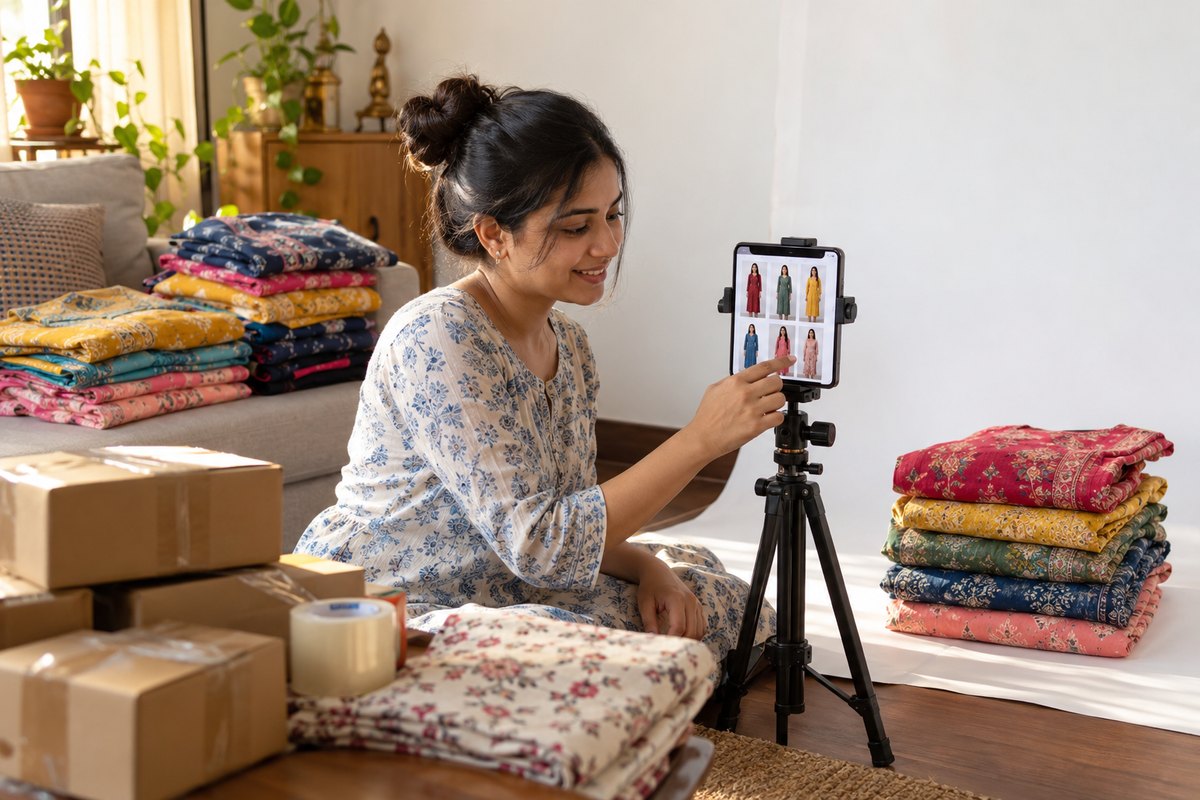
To make a Meesho kurti photo with a model, upload a clear photo of the kurti — flat, on a hanger or on a mannequin — to an AI model-photo tool, pick an Indian model and a plain background, and download the result at Meesho's size. With CatalogX it costs from ₹12 a photo, and the first 5 photos are free. Check the print, neckline, sleeve length and hem against the real kurti before listing — an image that changes the product leads to returns.
Step by step: kurti photo to Meesho listing
- Photograph the kurti. Lay it flat or hang it, in daylight, sleeves spread, nothing covering the neckline. A phone photo is enough. If it comes with pants or a dupatta, include them or upload them separately.
- Upload and choose a model. In CatalogX pick from 129 AI models, including Indian models, and a plain studio background for the main image.
- Choose the kurti length. Short, knee or long — so a tunic is not rendered as a long kurta.
- Check the result against the real kurti — print, colour, neckline, sleeves, hem. On Pro and above, Quality mode does a first check for you and re-shoots below-bar images free.
- Export at Meesho's size. CatalogX resizes to Meesho, Flipkart, Myntra, Amazon India and AJIO specs free on every plan.
- Get the whole listing ready. Expand the photo into an e-commerce pack of angle and detail shots, then download a free Listing Pack: every image at each marketplace's size, the bulk-upload sheet, and a written title, bullets and description.
Before any of this, CatalogX checks your kurti photo for seven common problems — folded, cut off, other clothes in frame, a screenshot, too small, too dark, print too small to read — and tells you how to fix it, because a better input photo is the cheapest quality fix there is.
What it costs, and what decides quality
| Photographer + model | CatalogX | |
|---|---|---|
| Per kurti photo | ₹1,500–₹4,000 | from ₹12 |
| Turnaround | Days to weeks | About 30 seconds |
| New colourway or reshoot | Rebook the shoot | One more photo |
| Free to try | — | 5 photos, no card |
On price, any AI tool beats a shoot. What separates them is whether the photo is your kurti: the same print at the same scale, the same neckline, sleeves and hem. CatalogX measures the garment before generating, lets you set the kurti length, and on Pro and above reviews every result against your original photo and re-shoots the ones that drift, free. More on how to judge quality in Best AI tool for saree and kurti model photos.
Meesho image rules that matter
- The image must show the product you ship. Colour, print and design have to match — this is the most common reason for returns with AI images.
- No watermarks, text or logos over the product, and no collages for the main image.
- A clean, well-lit main image on a plain background performs best; lifestyle backgrounds suit secondary images.
Check Meesho's current supplier panel guidelines before uploading, as they change. Our marketplace image size guide lists the current dimensions, and the free Meesho image resizer fixes size without signing up.
Frequently asked questions
Kurti ki saaf photo lijiye (zameen par failakar ya hanger par), use CatalogX jaise AI tool par upload kijiye, Indian model aur plain background chuniye, aur Meesho size mein download kijiye. Shuru karne ke liye 5 free credits milte hain, card ki zaroorat nahi.
Best wahi hai jo aapki asli kurti dikhaye — wahi print, wahi rang, wahi neckline aur length. CatalogX photo banane se pehle kurti ko measure karta hai, aur Pro plan par har photo ko aapki original photo se milakar check karta hai. ₹12 per photo se shuru, pehli 5 photos free, aur Meesho, Flipkart, Myntra size export bhi free.
Yes, if it accurately shows the kurti you ship and meets Meesho's image specifications. The risk is an image that changes the print or colour.
Yes. Upload the kurti, and the pants or dupatta as separate photos; CatalogX dresses the model in all pieces and lets you choose how the dupatta is draped.
CatalogX gives 5 free credits on signup, which is 5 standard photos, with no card and no watermark.