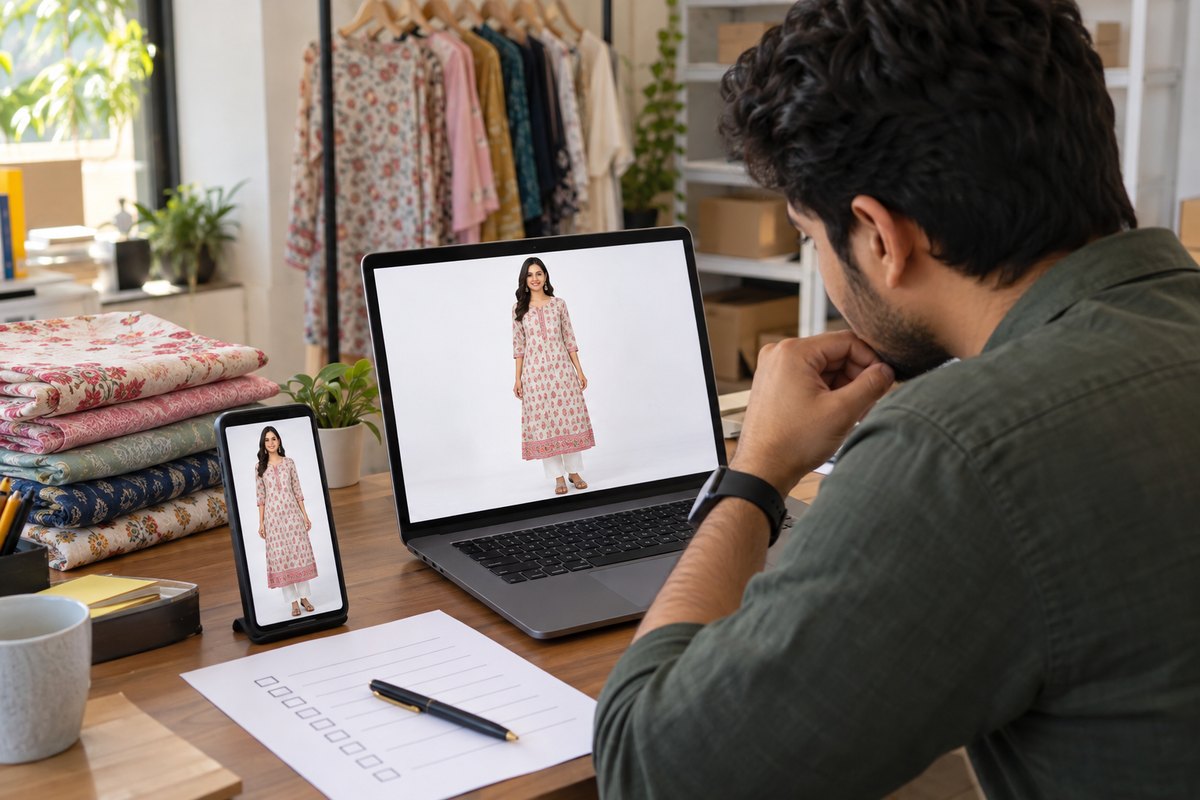
Model photos sell more. On Meesho and Flipkart, a buyer wants to see how the dress looks on a person, not only flat on a table. But hiring a real model is costly — a photoshoot in India starts around ₹15,000 per session. Most small sellers cannot spend this for every new design. Good news: in 2026, you do not need a photoshoot at all. You can make a model photo from a simple dress photo using AI. This guide shows you how.
What You Need (Only One Thing)
You need one clear photo of your garment, taken with your phone. That is all. No DSLR camera, no lights, no studio. Any of these photo types will work:
- Flat-lay photo — spread the dress, kurti, or saree on a bed or clean floor and take a photo from the top.
- Hanger photo — hang the garment on a wall or door and take a straight photo.
- Mannequin photo — if you have a mannequin (dummy), that photo works very well.
Take the photo near a window in daytime. Daylight is free and gives true colours. Make sure the full garment is inside the frame — do not cut the sleeves or the border. Remove big folds and wrinkles with your hand before clicking. That is your only "photoshoot" work.
How to Make Model Photo from Dress Photo — Step by Step
We will use CatalogX virtual try-on for this example. It is made for Indian fashion sellers and works with real garment photos. The AI takes your dress from your photo and puts it on an AI model. The dress in the final photo is your real dress — the pattern, the border, the colour all come from your photo.
Step 1: Sign up free
Go to CatalogX and create a free account. You get 5 free credits. No card is needed. One credit makes one model photo, so you can test with 5 photos before paying anything.
Step 2: Upload your dress photo
Click upload and select the garment photo from your phone gallery. Flat-lay, hanger, or mannequin — all are fine. CatalogX supports 14+ garment types: saree, kurti, lehenga, dress, t-shirt, and more.
Step 3: Choose a model
Pick a model from 40+ Indian AI models. Choose one that matches your buyers — different ages, skin tones, and body types are available. For ethnic wear like sarees and kurtis, an Indian model looks natural and builds trust with Indian buyers.
Step 4: Choose a background
Pick from 50+ backgrounds. For Meesho and Flipkart main images, a plain or light background is safest. For extra images, you can use lifestyle backgrounds like a home or outdoor scene.
Step 5: Generate
Click generate and wait about 30 seconds. The AI creates the model photo with your real garment on the model. If you do not like the pose or the look, generate again with a different model or background.
Step 6: Check and download
Very important: compare the photo with your real garment. The print, the border, and the colour must match the real item, because marketplace rules say the image must show the real product. If everything matches, download the HD image. CatalogX also gives free background removal, HD upscale, and marketplace export presets, so the file is ready in the right size for Meesho or Flipkart directly.
Photo Size for Meesho and Flipkart
Each marketplace has its own image rules. The rules change from time to time, so always check your seller panel before uploading. But these general points are safe to follow:
| Point | Safe practice for fashion listings |
|---|---|
| Shape | Square (1:1) or portrait (3:4) works well for clothing on most Indian marketplaces |
| Resolution | Keep the image sharp and high resolution — small, blurry images get rejected or look bad on mobile |
| Main image | Clean, light background; garment clearly visible; no text, logo, or watermark on the image |
| Extra images | Add close-up of fabric and border, back view, and one plain real photo of the garment |
| File type | JPEG is accepted everywhere and keeps file size small |
For the exact current numbers for every platform, see our full marketplace image size guide. Platform-specific listing help is on our Meesho seller page and Flipkart seller page. CatalogX export presets already match common marketplace sizes, so in most cases you can download and upload directly.
Tips for Best Results
- Good input photo = good output photo. If your dress photo is dark or blurry, the model photo will also look weak. Take 30 extra seconds to click a clean photo in daylight.
- Show the full garment. If the sleeves or the bottom border are cut in your photo, the AI has to guess that part. Never let the AI guess — show everything.
- One garment per photo. Do not upload a photo with three kurtis together. Upload one garment at a time.
- Match the model to the garment. A saree needs a female model in a saree-friendly pose. Choose poses and models that suit the garment type.
- Always compare before uploading. Zoom in and check the print, border, and colour against the real item. If anything looks different, generate again. Accurate photos mean fewer returns, and fewer returns keep your seller account healthy.
- Keep one plain real photo in the listing. Buyers trust listings that also show the simple, real product photo.
Cost: Photoshoot vs AI Model Photo
Here is the honest math for a small seller:
| Traditional photoshoot | CatalogX AI model photo | |
|---|---|---|
| Cost | ₹15,000+ per session (model + photographer + studio) | Free to start (5 credits, no card); Starter ₹299/month for 15 HD credits — about ₹20 per photo |
| Time | Days — booking, shoot day, editing, delivery | About 30 seconds per photo |
| New designs later | Book another session, pay again | Upload the new dress photo, generate again |
| For regular sellers | Not practical for weekly new stock | Pro plan ₹849/month for 50 generations; Business ₹3,000/month for bigger catalogs |
Simple summary: one photoshoot session costs more than four years of the ₹299 Starter pack price. For a seller who adds new designs every week, AI model photos are the practical choice. A real photoshoot still makes sense for big brand campaigns — but for daily Meesho and Flipkart catalog work, it is hard to justify the cost.
Upload one garment photo and get a model photo in ~30 seconds. 5 free credits, no card needed.
Start Free — 5 Credits →
Frequently Asked Questions
Use an AI virtual try-on tool. Take one clear photo of your garment with your phone — flat on a bed, on a hanger, or on a mannequin. Upload it to a tool like CatalogX, choose a model and background, and the AI puts your real garment on the model in about 30 seconds. No photographer, no studio, no human model is needed.
The key rule on every marketplace is that the image must show the real product you ship. A virtual try-on image starts from a photo of your real garment, so the product shown is the actual item — only the model and background are AI. Fully AI-invented product images are a different thing and are risky. Always check the current seller policy on each platform and verify the generated photo matches your real garment before listing.
Just one photo of your garment from your phone. A flat-lay photo (garment spread on a bed or table), a hanger photo, or a mannequin photo all work. Use daylight near a window, keep the full garment in the frame, and avoid heavy folds or shadows. No DSLR camera is needed.
A traditional photoshoot in India costs ₹15,000 or more per session for a model, photographer, and studio. With CatalogX you can start free with 5 credits and no card. The Starter pack is ₹299/month for 15 HD credits — roughly ₹20 per photo — and the Pro plan is ₹849 per month for 50 generations.
Look for a tool that keeps your real garment in the output — this matters for marketplace accuracy rules. CatalogX is built for Indian fashion sellers: 40+ Indian AI models, 50+ backgrounds, support for 14+ garment types including sarees and kurtis, generation in about 30 seconds, plus free background removal, HD upscale, and marketplace export presets. You can test it free with 5 credits before paying anything.