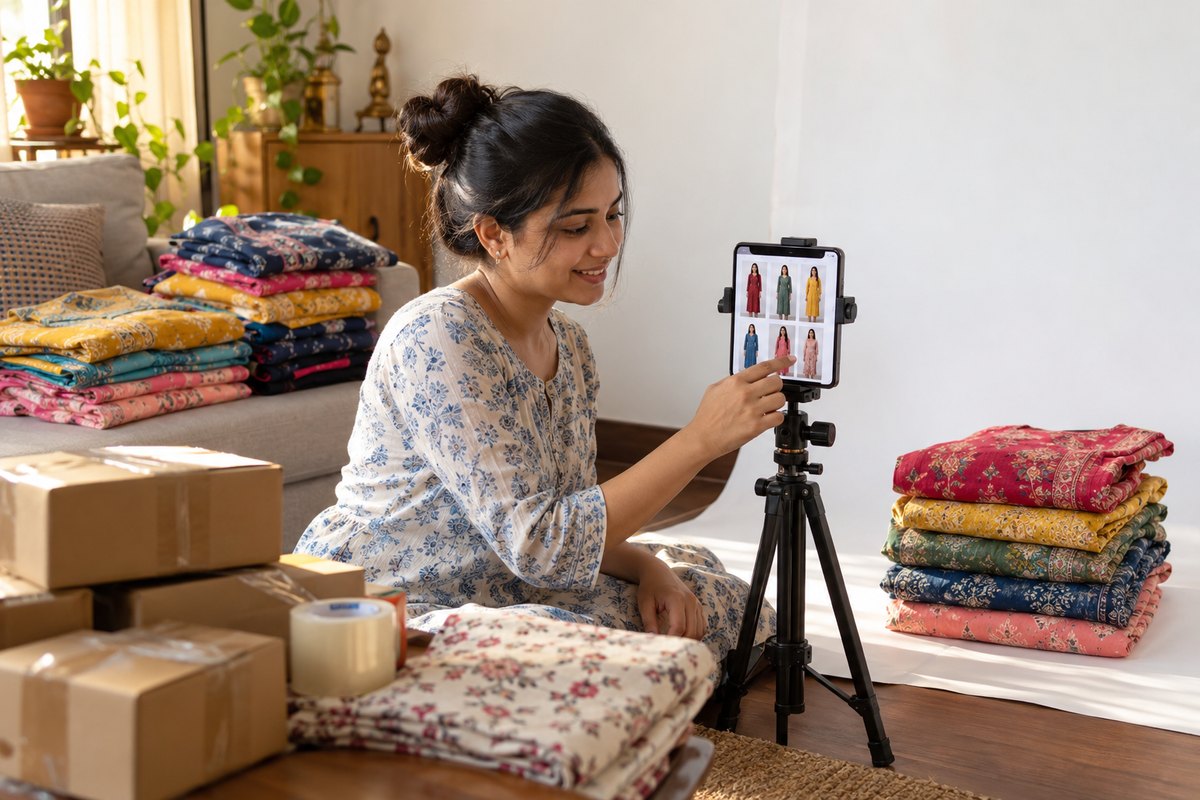
A rejected catalog on Meesho feels like a black box — you upload, wait, and get a rejection with a short error label. The good news: Meesho rejections cluster around a small set of repeat causes, and each one has a specific, quick fix. This guide covers the common rejection reasons — image quality, wrong category, incomplete details, prohibited content, pricing errors, GST/account mismatches, and the newer question of AI-generated imagery — and exactly what to change before you resubmit.
How Meesho Catalog QC Works
When you submit a catalog in the Supplier Panel, Meesho runs a quality check before the listing goes live. The check looks at your images (clarity, background, framing, watermarks), your product details (category placement, size chart, fabric and colour fields), your pricing, and whether the product itself is allowed on the platform. If something fails, the catalog comes back with a QC error label — and that label is your roadmap. Open the rejected catalog, read the exact error, and fix only that issue. Re-doing everything from scratch wastes time and often introduces a new mistake.
Reason 1: Image Quality Problems (The Most Common Cause)
Image issues are the number one driver of Meesho catalog rejections. The frequent offenders:
- Blurry or low-resolution photos. Dim indoor lighting, camera shake, or images enlarged from small originals all read as poor quality. Commonly cited guidance is a square image around 1000×1000 pixels or larger — verify the current spec for your category in the Supplier Panel.
- Watermarks, text, or logos on the image. Shop names, phone numbers, "best price" text, borders, and price tags are not allowed on catalog images.
- Wrong shape. Non-square images, or vertical photos stretched into a square, get flagged. Pad onto a 1:1 canvas instead of stretching — the free Meesho image resizer handles this correctly.
- Dark or cluttered background. A white or light, neutral background is expected; bedsheets, floors, and rooms full of stock read as unprofessional and can fail QC.
- Product too small in frame, or multiple products in one photo. The garment should fill most of the frame, one product per image (unless it is genuinely a set).
The fix: shoot near a window in daylight, tap to focus, and keep the garment large in the frame. Then clean up digitally: background removal onto a light neutral canvas, HD upscale if the photo is soft, and export at the correct square size. Our complete spec walkthrough is in the Meesho product images guide, and Hindi-speaking sellers can follow the step-by-step Meesho catalog photo kaise banaye tutorial.
Reason 2: Wrong Category & Incomplete Details
Wrong or too-generic category
A kurti listed under a generic "Women's Fashion" node instead of the correct Ethnic Wear > Kurti sub-category can be rejected — and even when it slips through, wrong placement quietly hurts visibility because buyers filter by category. Take the extra minute to drill down to the most specific sub-category that matches your product.
Incomplete or inconsistent product details
Fashion catalogs need complete fields: size chart with real measurements, fabric name, colour, sleeve type, occasion, wash care. Missing size charts are a classic rejection cause for apparel — and even approved listings with vague details generate returns later when the buyer's expectation does not match the delivered item. Keep naming consistent across your catalog: if one listing says "Rayon" and its variant says "Viscose Rayon", tidy that up.
Misleading titles and descriptions
Titles stuffed with unrelated keywords ("kurti saree lehenga gown") or descriptions promising features the product does not have are rejection triggers and, worse, return generators. Describe the actual item plainly.
Reason 3: Pricing Errors & GST / Account Mismatch
- Price above MRP: a selling price higher than the MRP printed on the product violates listing rules and fails QC.
- Unrealistically low price: prices far below plausible cost get flagged as suspicious. Use Meesho's price recommendation guidance in the panel and set a realistic number.
- GST and account mismatches: an inactive GSTIN, or a bank account name that does not exactly match the GST-registered name, can block catalogs and delay payments. Apparel GST slabs also differ by price point in India, so make sure your pricing and tax details are consistent.
The fix: confirm your GSTIN is active, the bank account name matches the GST registration exactly, and every SKU's price sits at or below MRP at a realistic level. These are five-minute checks in the Supplier Panel that save days of back-and-forth.
Reason 4: Prohibited Content & AI-Generated Imagery
Counterfeit branded items, prohibited product types, and copied images from other sellers' listings are straightforward rejection (and account-risk) causes. But there is a newer issue fashion sellers ask about constantly: AI images.
Here is the honest distinction, because it decides everything:
- Fully AI-generated product images are treated as fake product imagery. If the saree or kurti in your photo was invented by a text-to-image tool, it does not match any real item you ship. Meesho's rules require real photographs of the actual product, and fabricated product images risk rejection — and account action on repeat violations. Do not upload them.
- AI-assisted edits of a real photo are a different category. Background removal, brightness and colour correction of a genuine product photo are standard practice, provided the product itself is unchanged.
- Real-garment virtual try-on sits with the second category by design: the workflow starts from a photograph of your actual garment, and the AI places that garment on a model — the product shown is the real item; only the model and setting are synthetic. Even so, keep one plain, unedited product photo in the catalog and verify the generated image matches the physical product exactly before uploading.
We wrote a full platform-by-platform breakdown of this in Are AI Model Photos Allowed on Meesho, Amazon & Flipkart? — read it before using any AI tool for catalog images.
| Rejection reason | Fix |
|---|---|
| Blurry / low-res image | Re-shoot in daylight or HD-upscale; export at ~1000×1000+ |
| Watermark / text / logo on image | Upload a clean image with no overlays |
| Non-square or stretched image | Pad to 1:1 with the free Meesho resizer |
| Dark / cluttered background | Background removal onto white or light neutral |
| Wrong category | Re-list under the most specific matching sub-category |
| Missing size chart / details | Fill all fields with real measurements and fabric info |
| Price above MRP / unrealistic | Set a realistic price at or below MRP |
| GST / bank name mismatch | Match bank account name to GST registration exactly |
| Fully AI-generated product image | Never upload; use photos of the real garment (AI model shots must preserve the real garment) |
Re-Submission Checklist
- Read the QC error on the rejected catalog in the Supplier Panel — fix that specific issue first.
- Images: square 1:1, sharp at full zoom, light clean background, no text/watermarks/borders, product filling most of the frame, one product per image.
- Category: the most specific sub-category that truly matches the product.
- Details: size chart with measurements, fabric, colour, sleeve, occasion, wash care — all filled, all consistent with the photos.
- Pricing: at or below MRP, realistic, consistent with your GST setup.
- Account: GSTIN active, bank name matches GST registration.
- Accuracy: the image shows the exact item you will ship — compare the photo to the physical product one last time.
- Resubmit once and wait for the QC cycle rather than uploading duplicates.
For the full listing workflow, image slots, and category tips, see our Meesho seller page.
How CatalogX Helps You Get Approved
The image-side causes — blur, backgrounds, wrong size, and unprofessional presentation — are exactly what CatalogX automates:
- Free background removal puts your garment on a clean, light background that passes the eye test.
- Marketplace export presets output Meesho-ready square images at the correct resolution — no manual resizing, no accidental stretching.
- Free HD upscale sharpens soft or small photos to upload quality.
- Real-garment model shots: upload your actual product photo, choose from 40+ Indian AI models and 50+ backgrounds across 14+ garment types, and get an on-model image in about 30 seconds — where the garment in the output is the one you uploaded, not an AI invention.
Start with 5 free credits, no card required. The ₹299/month Starter plan (15 HD credits) covers a small catalog refresh, and Pro at ₹849/month gives 50 generations for sellers listing weekly.
Clean backgrounds, Meesho-ready sizes, and model shots from your real garment — in about 30 seconds per image.
Start Free — 5 Credits →
Frequently Asked Questions
The most frequent causes are image problems (blurry, watermarked, non-square, dark or cluttered background), a wrong or too-generic category, incomplete product details like missing size chart or fabric fields, pricing errors such as selling above MRP or unrealistically low, prohibited or counterfeit items, and mismatched account details such as a bank name that does not match the GST registration. Open the rejected catalog in your Supplier Panel to see the specific QC error before fixing anything.
Supplier Panel me rejected catalog kholiye aur exact QC error padhiye. Phir wahi ek problem fix kariye — image blurry hai to sharp, well-lit photo lagaiye; watermark hai to clean image upload kariye; category galat hai to sahi sub-category chuniye; details incomplete hain to size chart aur fabric fields bhariye; price issue hai to MRP ke andar realistic price set kariye. Uske baad catalog dobara submit kariye — poora catalog dobara banane ki zaroorat nahi hoti.
Meesho requires that catalog images show the real product you ship, and fully AI-generated product imagery — where the garment itself is invented by AI — is treated as fake product imagery and risks rejection and account action. AI-assisted edits of a real product photo, like background cleanup, are a different category and are widely used. Real-garment virtual try-on preserves your actual garment photo in the output, which aligns with the accuracy requirement, but always verify current Meesho policy in your Supplier Panel and check that the output matches your real product.
Commonly cited requirements are a square 1:1 image, around 1000×1000 pixels or larger, in JPEG or PNG, with the product filling most of the frame against a white or light neutral background, and no text, watermarks, borders or logos. Requirements can change and can vary by category, so as of July 2026 verify the exact spec in your Meesho Supplier Panel before uploading.
CatalogX fixes the image-side rejection causes in one workflow: free background removal for clean, light backgrounds; marketplace export presets that output Meesho-ready square images; free HD upscaling for blurry or small photos; and on-model shots generated from your real garment photo using 40+ Indian AI models. You start with 5 free credits, no card required. Approval decisions rest with Meesho, so always match the output against your physical product and current panel guidelines.